
Why Proper Arm Support is Crucial for Your Office Chair
If you spend hours at a desk, the arm support on your office chair is not just a luxury; it's a necessity for your health and productivity. Think of your arms as heavy pendulums. Without support, the weight of your arms (about 10-12 pounds each) pulls on your shoulder muscles and upper spine. Over time, this can lead to chronic tension, neck pain, and even headaches.
Ergonomic Insight: Studies show that using proper arm support can reduce muscle activity in the trapezius muscle by up to 30%, decreasing the risk of work-related neck and shoulder disorders.
How Arm Support Impacts Your Workday
Proper arm support isn't just about stopping your arms from getting tired. It plays a vital role in the overall alignment of your body. When your arms are supported, your shoulders are less likely to hunch forward. This opens up your chest, improves breathing, and reduces the strain on your lower back. It's a foundational component of good office ergonomics, and it’s as important as lumbar support.
- Reduces Shoulder & Neck Tension: Relieves the stress of holding your arms up while typing or using a mouse.
- Improves Posture: Promotes a neutral spine by preventing you from leaning forward.
- Prevents Repetitive Strain Injuries: Minimizes the risk of conditions like carpal tunnel syndrome by supporting the wrist and forearm.
- Enhances Comfort & Focus: A more comfortable sitting experience allows for better concentration.
- Provides a Resting Place: Gives your arms a break when you're reading or on a call, reducing overall fatigue.
Choosing the Right Arm Support for Your Needs
Not all arm support is created equal. The best option for you depends on your body, your desk setup, and the type of work you do. Here's a simple guide to help you decide:
| Type of Support | Description | Ideal For | Key Benefit |
|---|---|---|---|
| 2D Armrests | Basic height and pivot adjustment. | Standard office tasks, general use. | Simple, affordable, better than fixed. |
| 3D/4D Armrests | Height, width, depth, and angle/pivot adjustments. | Executives, designers, programmers, multi-taskers. | Ultimate personalization & support. |
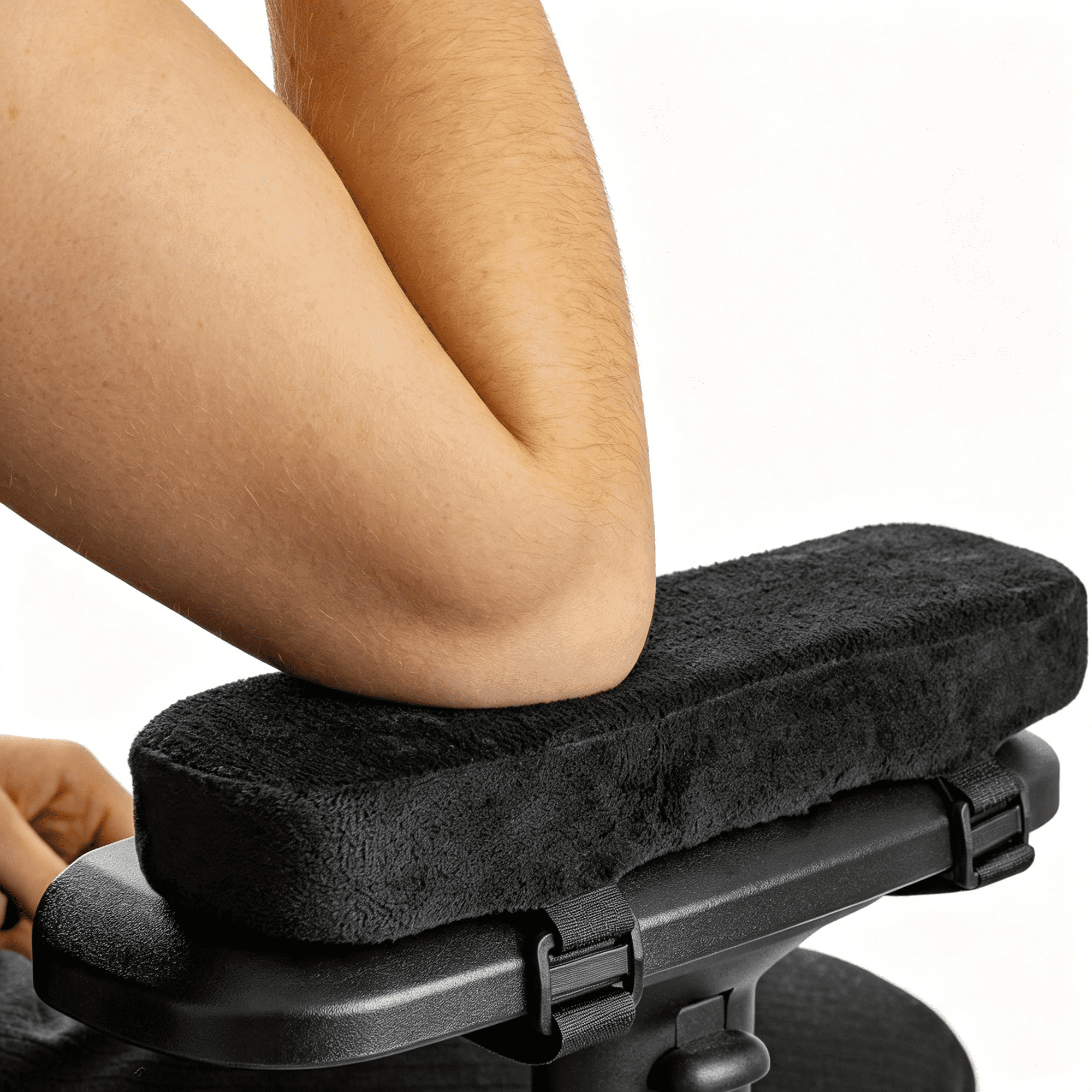
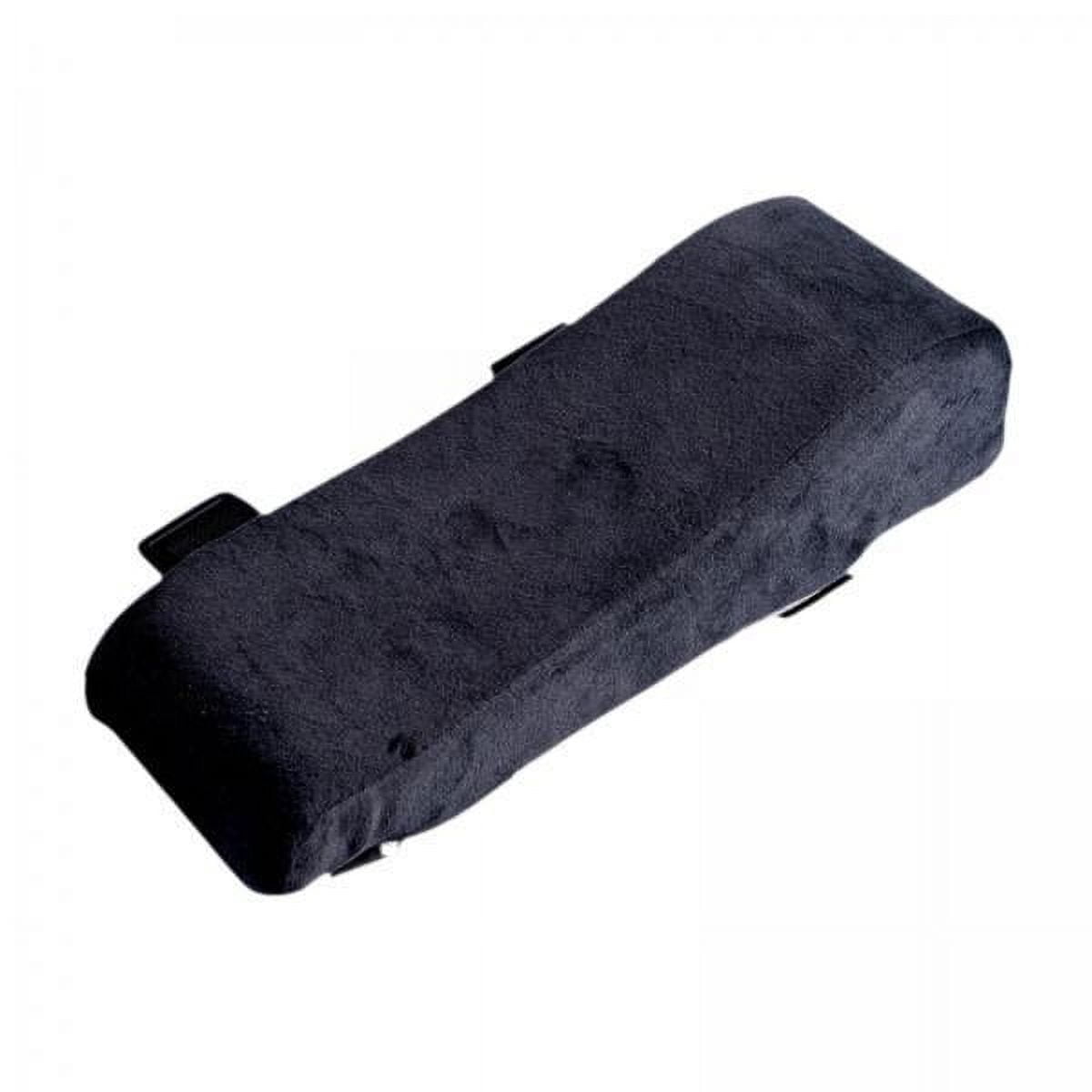
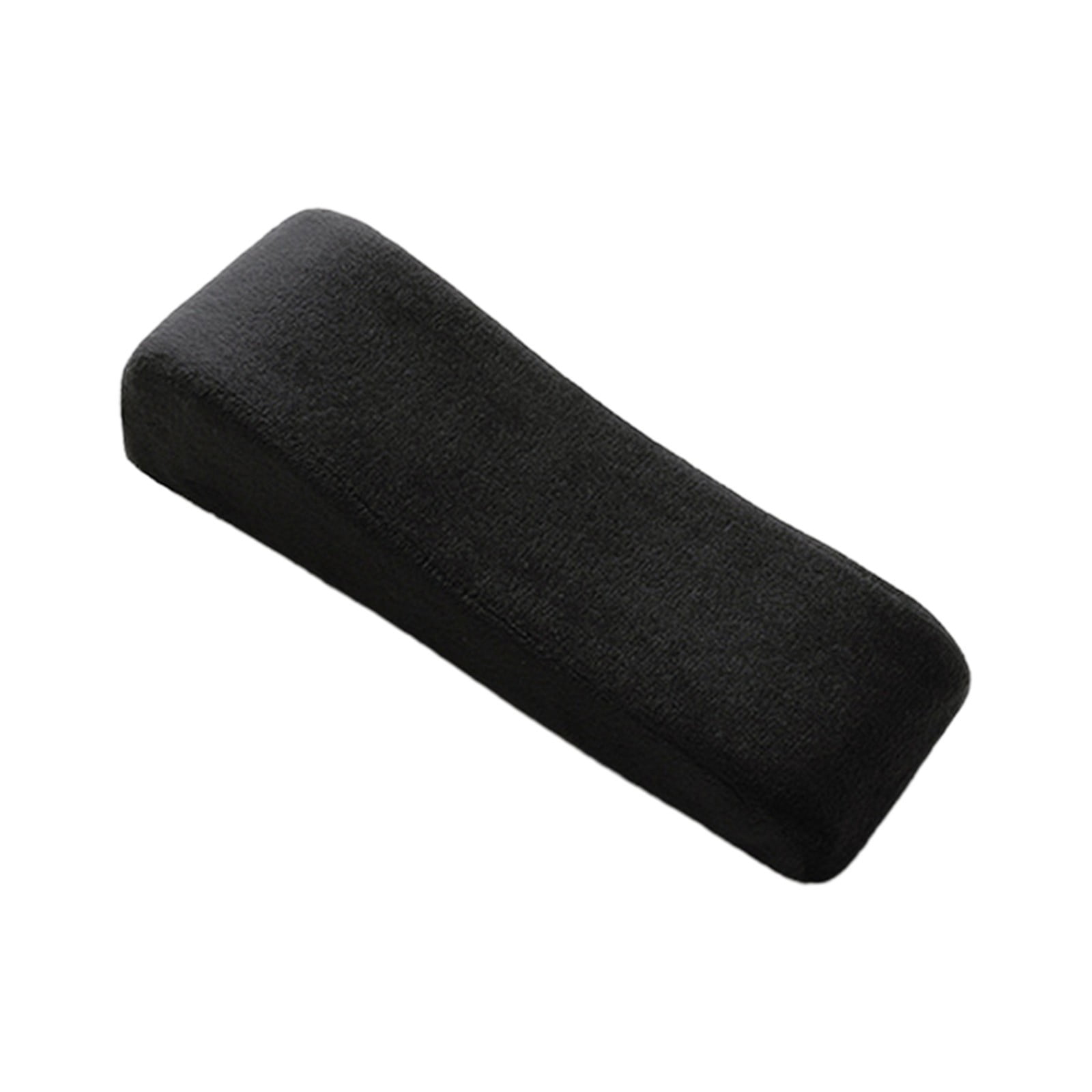
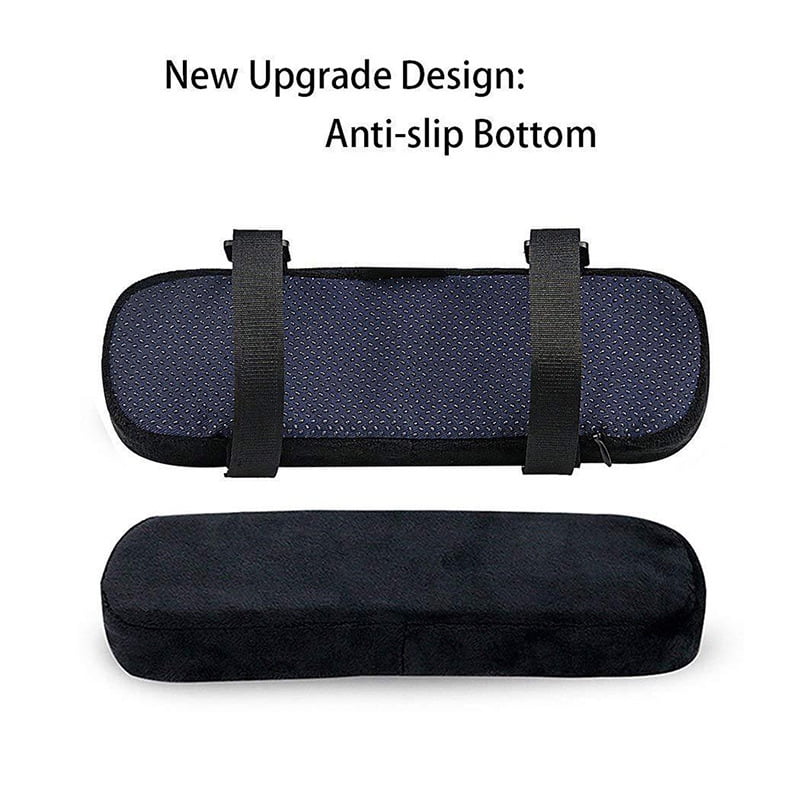
| Armrest Pads/Cushions | Accessories that attach to existing armrests. | Upgrading basic or hard armrests. | Adds comfort and breathability. |
| Clamp-On Armrests | Aftermarket armrests that attach to the chair frame. | Chairs that don't have armrests or have broken ones. | Adds support to any chair. |
Health Benefits of Better Arm Support
Investing in good arm support is investing in your long-term health. The benefits go far beyond simple comfort:
Reduced Shoulder Pain
Relieves tension and can help eliminate chronic shoulder stiffness.
Better Blood Flow
Prevents your arms from going numb or feeling 'heavy' by avoiding nerve compression.
Enhanced Productivity
A more comfortable body means a more focused mind, leading to higher efficiency.
Long-Term Spinal Health
Promotes a healthy posture, reducing the cumulative wear and tear on your spine.
What to Look For in Arm Support
When you're evaluating the arm support of an office chair or an accessory, keep these features in mind. They make the difference between a tolerable chair and a great one.
- Adjustability Range: Look for multiple points of adjustment. Height is a must, but width and depth are game-changers.
- Cushioning Material: Firm, high-density foam provides the best long-term support. Memory foam or gel padding contours to your arm for superior comfort.
- Surface Area: A wider, soft-surfaced armrest provides a bigger resting area and better support.
- Durability: Ensure the armrest is well-constructed and covered in a tough, easy-to-clean material.
- Ease of Adjustment: The controls should be intuitive and easy to use while sitting in the chair.
Common Problems Solved by Good Arm Support
Pro Tip: Often, people complain about a desk being too high. However, the issue is frequently the lack of or poor adjustment of the chair's arm support. By properly adjusting the armrests, your arms can be perfectly positioned at or slightly below desk level, solving the issue without needing to alter your desk.
Upgrading Your Arm Support: Accessories vs. New Chair
If your current chair has poor or non-existent arm support, you have two main paths forward: buy a new chair or purchase an accessory. Each has its merits, but your choice will depend on your budget and the overall condition of your existing chair.
Accessories: This is a fantastic, cost-effective solution. You can buy high-quality armrest cushions or pads that attach to your current armrests. This is especially useful if your armrests are hard, slippery, or too small. A good cushion can transform your comfort. For chairs without armrests, clamp-on models are a brilliant invention. They are adjustable and can be fitted to most chairs, instantly adding a crucial ergonomic feature.
New Chair: If your chair is old, lacks proper lumbar support, or simply isn't comfortable, investing in a new chair with advanced arm support is the better long-term investment. Modern ergonomic chairs offer 3D and 4D armrests that are a marvel of adjustability. You can position them exactly where they need to be for your specific frame and activities.
How to Properly Adjust Your Chair's Arm Support
Buying a chair with amazing arm support is only half the battle. The other half is setting it up correctly. Here is a step-by-step guide to adjusting your armrests:
- Start with Your Posture: Sit back in your chair with your back straight and shoulders relaxed. Your feet should be flat on the floor.
- Set the Seat Height: Adjust your chair height so your elbows are bent at approximately 90 degrees and your forearms are parallel to the floor when your hands rest on your keyboard.
- Adjust Armrest Height: The armrests should be just high enough to support your elbows at this 90-degree angle without lifting your shoulders. The weight of your arms should be off your shoulders.
- Adjust Armrest Width: Your arms should rest on the armrests comfortably without your shoulders being pushed out wide. They should be close to your body.
- Adjust Armrest Depth: If your armrests move forward and backward, adjust them so your forearms are supported comfortably without the edge of the armrest pressing into your elbow.
- Position for Tasks: For typing, your wrists should be straight. For mousing, the armrest should support your forearm and keep your wrist in a neutral position.
Key Takeaway: Remember, the goal is to let the armrests do the work. Your shoulders should be relaxed, and your arms should feel weightless. Spend a few minutes adjusting your armrests whenever you first sit down or when you change tasks.