
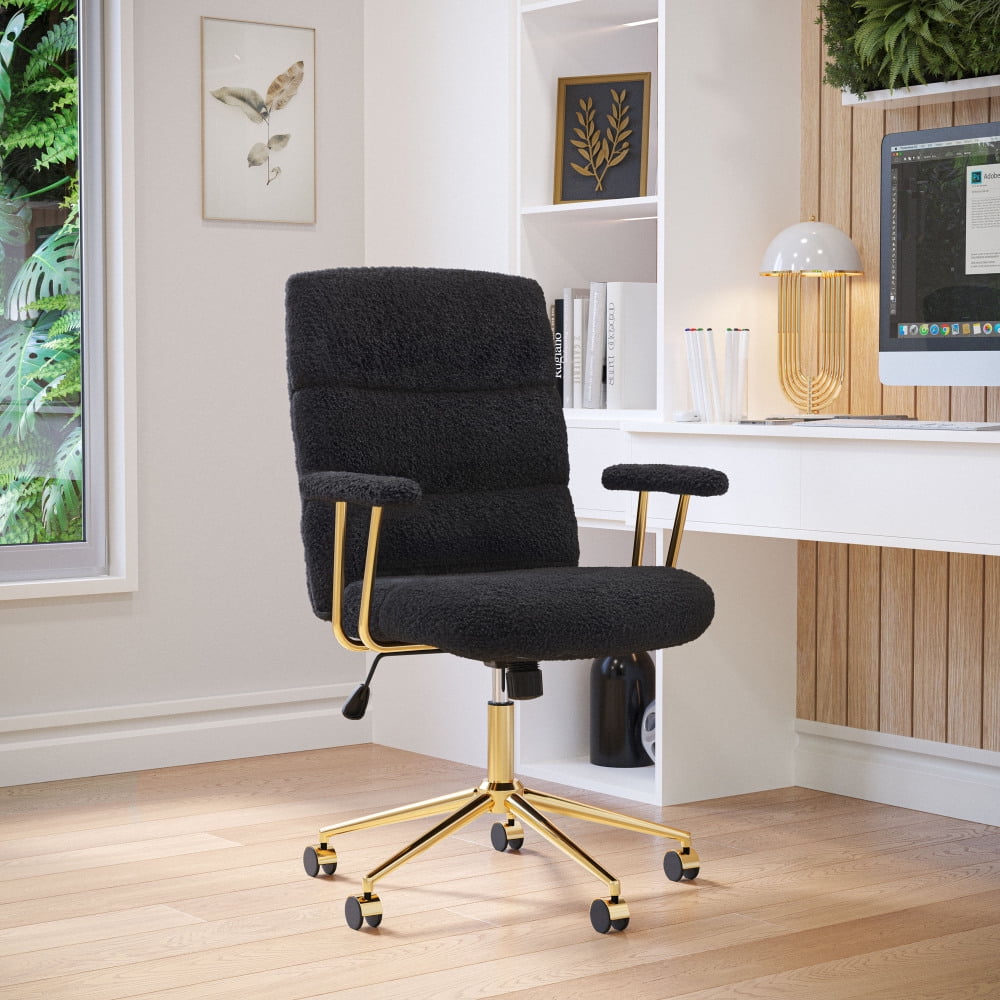
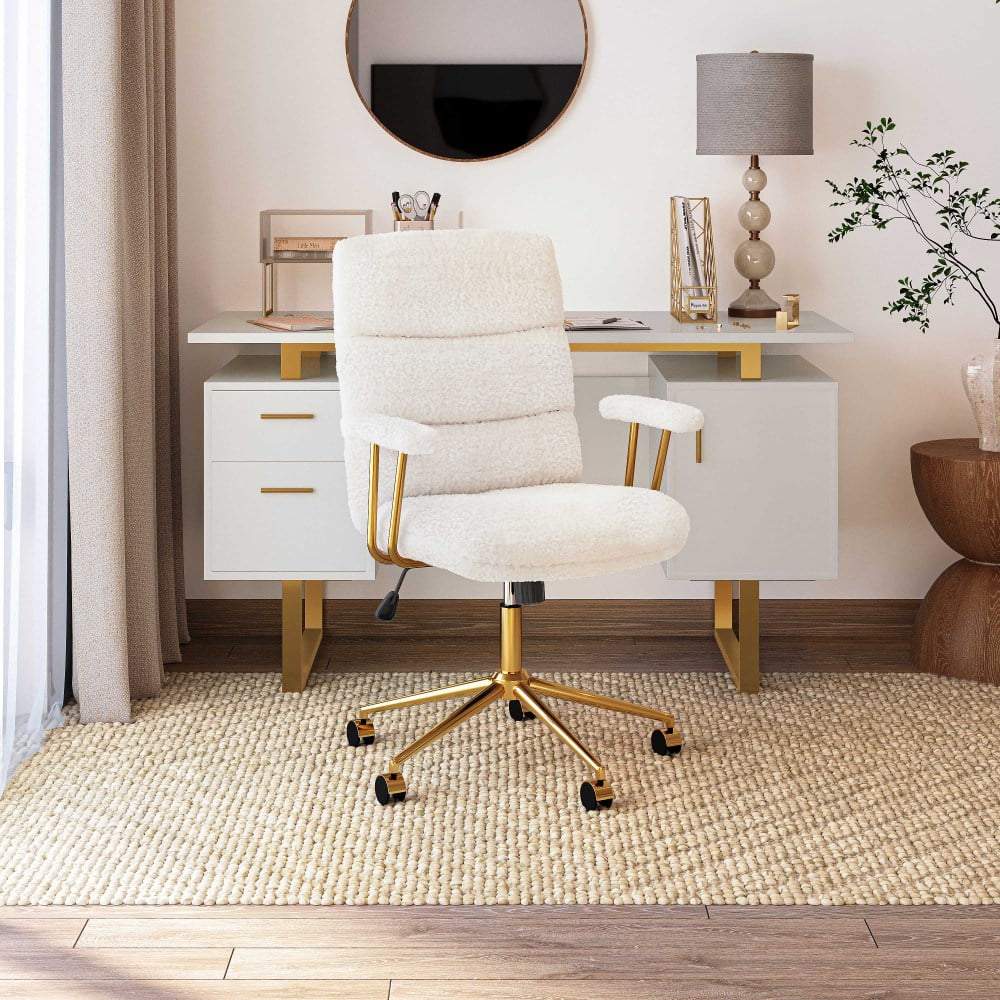
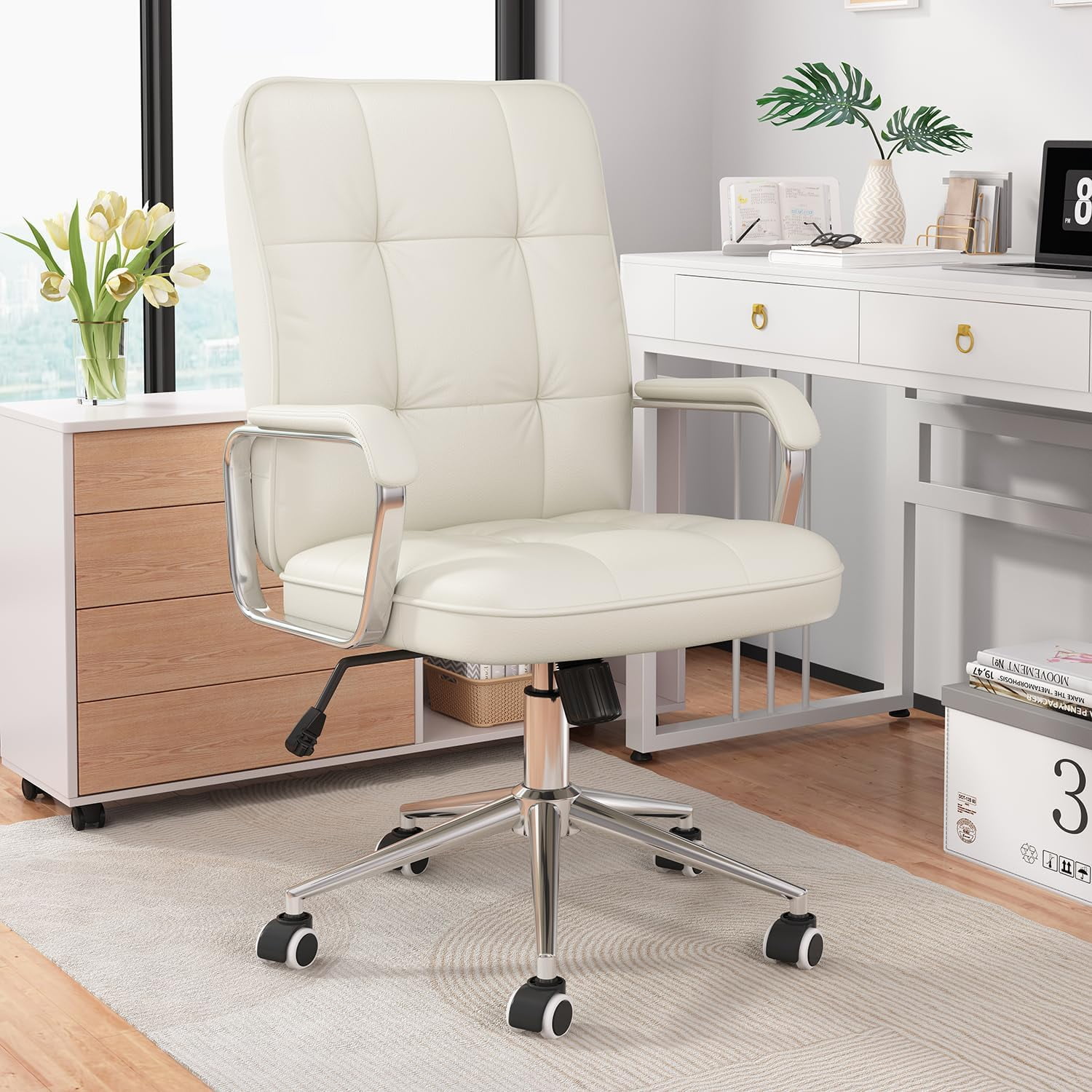
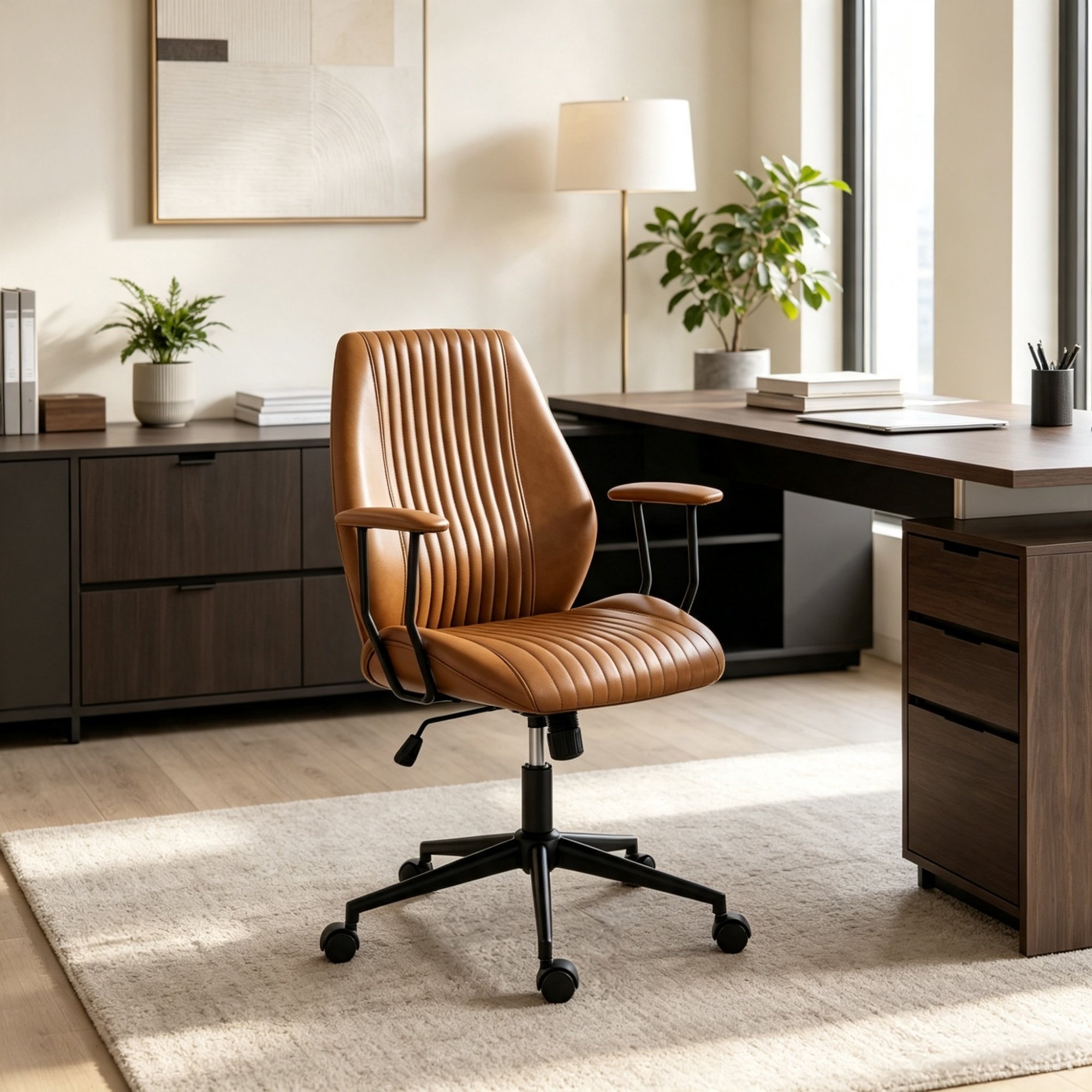
The Definitive Guide to a Padded Office Chair With Adjustable Arms
Imagine settling into your chair at the start of the workday. It feels different. The seat is plush yet supportive, conforming perfectly to you. As you reach for your keyboard, your arms glide effortlessly onto armrests that are exactly where you need them—not too high, not too low, but just right. This is the promise of a high-quality padded office chair with adjustable arms.
For many, the office chair is the most used piece of equipment, yet it's often the most overlooked. Standard, ill-fitting chairs can lead to a cascade of issues, from nagging back pain to chronic neck stiffness and reduced focus. Choosing the right chair is not just a matter of comfort; it's a pivotal decision for your long-term health and productivity. A padded office chair with adjustable arms is a powerful tool in this battle against the daily grind of desk work.
Why the Right Padding Matters
The "padded" aspect of a chair is more than just a luxury; it's a functional necessity. Think of the padding as your chair's "suspension system." It absorbs pressure, distributing your weight evenly across the seat and backrest. This prevents the formation of painful pressure points that can cut off circulation and lead to fatigue.
- High-Density Foam: This is the gold standard for office chair padding. It's firm enough to offer support while being soft enough to be comfortable, and it resists sagging over time.
- Memory Foam: For a more luxurious feel, memory foam conforms to your body's unique shape, providing personalized comfort. It's excellent for reducing pressure points.
- Thick Padding: A well-padded seat with at least 3-4 inches of foam can make a dramatic difference in your comfort level during long meetings or project sprints.
The Transformative Power of Adjustable Arms
While padding provides the foundation for comfort, adjustable armrests are the key to achieving a truly ergonomic workspace. They are the vital link between your body and your desk, ensuring your arms, shoulders, and neck remain in a neutral, relaxed position.
Here is why a padded office chair with adjustable arms is a game-changer:
- Shoulder Relief: If your armrests are too high, you may hunch your shoulders to reach the desk. If they are too low, you may lean to one side. Properly adjusted arms allow your shoulders to rest naturally, preventing tension and pain.
- Wrist Health: Your forearms should be parallel to the floor when you type. Adjustable arms support your forearms, keeping your wrists in a neutral position and helping to prevent conditions like carpal tunnel syndrome.
- Posture Improvement: By supporting your arms, the armrests take the load off your spine. This encourages better posture, reducing the risk of lower back pain and its associated problems.
Understanding the Different Types of Adjustable Arms
Not all adjustable arms are created equal. The level of adjustability you need depends on your body type, your desk setup, and your work style. Here's a quick breakdown:
- Height-Adjustable (1D): This is the most basic type, allowing you to move the armrests up and down. It is the most critical adjustment for ensuring your shoulders are relaxed.
- Height and Width-Adjustable (2D): In addition to height, these arms also pivot in and out. This allows you to bring the armrests closer to your body for better support or push them out for a more open workspace.
- Height, Width, and Depth-Adjustable (3D): These premium arms adjust in three directions. You can move them forward and backward (depth) to ensure they are positioned directly under your elbows, providing optimal support for your forearms.
- Full 4D Adjustable Arms: The ultimate in customization, these arms also swivel or pivot, allowing you to angle the armrest pad to perfectly match the natural angle of your forearms.
Investing in a padded office chair with adjustable arms that offers at least 2D or 3D adjustment is a wise choice for anyone serious about their comfort and long-term health.
How to Choose the Right Padded Office Chair With Adjustable Arms for You
Selecting the perfect chair involves more than just picking a nice-looking model. A truly ergonomic choice considers your individual needs. Follow this step-by-step guide to find your match:
1. Assess Your Personal Needs
- Body Type: Consider your height and weight. "Big and tall" chairs offer wider seats and higher backrests, while petite models suit smaller frames.
- Work Style: Do you sit at a standard desk, or do you use a standing desk? The ideal armrest height may vary based on your desk type.
- Specific Pain Points: Are you prone to shoulder pain, neck stiffness, or lower back fatigue? This will help prioritize which features (like arm adjustability or lumbar support) are most critical for you.
2. Test the Padding
- Sit in It: If possible, try before you buy. The seat should be firm enough to support you yet soft enough to be comfortable.
- The "Thumb Rule": You should have about 2-4 inches of space between the front edge of the seat and the back of your knees. The cushion should not bottom out.
- Feel the Backrest: The lumbar region should have a pronounced curve to support your lower back.
3. Evaluate the Adjustments
- Armrests: Test the range of motion for height, width, and depth. They should move smoothly and lock securely into place.
- Seat Height: The pneumatic cylinder should allow you to lower and raise the seat with ease, ensuring your knees are at a 90-degree angle.
- Tilt Tension: A good chair lets you adjust the tension of the tilt mechanism, allowing you to recline comfortably and smoothly.
Quick Tip: The best time to evaluate a chair is during your peak work hours. Your comfort needs at 3 PM may differ from your needs at 10 AM. If you can't test it in person, rely on reviews that mention long-term comfort.