
Why the Right Arm Rests for Your Office Chair Matter
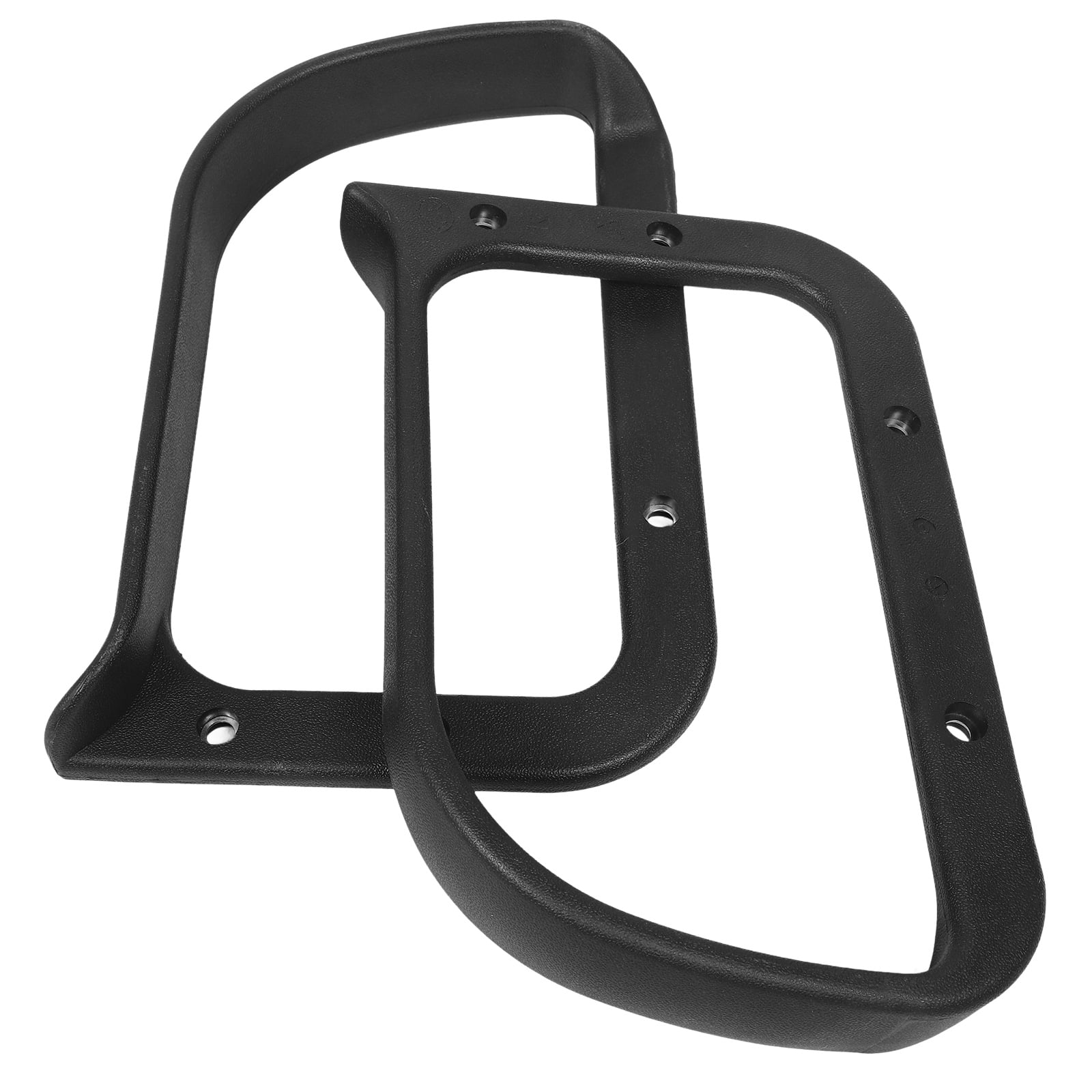
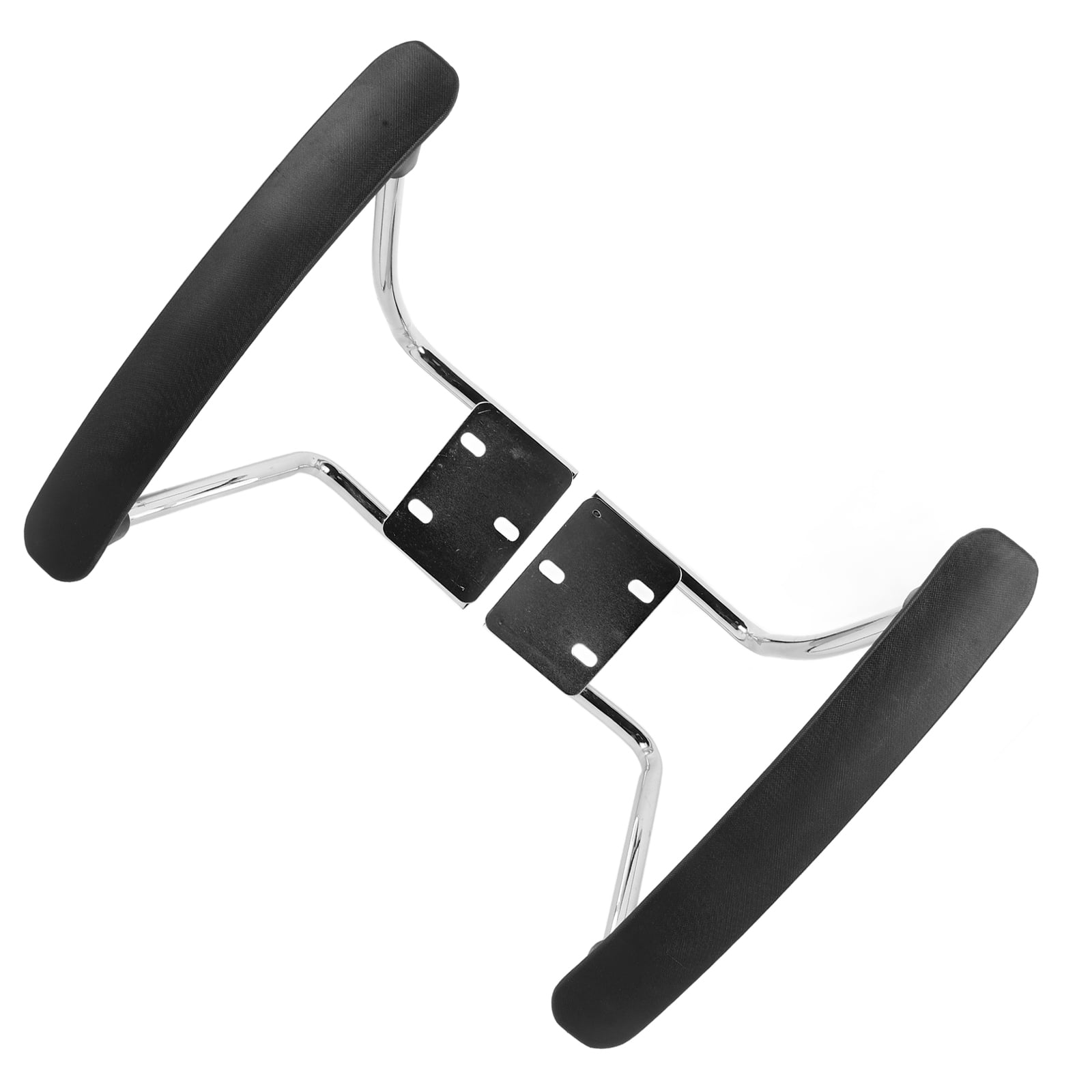
When it comes to office ergonomics, your arms are often the unsung heroes. While we focus on lumbar support and seat height, the humble arm rests for office chair play a crucial role in preventing neck pain and shoulder tension. Without proper arm support, you tend to shrug your shoulders or hunch forward, leading to muscle fatigue and potential long-term issues.
Industry Insight: The American Chiropractic Association notes that maintaining a 90-degree angle at the elbow can reduce shoulder muscle strain by up to 50%. This is why investing in quality adjustable armrests is not just a luxury; it is a necessity for anyone spending more than four hours daily at a desk.
Types of Arm Rests for Office Chairs
Not all armrests are created equal. Understanding the different types available will help you choose the best fit for your body and work style.
- Fixed Armrests: These are permanently set at a specific height and width. They offer basic support but are often too low or high for many users, leading to poor posture.
- Height-Adjustable Armrests: A popular choice, these allow you to raise or lower the armrest to match your desk height, ensuring your elbows maintain that critical 90-degree angle.
- 2D Armrests: Offer height and width adjustments. This allows you to not only set the height but also move the arms in or out to accommodate different shoulder widths.
- 3D Armrests: Include height, width, and depth adjustments. This means you can slide the armrest forward or backward, allowing you to get closer to your desk without awkwardly reaching.
- 4D Armrests: The gold standard. They allow for height, width, depth, and pivot or angle adjustments. This lets you angle the armrest inwards or outwards to match your natural hand position while typing.
- Flip-Up/Retractable Armrests: These can be folded up and out of the way, allowing you to slide the chair completely under the desk or sit sideways with a guitar or tablet.
How Arm Rest Design Affects Ergonomics
Think of armrests like a suspension bridge for your upper body. They take the weight of your arms off your spine and distribute it to the chair itself. A high-quality office chair arm support allows you to relax your shoulders, opening up the chest and improving breathing. This is directly linked to increased focus and reduced stress.
When your arms are floating, your trapezius muscles (the big ones from your neck to your shoulders) work overtime to hold them up. Over a 9-hour workday, this is equivalent to lifting a heavy weight repeatedly. Properly adjusted arm rests eliminate this fatigue, allowing your energy to be spent on your work rather than on holding your body up.
Material Comparisons for Armrest Pads
The material of the armrest pad is often overlooked, yet it directly impacts comfort and durability.
| Material | Comfort Level | Durability | Best Use Case |
|---|---|---|---|
| Memory Foam | Excellent (conforms to elbow) | Moderate (can lose shape over 5+ years) | Users who type for long hours |
| PU Leather | Good (smooth, firm) | High (resistant to wear) | Executive and professional settings |
| Hard Plastic/ABS | Poor (hard on bones) | Very High (indestructible) | Budget chairs or guest seating |
| Gel-Infused | Excellent (cooling effect) | Moderate to High | Hot climates and heavy users |
| Fabric/Cloth | High (breathable) | Moderate (can stain) | Home offices and ergonomic mesh chairs |
Best Practices for Adjusting Your Armrests
Purchasing an expensive chair with all the bells and whistles is useless if you don't adjust it correctly. Here is a quick guide to setting up your office chair with adjustable arm rest properly:
Height First
Set the armrest height so your elbows sit at a 90-degree angle. Your forearms should be parallel to the floor.
Width Matters
If you have width adjustment, bring the armrests in so they are just outside of your hips. They should not force your arms away from your body.
Depth Check
Push the armrests back (if adjustable) so that they support the forearm just before the wrist, allowing your hands to rest comfortably on the keyboard without bending upward.
The Armrest Rule
You should be able to pull your chair up to the desk with the armrests fitting *under* the tabletop. If they hit the desk, they are too high.
Common Mistakes to Avoid
Even with the best arm rests for office chair, users often make these common mistakes:
- Ignoring the Shoulder: If your shoulders are still hunched, your armrests might be too low, or they might be pushing your arms out too wide. Always check shoulder posture.
- Using Armrests While Typing: Your arms should rest on the armrests between typing sessions, not *while* you are actively typing, which can cause wrist extension and lead to carpal tunnel. Move the keyboard to your lap or angle it downward.
- Not Using Them at All: Many users fold up or ignore flip-up armrests because they are in the way. If they are in the way, they are likely adjusted incorrectly. Adjust them so they are useful, or they defeat their purpose.