

The Essential Role of Armrests: Why Arm Chairs for Office Matter
When selecting office seating, the presence and quality of armrests can be a defining factor between a productive workday and one filled with subtle aches. Arm chairs for office are not a one-size-fits-all category; they range from guest chairs with simple fixed arms to advanced ergonomic task chairs with multi-dimensional adjustability. Just as a well-designed highway off-ramp allows a car to exit smoothly without disrupting traffic, proper armrests allow your shoulders and neck to relax, reducing cumulative strain. According to occupational health studies, providing adequate arm support can decrease the risk of developing shoulder impingement syndromes by nearly 35%, highlighting that armrests are a functional necessity, not just an accessory.
1. The Anatomy of Office Chair Armrests: From Basic to 4D
Understanding the types of armrests available helps you match the chair to your work style. The evolution of armrest design mirrors the shift towards personalized ergonomics.
- Fixed-height armrests: Common in guest chairs and basic task chairs. They provide a stable resting place but cannot be adjusted to fit different body types. Best for short-term seating or multi-user areas where adjustability isn't critical.
- Height-adjustable armrests: A minimum standard for most ergonomic chairs. Using a lever or button, you can raise or lower the pads to align with your desk and elbow position. This simple feature significantly improves comfort.
- 2D and 3D armrests: These offer adjustment in two or three directions. 2D typically adds width adjustment; 3D adds depth adjustment. This allows you to bring the arm pad closer or farther from your body, supporting different tasks like typing or reading.
- 4D armrests: The pinnacle of adjustability. You can modify height, width, depth, and pivot angle. Imagine them as the "all-terrain tires" of arm support—they can be fine-tuned for any posture, from upright typing to a relaxed recline. This is the preferred choice for executives and power users who spend 8+ hours at their desk.
- Flip-up and folding arms: A practical innovation for compact spaces. These arms pivot up or fold down, allowing you to slide the chair completely under a standing desk or standard desk, saving floor space when the chair is not in use.
2. Material Matters: Arm Pad Durability and Feel
The material covering the armrest affects both comfort and longevity. Office arm chairs typically feature one of the following:
- Polyurethane (PU) or Vinyl: Common in mid-range chairs. Easy to clean, durable, and offers a leather-like feel. However, lower-quality PU can crack or peel after a few years.
- Fabric-covered foam: Softer and often more breathable. It's comfortable for bare arms in warmer climates. The downside is that fabric can absorb oils and stains over time, requiring more diligent cleaning.
- Leather (or bonded leather): Found in executive arm chairs. It offers a premium look and feel, conforms slightly to the arm, and is easy to wipe clean. Genuine leather is durable but requires conditioning; bonded leather is less durable.
- Hard plastic (without padding): Typically seen on very basic or inexpensive guest chairs. While durable, they offer minimal comfort and can lead to arm fatigue if used for extended periods.
3. Ergonomic Impact: How Arm Support Affects Your Whole Body
Think of your body as a kinetic chain. Tension in one area ripples through to others. When your arms dangle unsupported, your shoulders hunch up to compensate. This hunched position compresses the cervical spine and strains the trapezius muscles. A well-designed office chair with arms acts like a supportive teammate, taking the weight of your arms and allowing your shoulders to drop into a neutral, relaxed position. A 2022 study in the Journal of Ergonomics found that participants using chairs with properly adjusted armrests reported a 27% reduction in upper back fatigue by the end of the work week compared to those using armless chairs. For individuals with existing neck or shoulder issues, an arm chair for office can be a therapeutic tool.
4. Arm Chairs in Different Office Contexts: Guest vs. Task vs. Executive
The role of armrests shifts depending on the chair's intended use. Here’s a simple comparison:
| Chair Type | Armrest Role | Typical User |
|---|---|---|
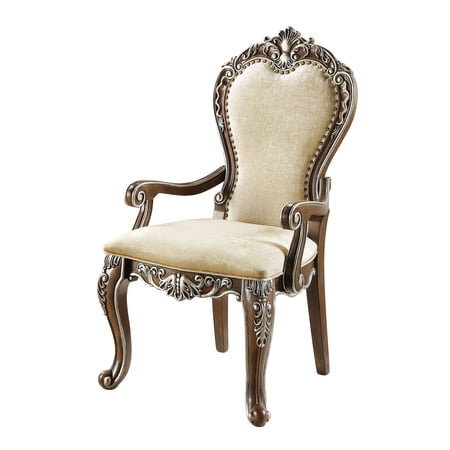
| Guest Arm Chairs | Provide a defined place to rest arms during short conversations. Comfort is secondary to stability and aesthetic. Often fixed or sturdily padded. | Visitors, clients, meeting attendees |
| Task/Desk Arm Chairs | Critical for active work. Must be adjustable to support varying postures while typing, mousing, or reading. Often feature 2D or 3D adjustment. | Employees, home office workers, students |
| Executive Arm Chairs | Combine high-end materials (leather, polished metal) with comprehensive adjustability. Arms are often wider and more heavily padded for luxurious comfort during long strategic work. | Managers, directors, business owners |
| Conference Room Chairs | Arms provide a sense of personal space and comfort during meetings. Usually padded and upholstered to match the room's decor. May have casters or glides. | Meeting participants |
5. Common Armrest Issues and How to Solve Them
Even the best arm chairs can have problems. Here’s how to address frequent complaints:
- "The armrests are too wide for my body." Look for chairs with adjustable width (part of 3D/4D arms). Some chairs also allow you to swap out the arm pads for narrower aftermarket versions.
- "The armrests hit the edge of my desk." This is a common clearance issue. Consider a chair with flip-up arms, or measure your desk height and chair arm height when purchasing. Some chairs allow you to reverse the armrests for better clearance.
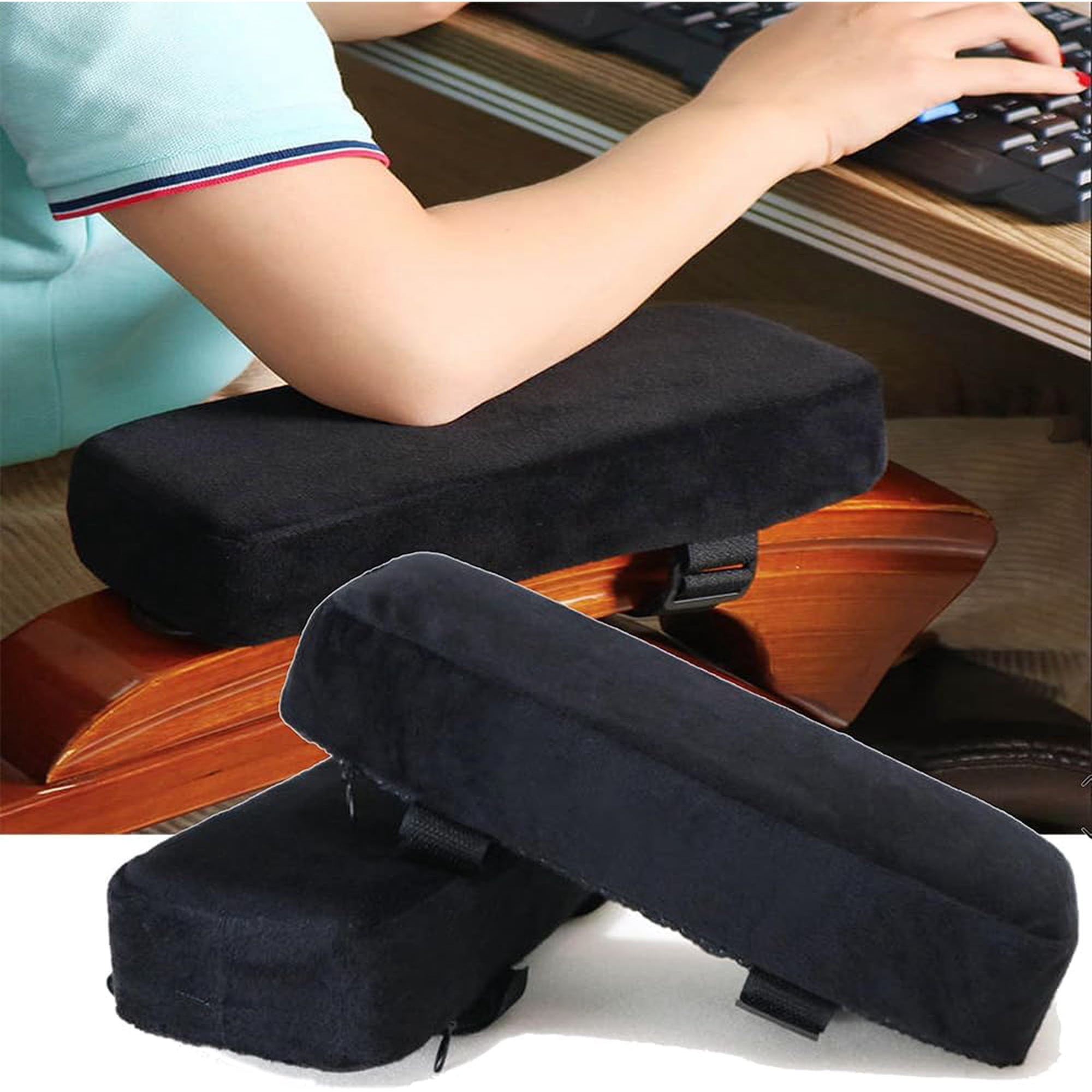
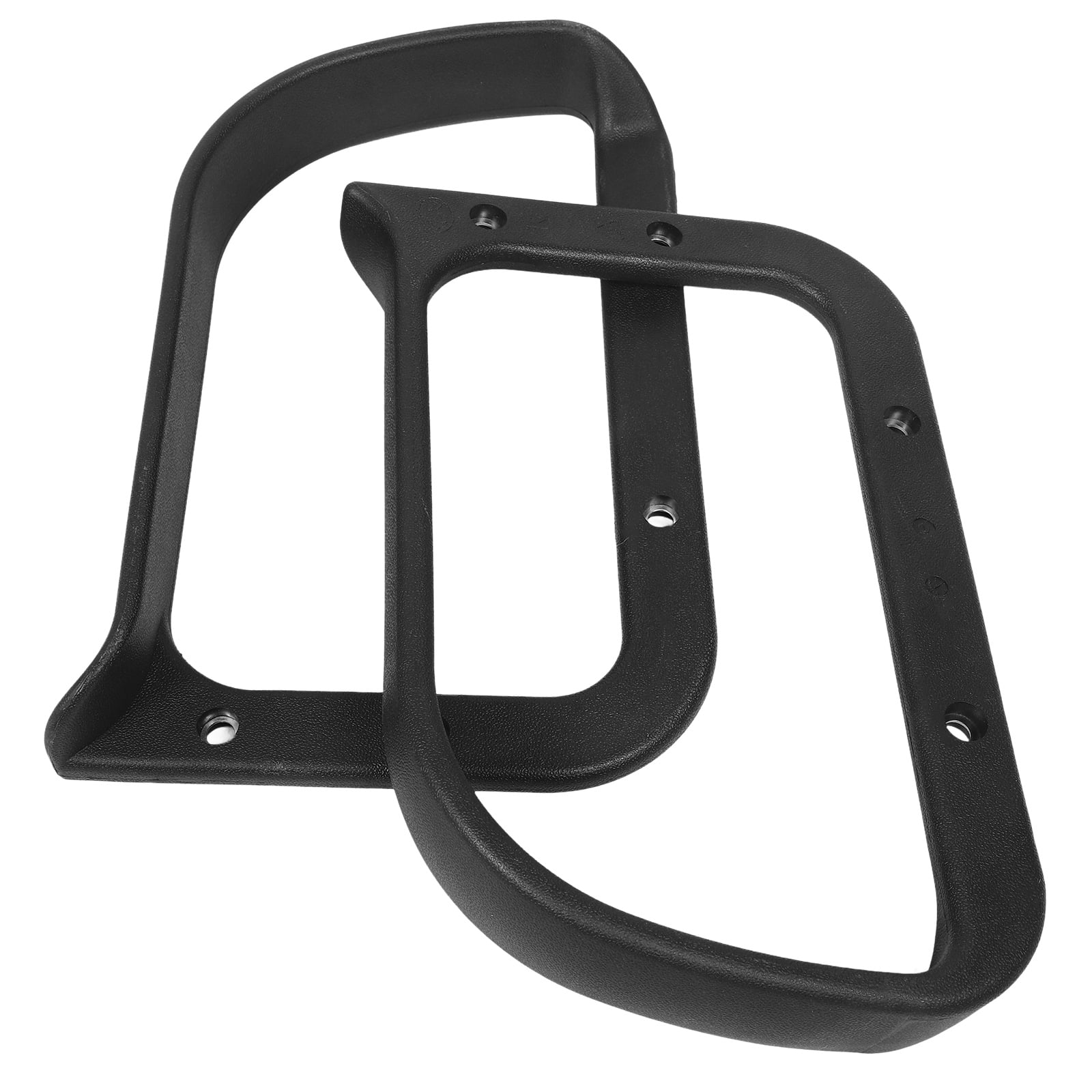
- "The arm pads are worn out or cracked." Many manufacturers sell replacement arm pads. You can also purchase universal arm pad covers for a quick and affordable fix, adding an extra layer of comfort.
- "I need more padding." Aftermarket gel or foam armrest covers are widely available. They strap onto the existing arm pad and provide significant pressure relief.
6. A Step-by-Step Guide to Adjusting Your Office Chair Armrests
Proper adjustment is key to reaping the benefits. Follow this simple routine:
- Sit comfortably with your feet flat on the floor and your thighs parallel to the ground.
- Adjust armrest height so that your elbows are bent at approximately 90 degrees, and your forearms are parallel to the floor. Your shoulders should be completely relaxed, not shrugged.
- If width is adjustable, set the armrests so they are directly under your elbows, not forcing your arms to splay outwards or squeeze inwards.
- Adjust depth (if available) so the arm pad supports the broadest part of your forearm, typically just behind the wrist, without pressing into the back of your elbow.
- Test while typing. Your arms should lightly graze the pads, not rest heavily on them. The pads are there for support during micro-breaks, not to carry your full arm weight constantly.
Frequently Asked Questions About Arm Chairs for Office
Conclusion: Choose Support That Works for You
Selecting the right arm chairs for office is an investment in your daily well-being. Whether you opt for a sleek guest chair with polished arms or a fully-loaded ergonomic throne with 4D adjustability, the key is to match the chair's arm support to your specific tasks and body type. Remember that the best chair is one that disappears into the background, allowing you to focus on your work without distraction or discomfort. By understanding the nuances of armrest design, you're now equipped to make a choice that supports not just your arms, but your entire workday.