

Why “How You Sit” Matters as Much as the Chair Itself
You’ve invested in a premium office chair, yet your lower back still aches by noon. The culprit is often not the chair, but the way you sit in an office chair. Sitting might seem instinctive, but modern work life—with prolonged static postures—has turned a natural act into a health challenge. According to the British Journal of Sports Medicine, adults who sit for prolonged periods have a 24% higher risk of developing chronic pain. The good news? Correcting your sitting technique can reverse most of these risks.
Quick fact: The human spine is not designed to stay still. When you sit in an office chair with poor alignment, pressure on intervertebral discs triples compared to standing. Proper positioning distributes load evenly and keeps muscles engaged without strain.
The 8‑Step Framework to Sit Correctly in Any Office Chair
Whether you have a basic task chair or a high‑back executive model, these adjustments work universally. Think of your chair as a cockpit: every lever and pad should be tuned to your body.
1. Start with your seat height (feet matter first)
Stand in front of the chair and adjust the seat so the highest point is just below your kneecap. Then sit: your feet should rest flat, with a 90‑100 degree angle at the knees. If your thighs slope downward, the seat is too high; if they tilt up, raise it. Feet flat = stable pelvis.
2. Seat depth – the fist rule
Slide your hips all the way back until your lower back touches the lumbar support. Make a fist and try to slide it between the back of your calf and the front edge of the seat. If it fits snugly, depth is correct. Too deep? You’ll compress the back of your knees. Too shallow? Thighs lack support.
3. Lumbar support: the curve keeper
Most chairs have a lumbar adjustment. The bulge should fit into the small of your back (the lumbar curve). If it sits too high or low, you’ll slouch. When you sit in an office chair with proper lumbar fill, you feel “held” upright without effort.
4. Backrest angle: the 100‑110° sweet spot
Set the recline tension so you can lean back slightly (100‑110 degrees) while keeping your head above shoulders. A mild recline reduces disc pressure by 10‑15% compared to upright 90° sitting. Avoid locking it fully upright – that’s a gym posture, not a relaxing work pose.
5. Armrests: float your shoulders
Adjust armrests so your elbows form a 90° angle and your forearms rest lightly while typing. If armrests poke you or push your shoulders up, lower them. The goal is relaxed shoulders, not a shrug.
6. Headrest (if available)
For task work, the headrest should support the base of your skull, not push your head forward. During micro‑breaks, lean back and let the headrest fully support your neck.
7. Monitor & desk alignment
Once you sit correctly, raise your screen so the top third is at eye level. You should not tilt your head down. If you wear bifocals, lower the monitor slightly – but never bend your neck to see.
8. The 45‑minute rule + micro‑movement
Even the perfect sitting posture becomes harmful if held too long. Every 45 minutes, stand, stretch, or walk for 2 minutes. Use a timer or an app. “The best posture is the next posture.”
Most Common “Sitting Mistakes” (and how to fix them)
Knowing the ideal is one thing; avoiding pitfalls is another. Here’s what ergonomists see daily when people sit in office chairs:
- Perching on the edge – only the front third of the seat used. This kills lumbar support and strains the back. Fix: slide all the way back.
- Slouching into a C‑curve – pelvis rolls backward, creating a hunch. Fix: engage your core slightly and use lumbar support.
- One foot tucked under you – unlevels pelvis, leading to hip imbalance. Fix: both feet flat, use a footrest if chair is too high.
- Arms reaching forward to type – shoulders round, neck strains. Fix: bring chair closer or adjust armrests.
- Head jutting forward (text neck) – common with low monitors. Fix: raise screen and pull it within arm’s length.
The “Active Sitting” Concept: Dynamic vs. Static
Newer ergonomic chairs promote active sitting – allowing subtle movements while you sit. Chairs with a slight forward tilt or a flexible back encourage your core to micro‑adjust, which improves blood flow and reduces fatigue. If your chair has a tilt mechanism, experiment with a slight forward tilt for focused tasks, and recline for meetings or reading.
90-90-90 rule
Knees, hips, and elbows all at 90 degrees while seated. A quick visual check.
Chest open
When you slouch, lung capacity drops by 30%. Sit tall for deeper breaths and focus.
Short legs?
If your feet don’t reach the floor, a small footrest or a stack of books changes everything.
Test before you buy
Always sit in a chair for 10+ minutes at a store. Adjust all settings to feel the difference.
How Your Chair Choice Affects Sitting Habits
Not all chairs make it easy to sit well. A chair with poor lumbar padding or non‑adjustable arms will sabotage your posture. Look for these features when you shop:
- Independent seat depth adjustment – crucial for tall or short users.
- 4D armrests – width, height, depth, and pivot adjustments let you support arms naturally.
- Waterfall seat edge – reduces pressure behind knees, improving circulation.
- Breathable mesh or high‑quality foam – prevents heat buildup and discomfort that leads to fidgeting.
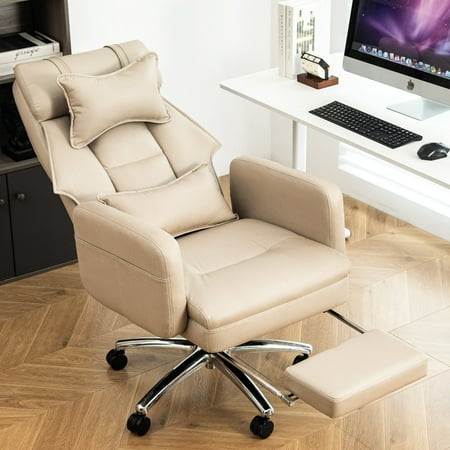
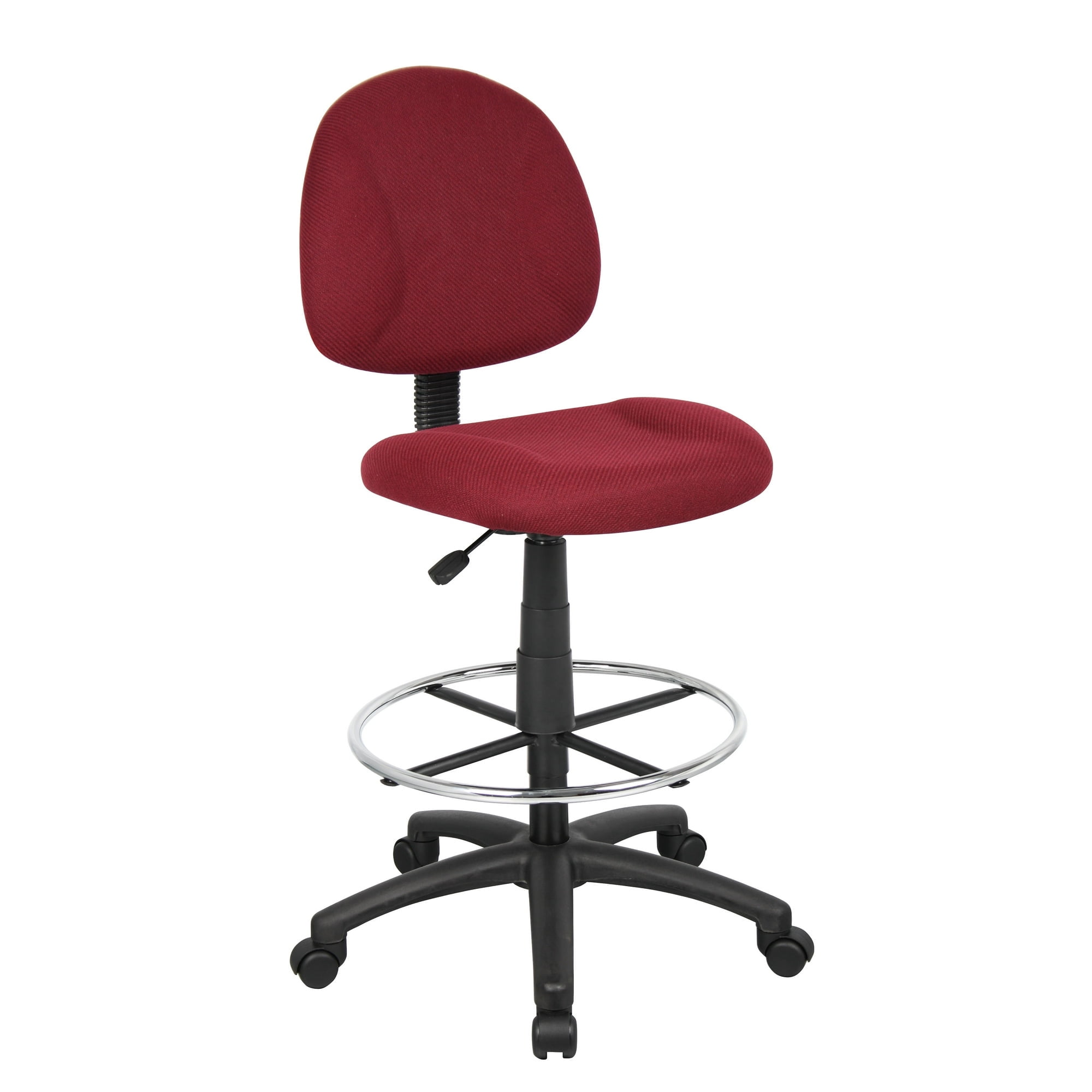
The products shown in the grid above were selected because they excel in these areas, making it easier to maintain a healthy sitting posture throughout the day.
Frequently Asked Questions About Sitting in Office Chairs
Conclusion: Sit Smarter, Not Harder
Mastering how you sit in an office chair is a low‑cost, high‑impact way to improve your work life. By following the eight adjustments above and investing in a chair that supports natural alignment, you can eliminate back pain, breathe better, and stay focused. Remember, even the best chair requires you to move regularly. Combine ergonomic gear with mindful sitting habits – your body will thank you for years.