
Introduction: Your Command Center Deserves the Right Foundation
Imagine driving a car where the seat is fixed too low, the steering wheel is misaligned, and there's no back support. You'd feel exhausted after just a few miles. The same logic applies to your office computer chair. Whether you're crunching spreadsheets, attending Zoom marathons, or writing code, your chair is the cockpit of your daily work life.
But with hundreds of models claiming to be "ergonomic," how do you separate marketing fluff from real support? This guide cuts through the noise. We'll explore anatomy, materials, adjustment must-haves, and even the science of "dynamic sitting." By the end, you'll know exactly what to look for—and what to avoid—when searching for your next computer chair.
Anatomy of a Modern Office Computer Chair: More Than Just a Seat
A quality computer chair is a system of interconnected parts. Understanding each component helps you prioritize what matters for your body and workspace.
1. The Backrest: High-Back vs. Mid-Back
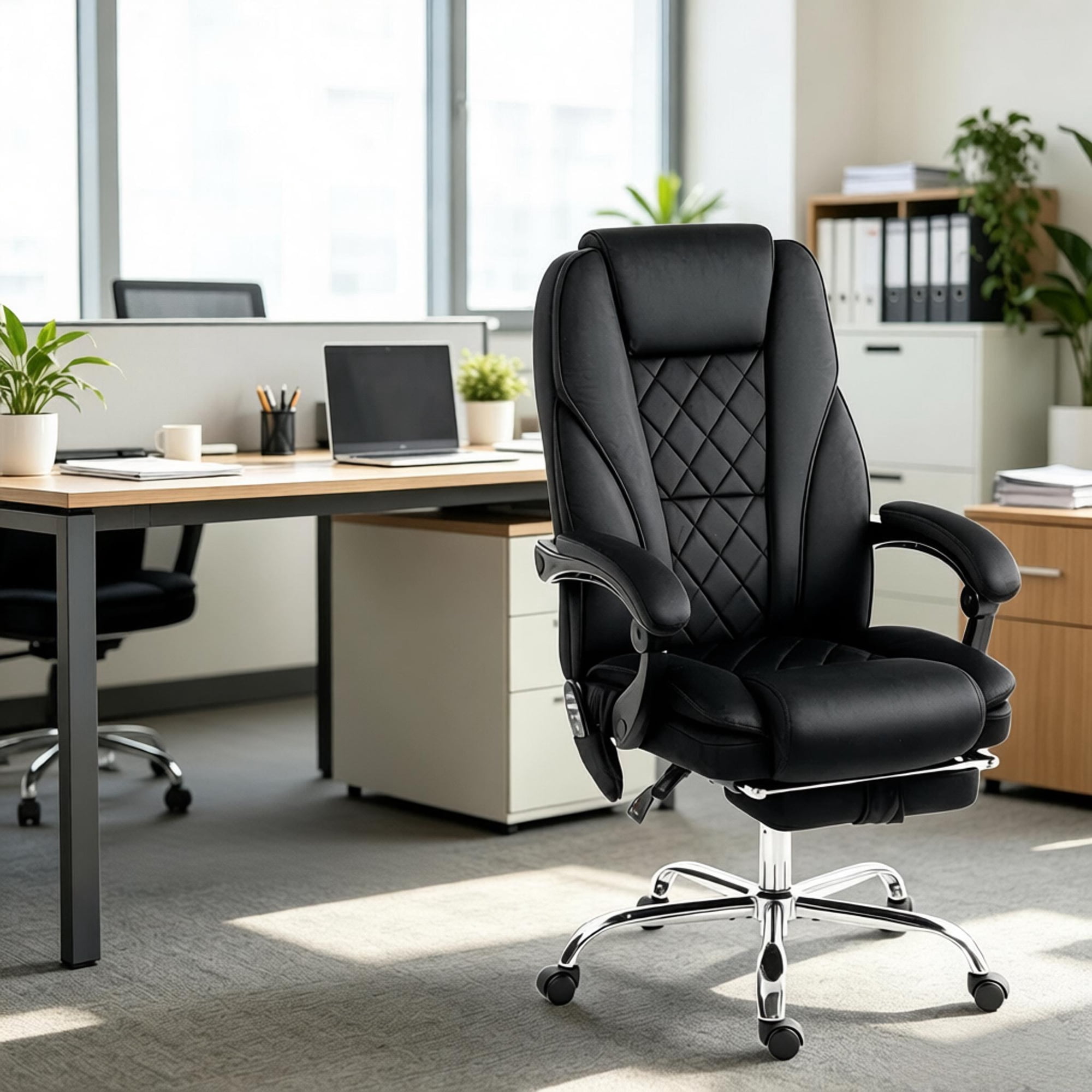
- High-back chairs extend to support your shoulders and often include a headrest. Ideal if you tend to lean back during phone calls or need neck support.
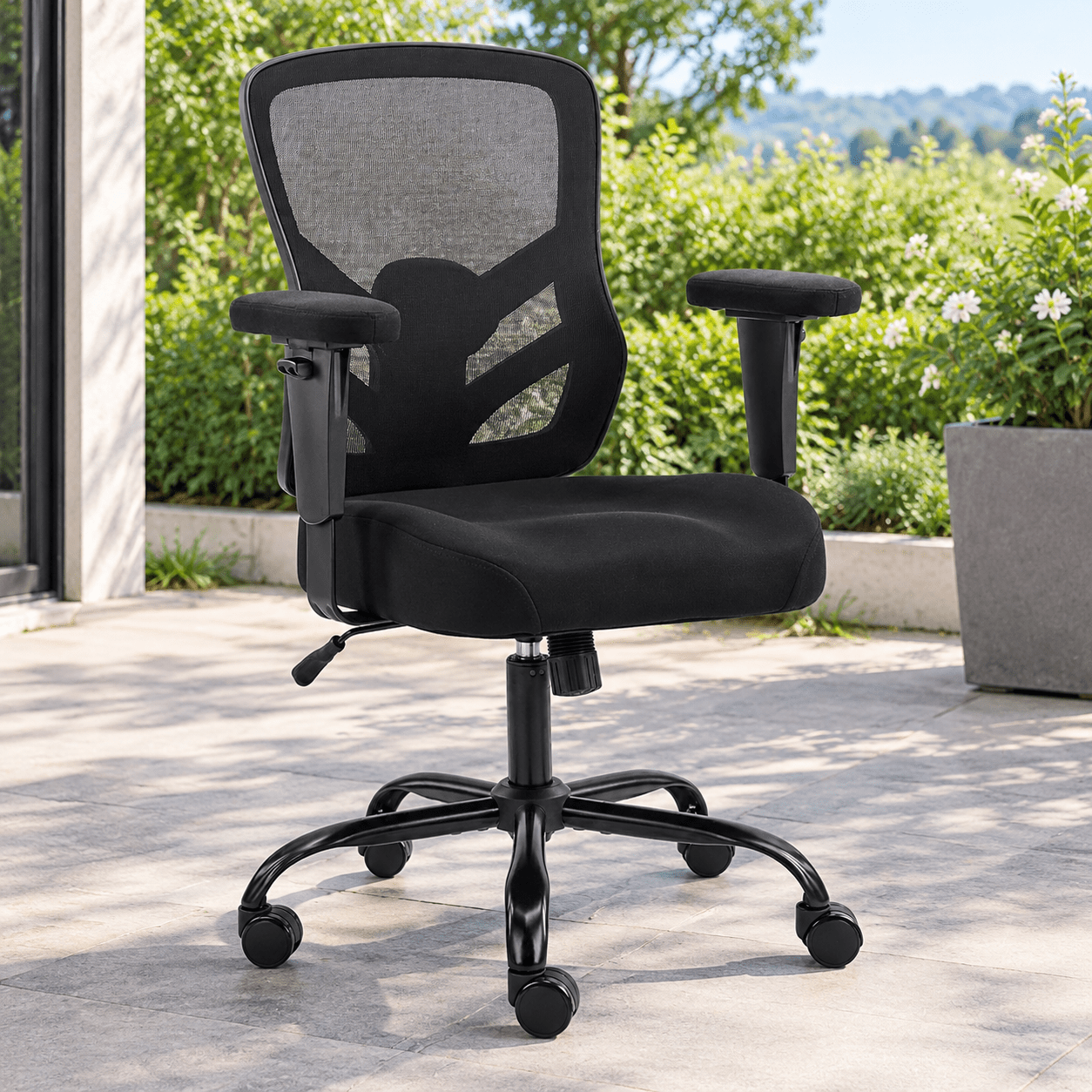
- Mid-back chairs support the lumbar and thoracic regions but leave the head free. They encourage upright posture and are common in task-oriented offices.
- Key insight: If you're over 5'10", a high-back with adjustable headrest prevents neck strain. For shorter users, a mid-back with excellent lumbar might suffice.
2. Lumbar Support: Fixed, Adjustable, or Dynamic
Lumbar support is the cornerstone of back health. Static built-in cushions are better than nothing, but adjustable systems allow you to match the curve of your spine. Some high-end chairs feature dynamic lumbar that moves with you as you recline.
Data point: A study in the journal "Ergonomics" found that participants using chairs with adjustable lumbar support reported 36% less lower back discomfort after a full workday compared to those with fixed supports.
3. Seat Pan: Depth, Width, and Edge
- Seat depth adjustment is non-negotiable for proper thigh support. Your knees should bend at 90°, with 2-3 fingers clearance behind the knee.
- Waterfall edge — a curved front that doesn't dig into thighs — improves circulation and prevents numbness.
- Look for high-density foam or memory foam topper; it retains shape longer than low-density padding.
4. Armrests: The Unsung Heroes of Shoulder Health
Armrests that are too high force you to shrug; too low and you slouch. Ideally, armrests should be adjustable in height, width, and pivot (called 4D). They let your elbows rest at 90°, keeping shoulders relaxed. If you're a keyboard-heavy user, consider chairs with armrests that slide forward/backward to support forearms while typing.
5. Base and Casters: Rolling Smoothly
- Base material: Nylon bases are lightweight and cost-effective; aluminum bases offer premium durability and stability.
- Casters: Soft rubber casters for hard floors (wood/tile) prevent scratching; hard casters for carpet provide easier rolling. Dual-wheel casters distribute weight better.
Material Deep Dive: Mesh, Fabric, Leather, or Hybrid?
Your choice of upholstery dramatically affects comfort, maintenance, and longevity. Here's a fresh perspective tailored for computer chairs.
🌀 Breathable Mesh
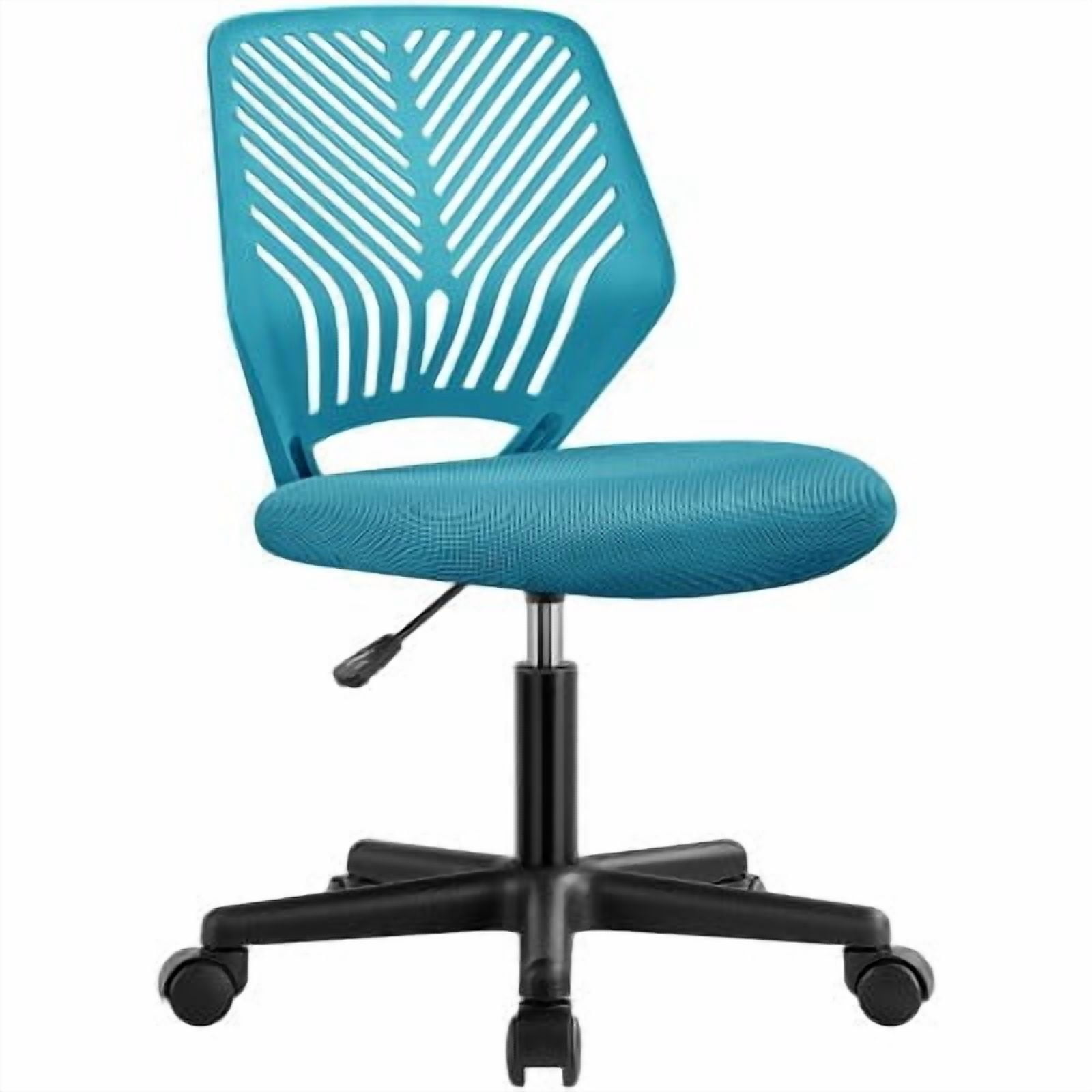
Best for hot climates or anyone who runs warm. Mesh backrests allow continuous airflow. Some all-mesh chairs also use mesh on the seat—but that can feel firm. Hybrid (mesh back + foam seat) is a popular sweet spot.
🧵 Durable Fabric
Modern performance fabrics resist stains and are easy to clean. They offer a softer, warmer feel than mesh. Great for home offices where you want a cozy, non-industrial aesthetic.
👑 Premium Leather
Leather (genuine or bonded) conveys a classic look. However, it can be sticky in summer and cold in winter unless the room is climate-controlled. Usually paired with plush cushioning.
🔀 Hybrid Designs
Many modern computer chairs combine materials: mesh back for breathability, fabric seat for cushioning, and leather-like accents for style. This maximizes comfort and ventilation.
Ergonomics 101: Adjustability Features You Actually Need
Not every lever is essential. Here’s a hierarchy of adjustments for an office computer chair, ranked by impact.
- Seat height — pneumatic lift that lets your feet rest flat (thighs parallel to floor).
- Lumbar support height/depth — critical to fill the small of your back.
- Seat depth slider — ensures proper thigh support without pressure behind knees.
- Backrest recline with tension control — allows you to lean back smoothly without abrupt flops.
- Armrest adjustability (height/width) — reduces shoulder and neck tension.
- Tilt lock / multi-position lock — useful if you like to recline during breaks.
Matching Chair to Use Case: Who Will Sit in It?
Your physical proportions and work style dictate the best chair. Use this context grid to narrow choices:
Frequently Asked Questions About Office Computer Chairs
Conclusion: Your Next Step Toward Better Seating
Choosing an office computer chair is a personal journey—there's no universal "best" chair, only the best chair for you. Start by measuring your body (seat height range needed, thigh length), then match those numbers to a chair's specifications. If possible, test a similar model locally or buy from a retailer with a solid return policy.
Remember: the most expensive chair won't fix your posture if you never adjust it. Spend 10 minutes setting up your new chair—adjust lumbar height, seat depth, armrests—and revisit those settings after a week. Your back, shoulders, and productivity will thank you.
Ready to explore? Check out our curated product grid above for top-rated office computer chairs that balance ergonomics, durability, and value.