
How to Decode Your Perfect Office Chair Match
Think of choosing an office chair like buying a good pair of hiking boots. You wouldn't pick the shiniest pair without considering the terrain, the distance, and the shape of your feet. Similarly, the best office chair recommendations start with understanding your unique "work terrain." Are you a power user who sits for 10+ hours? Do you have a history of back pain? Your chair needs to fit your body and your workflow.
In this guide, we move beyond generic lists. We'll help you identify the key features that matter for your specific situation, making it easy to navigate the sea of options and find a chair that feels like it was made for you.
The Anatomy of a Smart Office Chair Recommendation
Before we dive into specific picks, it's crucial to understand the components that separate a good chair from a great one. Here are the non-negotiable elements we considered when making our recommendations.
1. The Foundation: Adjustability is King
A chair that doesn't adjust is like a one-size-fits-all hat – it fits almost no one perfectly. Look for these key adjustment points:
- Seat Height: Your feet should rest flat on the floor, with your thighs parallel to the ground. A standard pneumatic lift is essential.
- Seat Depth (Slider): This allows you to move the seat pan forward or backward. You should have about 2-3 fingers of space between the back of your knee and the edge of the seat.
- Lumbar Support: It should be adjustable in height and, ideally, in depth (how much it pushes into your lower back). This supports the natural curve of your spine.
- Armrests (4D is the gold standard): Adjustable armrests (up/down, left/right, forward/back, pivot) let you keep your shoulders relaxed and elbows at a 90-degree angle while typing.
- Tilt Tension & Lock: You should be able to adjust how much force is needed to recline and lock the chair in multiple positions.
2. Material World: Matching Material to Need
Just like clothing, chair materials have different jobs. Here's a quick guide:
- Mesh: The ultimate choice for breathability. It's fantastic for hot climates or anyone who tends to get warm. It conforms to your back but offers less plush comfort than padded options. Best for: Those prioritizing airflow.
- Leather (Genuine): Durable, easy to clean, and develops a patina over time. It conveys a professional, executive look. However, it can be warm and requires conditioning. Best for: Executive offices and those wanting a classic aesthetic.
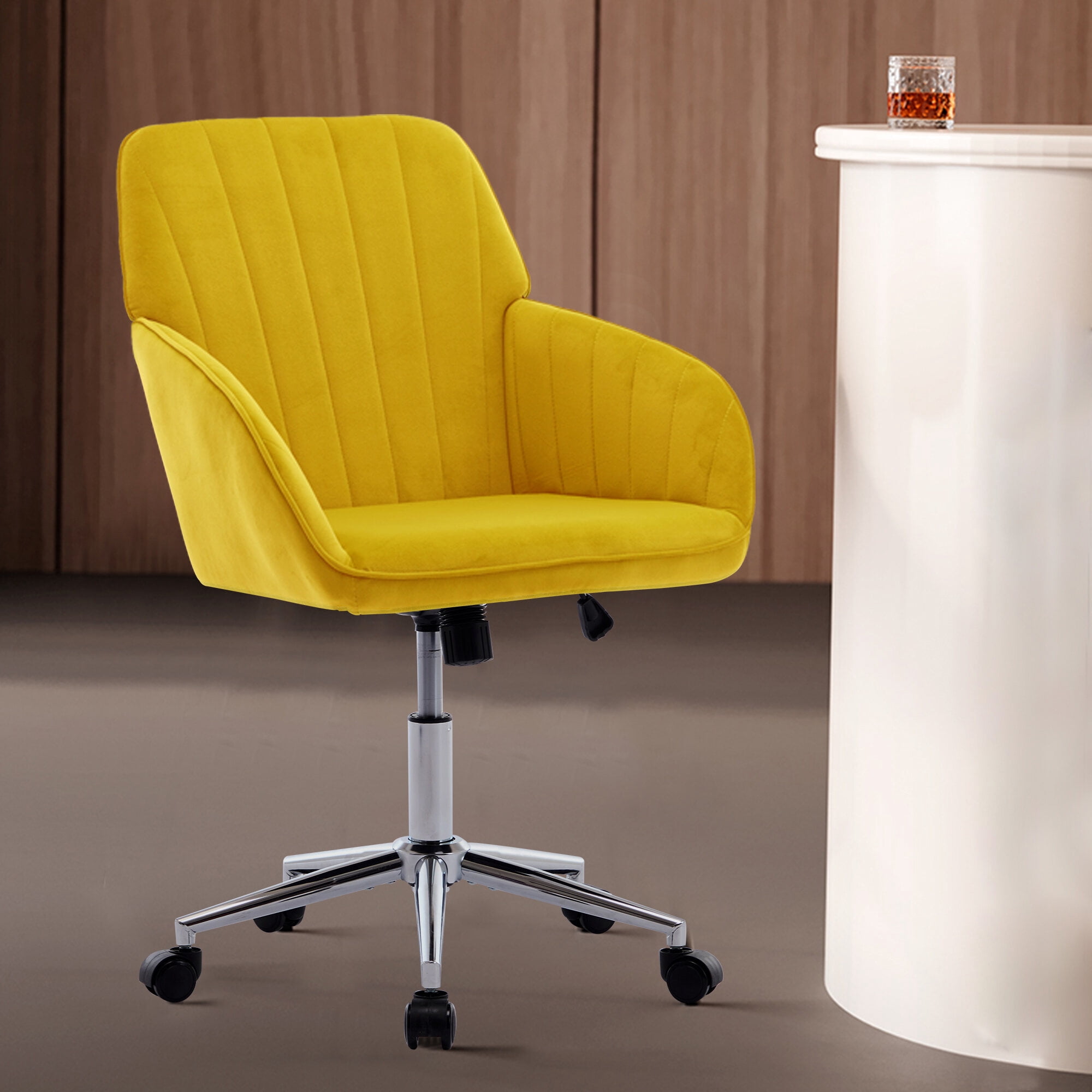
- Fabric: Offers a wide range of colors and textures, is generally softer than mesh, and is warmer than mesh. It can be more prone to staining and may trap allergens. Best for: General office use where comfort and style variety are key.
3. The "Goldilocks" Principle: Right-Sizing Your Chair
One of the most overlooked aspects of office chair recommendations is size. A chair that is too big or too small can cause just as many problems as one with poor support.
- For Petite Frames: Look for chairs with a smaller seat depth (or significant depth adjustment), a narrower backrest, and controls that are easy to reach. The seat height should go low enough for your feet to rest flat.
- For Average Builds: Most "standard" office chairs are designed for people between 5'4" and 6'0". Focus on adjustability to fine-tune the fit.
- For Big & Tall Individuals: Prioritize weight capacity (look for 350lbs+), a wider seat pan, a taller backrest for proper shoulder support, and heavy-duty construction to ensure stability and longevity.
Scenario-Based Recommendations: What Should You Choose?
Forget one-size-fits-all lists. Based on your primary need, here are tailored office chair recommendations.
✔️ Scenario A: The Marathon Sitter (8+ hours/day)
- Priority: Maximum ergonomics & adjustability.
- Look for: Chairs with independent lumbar support, seat depth adjustment, and a highly responsive mesh back to keep you cool. A synchronized tilt mechanism that moves with your body is a game-changer.
- Our Pick Type: High-end ergonomic mesh chairs from reputable brands.
✔️ Scenario B: The Budget-Conscious Buyer ($150-$300)
- Priority: Best value for essential ergonomics.
- Look for: A chair with reliable gas lift, decent lumbar support (even if just a pad), and adjustable armrests. Don't expect 4D arms, but ensure they are at least height-adjustable.
- Our Pick Type: Well-reviewed mid-range chairs with a balance of mesh and foam padding.
✔️ Scenario C: The Home Office Executive
- Priority: Professional aesthetics with comfort.
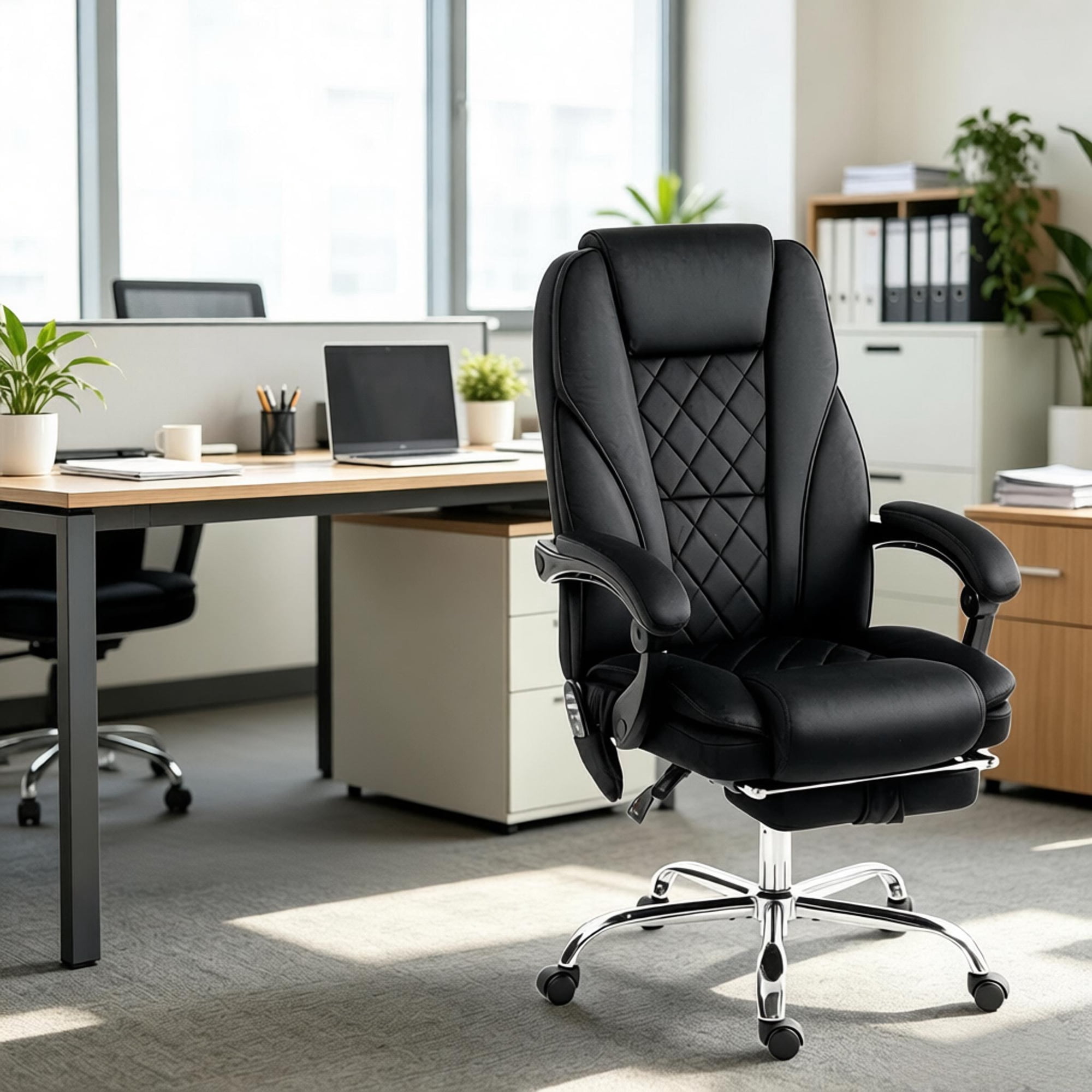
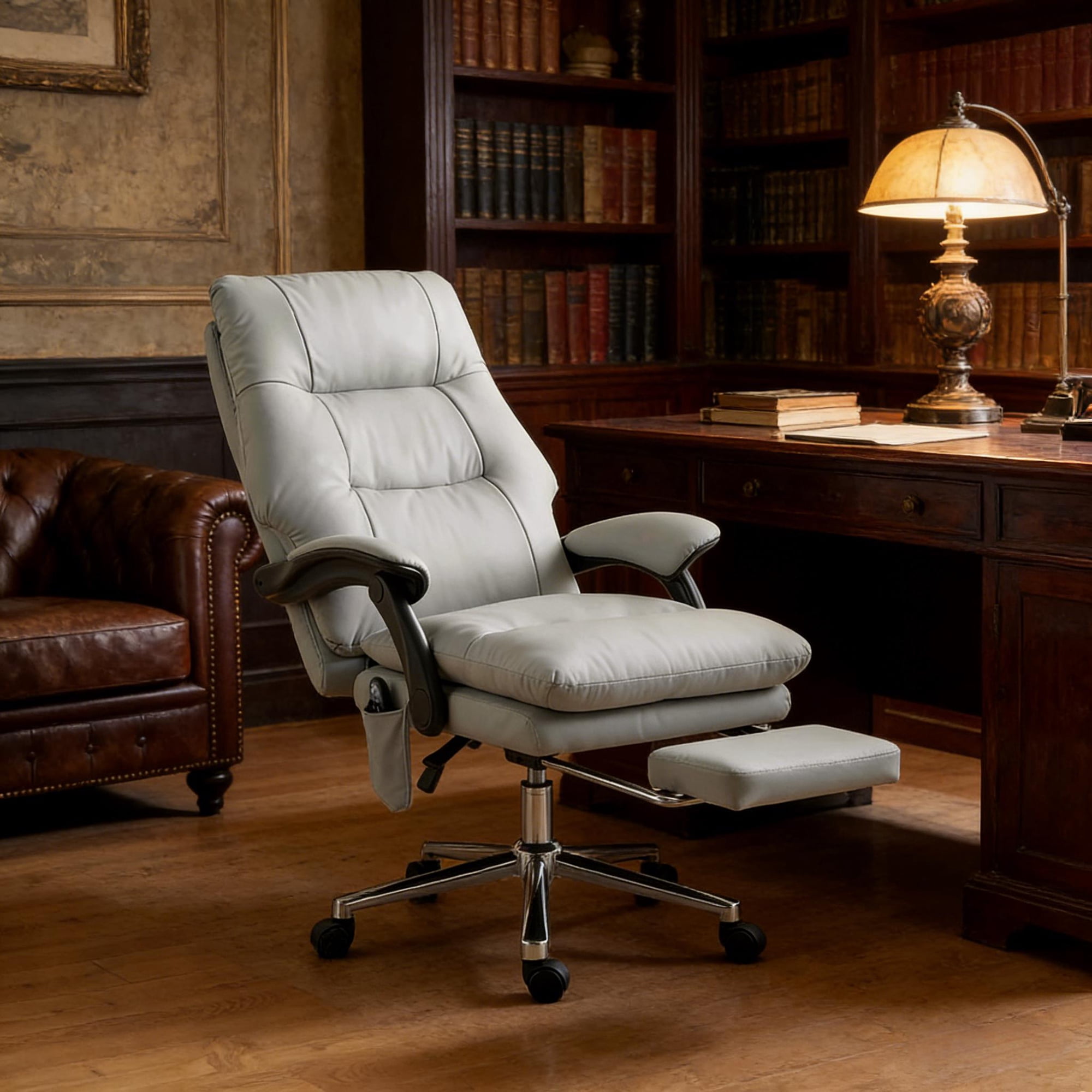
- Look for: High-back chairs in genuine leather or premium fabric. Features like a padded headrest and a waterfall seat edge for comfort. The look should be polished for video calls, but the support should last through long days.
- Our Pick Type: High-back leather executive chairs with hidden ergonomic features.
✔️ Scenario D: Back Pain Sufferer
- Priority: Targeted support & spinal alignment.
- Look for: Aggressive, adjustable lumbar support. Some chairs offer a separate lumbar mechanism that moves independently from the backrest. A seat with a "waterfall" edge to reduce pressure on thighs is also crucial.
- Our Pick Type: Therapeutic ergonomic chairs with highly customizable lumbar systems.
A Quick Look: Ergonomics vs. Aesthetics
| Feature | Ergonomics-Focused | Aesthetics-Focused |
|---|---|---|
| Backrest | Mesh for breathability and dynamic support | High-back leather or upholstered for a premium look |
| Lumbar Support | Highly adjustable (height & depth) | Often fixed or a built-in contour |
| Armrests | 4D adjustable (width, height, depth, pivot) | Fixed or 2D (height only) for a cleaner look |
| Ideal For | Programmers, designers, anyone with chronic pain | Executives, managers, client-facing roles |
Note from our team: The best modern office chairs are blurring this line. You can now find chairs with sleek designs that also pack advanced ergonomic adjustments.
The Unspoken Rule: The 15-Minute Test
Statistics from the National Center for Biotechnology Information suggest that over 50% of office workers experience back pain. While our recommendations provide an excellent starting point, the final test is you. If possible, spend at least 15 minutes in a chair before buying. Does any spot feel overly tight? Are the armrests in a natural position? Does the lumbar support hit the right spot? Your body's feedback is the ultimate guide.
Frequently Asked Questions: Office Chair Recommendations
Final Verdict: Start Your Search with Confidence
Finding the right office chair doesn't have to be a gamble. By focusing on adjustability, material, and the correct size for your body, you can filter out 90% of the options and focus on the few that truly matter. Remember the analogy of the hiking boots: the best choice is the one that fits your unique path. Use these office chair recommendations as your compass, and you'll be well on your way to a more comfortable, productive, and healthier workday. Your back will thank you.