
The Ultimate Guide to Selecting Good Office Chairs for Working From Home
Transitioning to a remote or hybrid work environment has redefined how we think about our home workspaces. No longer a temporary setup, your home office is now a permanent hub for professional activity. At the heart of this space sits one of the most critical investments you can make: a high-quality office chair. A good office chair for working from home is not just about comfort—it's about sustaining focus, maintaining physical health, and creating a boundary between "work mode" and personal time.
💡 Did You Know? Studies from the American Chiropractic Association indicate that prolonged sitting in poorly designed chairs contributes to 80% of back-related complaints among remote workers. Investing in an ergonomic chair can reduce spinal stress by up to 40% and decrease work-related fatigue significantly.
Why Your Home Office Chair Matters More Than Ever
When you worked in a corporate office, you likely had a high-quality task chair designed for all-day use. Now, your home office chair must fill that role without the support of an ergonomics team. A proper chair:
- Protects Your Spine: Consistent lumbar support prevents the "C-curve" slouch that leads to chronic pain.
- Boosts Energy Levels: Proper circulation and muscle support reduce mid-afternoon fatigue.
- Enhances Professionalism: A well-designed chair improves your posture during video calls.
- Increases Productivity: Fewer discomfort breaks mean more focused work sessions.
- Long-Term Value: Quality chairs last 7–10 years, outlasting multiple cheaper replacements.
Key Features to Look For in WFH Office Chairs
Not all office chairs are created equal. When evaluating chairs for your home workspace, prioritize these ergonomic and practical features:
Adjustable Lumbar Support
Look for chairs with height-adjustable or dynamic lumbar support. This feature ensures the chair conforms to your spine's natural curve, reducing pressure on lower back discs during long sitting sessions.
Seat Depth & Width
Proper seat depth allows 2-3 finger widths between the back of your knees and the seat edge. Adjustable seat depth is crucial for thigh support without restricting circulation.
Multi-Dimensional Armrests
Armrests that adjust in height, width, and pivot help support your shoulders and neck. This prevents the forward head posture common in remote work.
Breathable Material
Mesh backs are ideal for home offices, especially in warmer climates or spaces without central AC. They provide cooling airflow while maintaining firm support.
Matching Chair Types to Your Work Style
Your work habits should dictate the style of chair you choose. Here's a breakdown of the best chair categories for various remote work scenarios:
- All-Day Focus (8+ hours): Choose a high-back ergonomic mesh chair with adjustable lumbar, seat depth, and synchronized tilt. These chairs are engineered for continuous use and promote active sitting.
- Hybrid Work (Mix of sitting/standing): Consider a chair with a height-adjustable range that pairs with a standing desk. Look for models that allow easy height transitions and provide comfort for both postures.
- Multitasking & Creativity: A chair with a flexible recline and adjustable arms supports movement while brainstorming or switching between tasks. Some prefer mid-back chairs for unrestricted shoulder movement.
- Video Conferencing Heavy: Opt for a chair with a headrest and quiet casters to maintain a polished look and smooth movement during calls without disruptive noise.
- Small Home Office Spaces: Compact ergonomic chairs with a narrower width and minimalist design fit well in tight spaces without sacrificing ergonomic support.
Material Considerations for Home Office Comfort
The material of your chair impacts not only its look but also its maintenance and comfort over time. Here's a detailed comparison to help you decide:
| Material Type | Breathability | Durability | Maintenance | Best For |
|---|---|---|---|---|
| Premium Mesh | Excellent — allows airflow, prevents sweating | Good (5-10 years with proper use) | Wipe clean; occasional vacuum | Hot climates, extended sitting, active users |
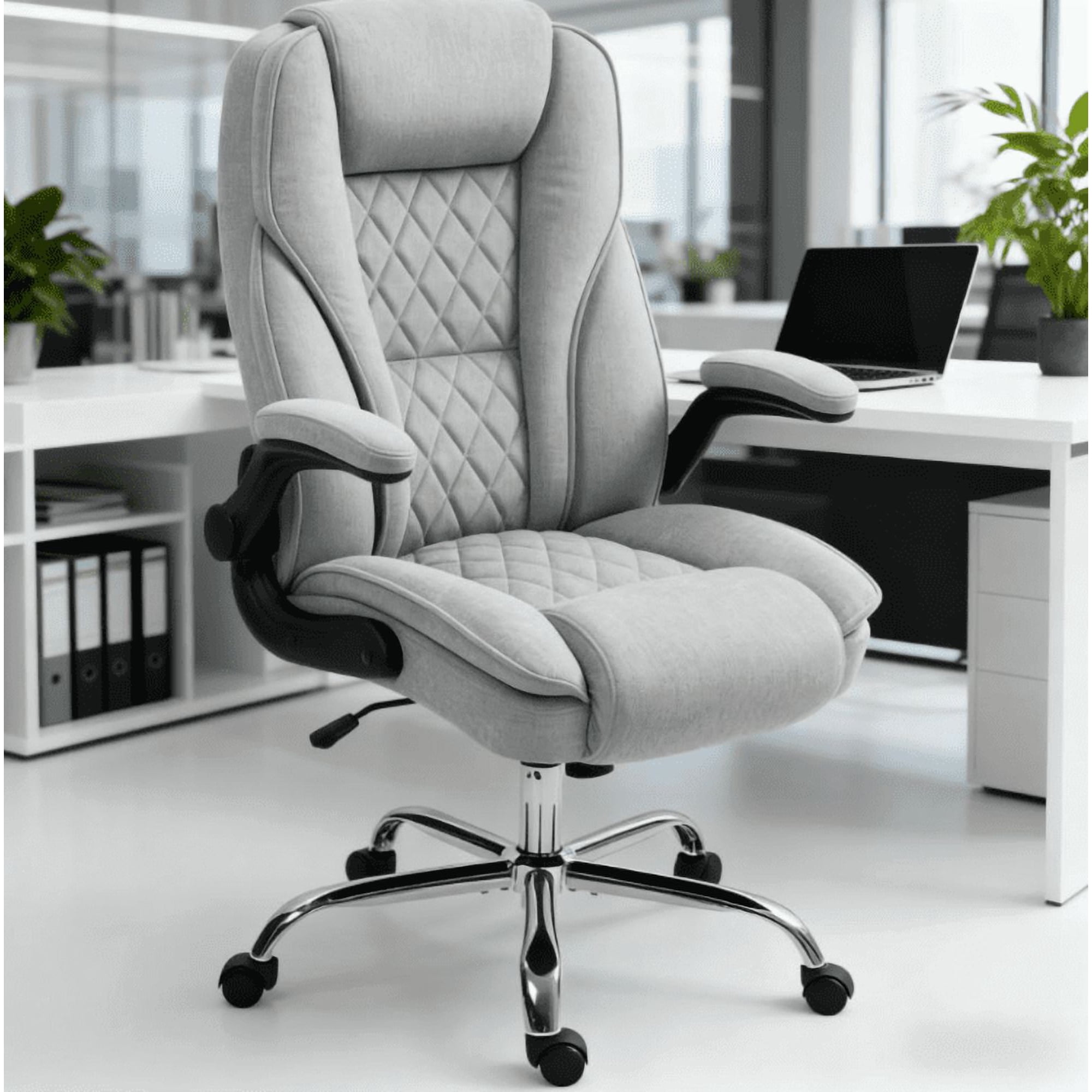
| High-Quality Fabric | Moderate — breathable but retains some heat | Very Good (7-12 years) | Spot clean; professional cleaning for deep stains | Cozy home offices, colder environments |
| Top-Grain Leather | Low — can become warm in summer | Excellent (10-15+ years) | Wipe with leather conditioner regularly | Executive home offices, aesthetic-focused spaces |
| Faux Leather/Vinyl | Poor — traps heat and moisture | Fair (3-5 years, prone to peeling) | Easy wipe, but can crack over time | Budget-conscious, temporary setups |
Step-by-Step Selection Guide for Your Home Office
Choosing the perfect WFH chair doesn't have to be overwhelming. Follow this simple roadmap to ensure you make an informed decision:
Step 1: Measure Your Space & Body
- Desk Height: Ensure the chair's maximum height allows your forearms to be parallel to the floor when typing.
- Under-Desk Clearance: Measure the space under your desk to accommodate the chair's base when tucked in.
- Personal Measurements: Note your height, torso length, and hip width to find chairs with appropriate backrest height and seat width.
- Weight Capacity: Verify the chair's rating supports your body for safety and durability.
Step 2: Define Your Daily Usage
Activity-Based Needs
Prioritize lockable tilt and firm lumbar support to maintain upright posture.
Look for a headrest and swivel capability for easy screen switching.
Choose a chair with a flexible back and seat glide to encourage micro-movements.
Select a chair with easy-to-use, tool-free adjustments to accommodate multiple users.
Step 3: Set a Realistic Budget & Warranty Check
A good office chair for working from home is a multi-year investment. Consider these tiers:
Entry Level
Basic ergonomics, suitable for part-time use or limited daily hours.
Mid-Range (Sweet Spot)
Full adjustability, high-quality materials, and warranties of 5+ years.
Premium
Superior ergonomics, premium build, 10-12 year warranties, often used by professionals working 40+ hours/week.
Step 4: Test Drive & Final Decision
Pro Tip: If possible, test a chair for at least 20 minutes before buying. Sit as you would during work—type, recline, and adjust settings. Pay attention to pressure under your thighs, the firmness of the back support, and how easily you can reach adjustments without straining.
Ergonomic Myths vs. Facts for Remote Work
Let's clear up some common misconceptions about home office chairs:
- Myth: A gaming chair is the same as an ergonomic office chair.
Fact: Gaming chairs often prioritize aesthetics with bucket seats that restrict hip movement. Ergonomic office chairs promote neutral posture and dynamic sitting. - Myth: Lumbar pillows or cushions can fix any chair.
Fact: While add-ons can help, they can't replace built-in, adjustable lumbar support that aligns with the chair's overall ergonomic structure. - Myth: Mesh chairs aren't comfortable for long hours.
Fact: High-quality mesh chairs with proper tension and a contoured frame offer exceptional support and cooling, making them ideal for all-day use. - Myth: The more expensive the chair, the better it is for everyone.
Fact: The best chair is the one that fits your body proportions and work style. A $400 chair that fits perfectly is better than a $1,200 chair that doesn't accommodate your height or weight.
Frequently Asked Questions About Good Office Chairs for Working From Home
Conclusion: Invest in Your Comfort, Invest in Your Success
Selecting a good office chair for working from home is one of the most impactful decisions you can make for your remote work life. It's a direct investment in your health, productivity, and overall satisfaction with your home office environment. By prioritizing ergonomic features, understanding your personal needs, and choosing quality materials, you create a workspace that supports you through every meeting, project, and deadline.
Final Recommendations Based on User Profile
Choose a high-back mesh ergonomic chair with 4D armrests, adjustable lumbar, and seat depth. Aim for the mid-to-premium budget tier for long-term durability.
A quality fabric or mesh mid-back task chair with essential adjustments (height, lumbar, armrests) offers flexibility and comfort for varied schedules.
Look for a compact ergonomic chair with a smaller base, optional armrests, and a breathable back. Many brands now offer "space-saving" designs without compromising adjustability.
Focus on chairs that offer adjustable seat height and lumbar support as non-negotiables. Many reliable options exist in the $250-$350 range that provide solid foundational ergonomics.
Remember, the best chair is the one that fits your unique body and work style. Take your time to evaluate options, read reviews from other remote workers, and if possible, test a few models. Your back—and your productivity—will thank you for years to come.