
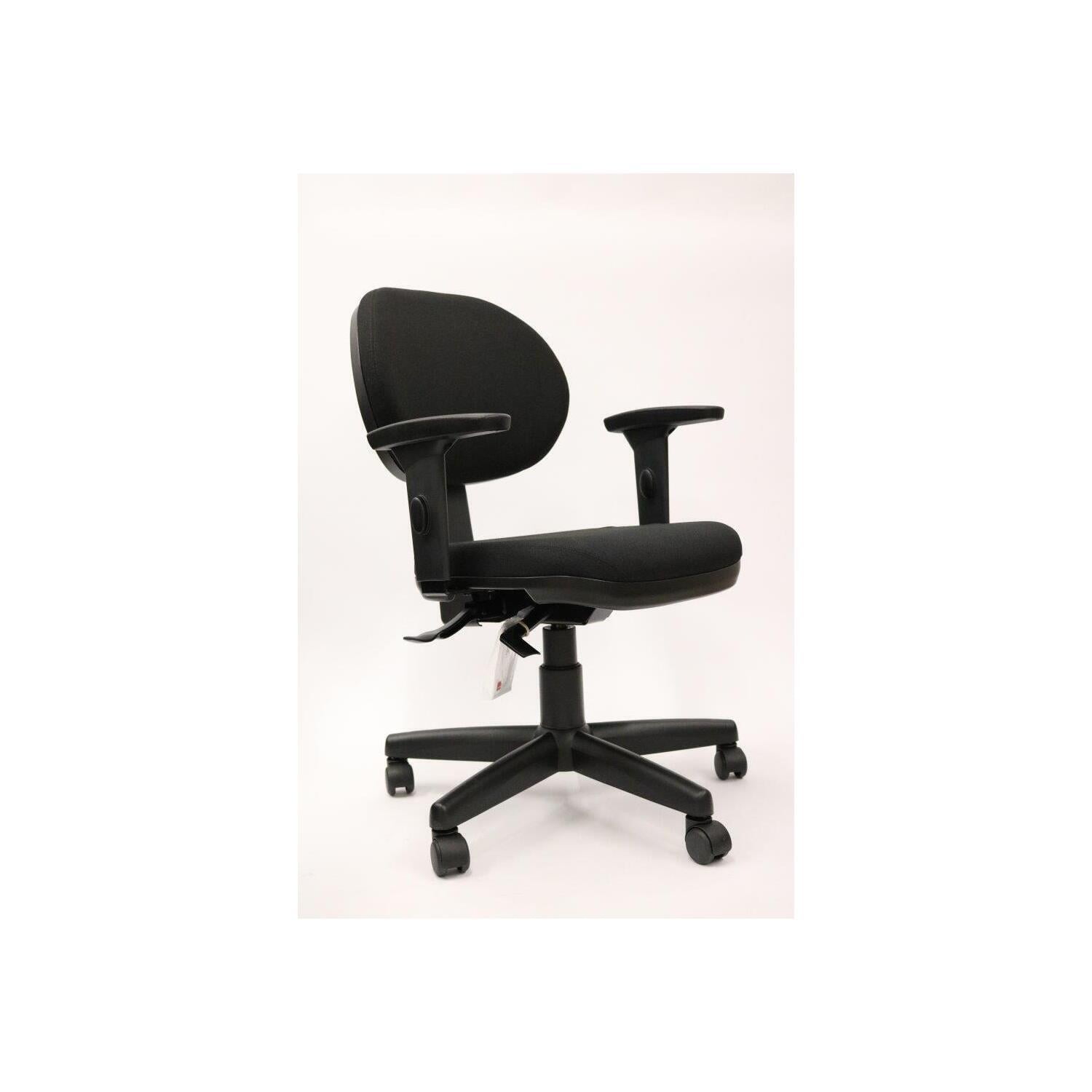
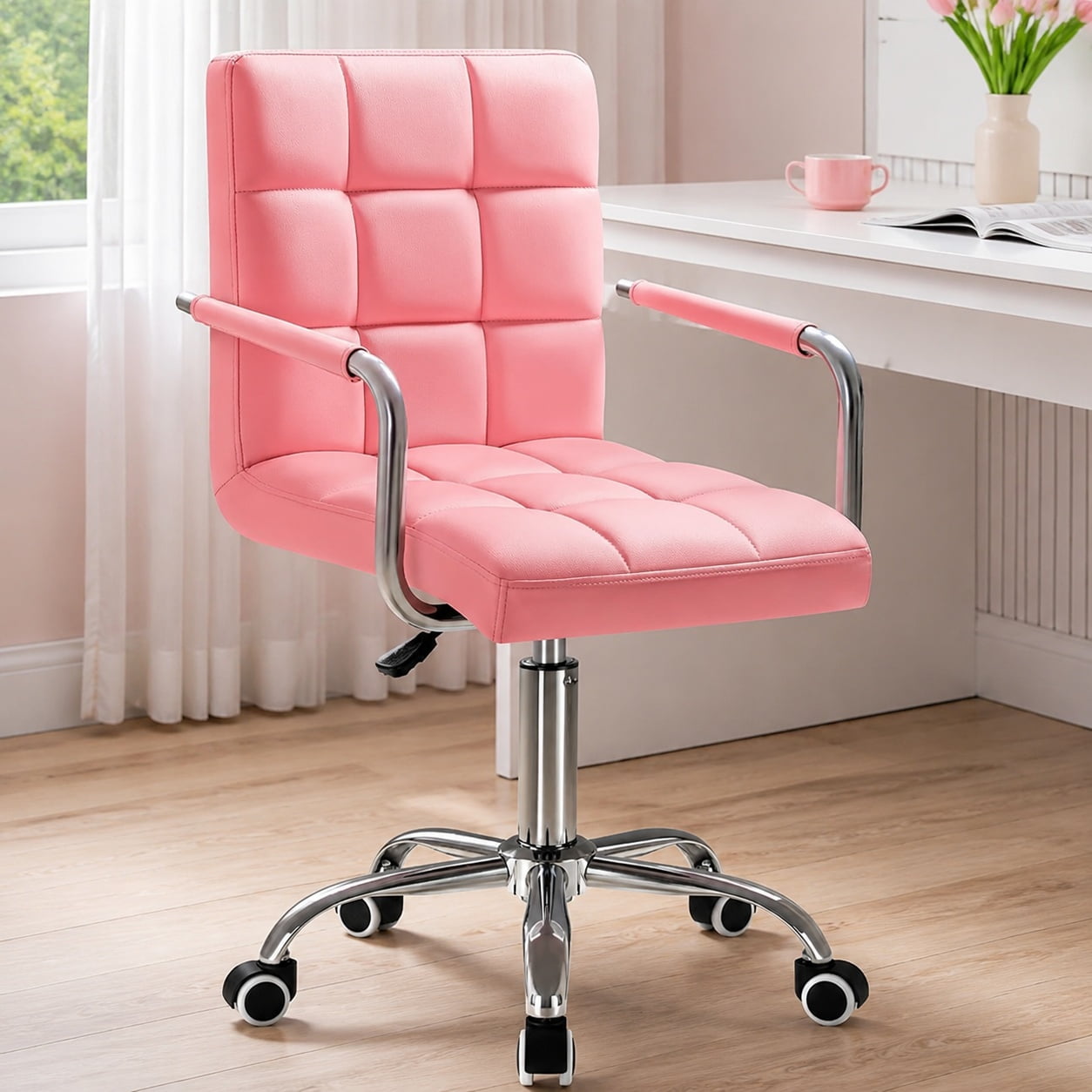
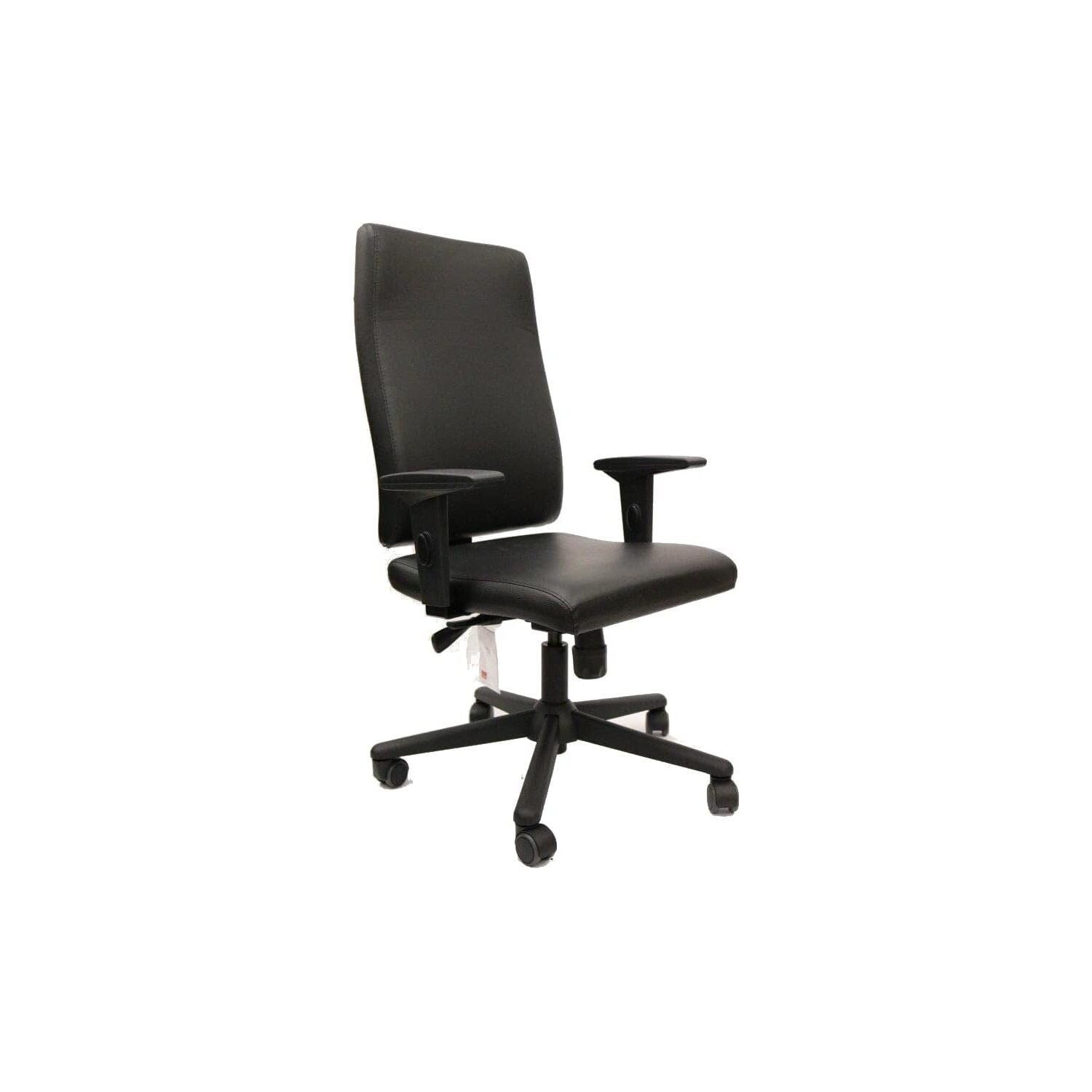
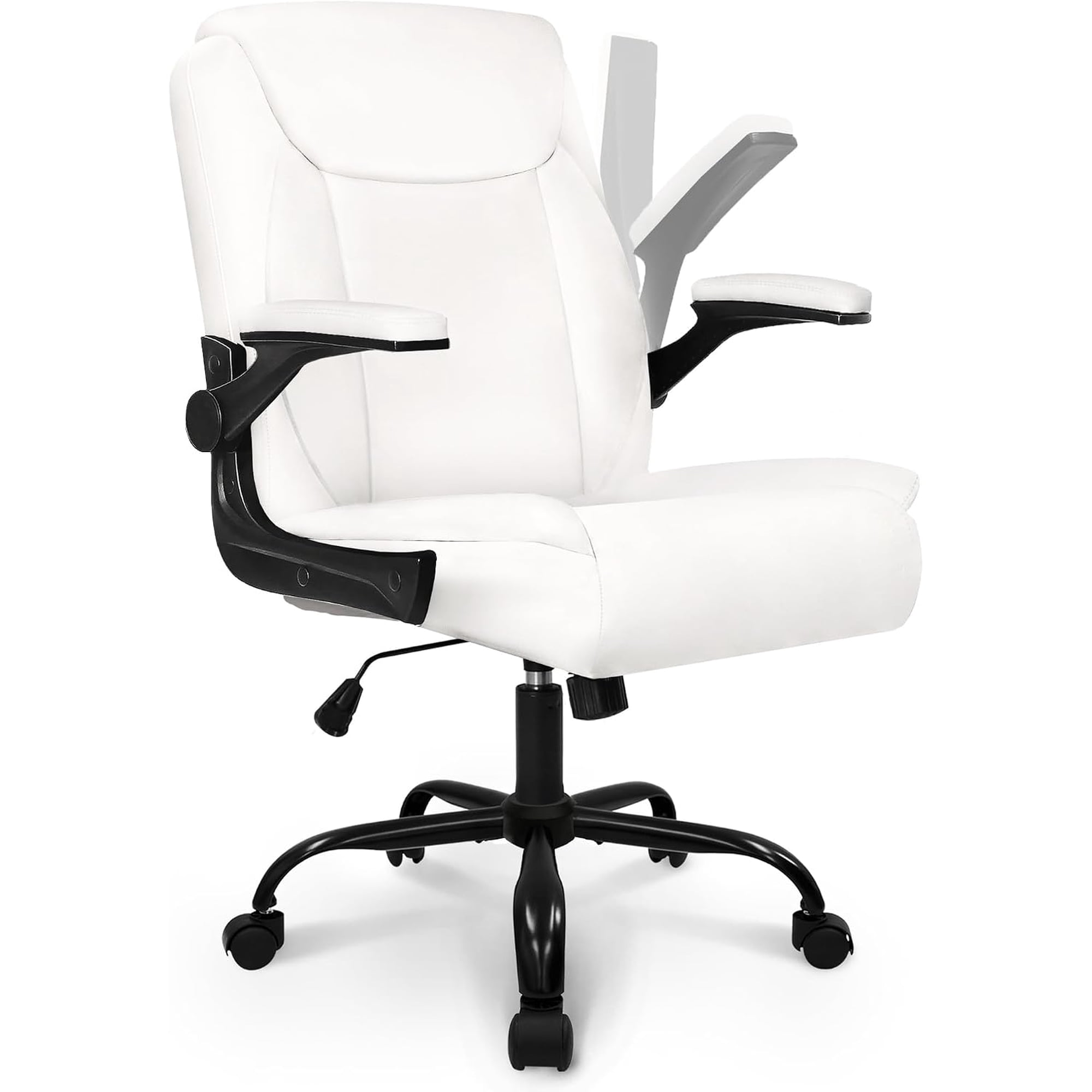
Why a Comfortable Office Chair with Adjustable Arms is a Non-Negotiable Investment
If you spend more than six hours a day at your desk, your chair becomes your most critical productivity tool. Yet many people overlook a single feature that dictates upper body comfort: adjustable armrests. A comfortable office chair with adjustable arms doesn’t just feel better — it actively prevents chronic pain, improves blood circulation, and keeps your focus razor-sharp. Think of it like a tailored suit: standard armrests fit an "average" body type, but adjustable arms give you a custom fit that supports your unique proportions and workflow.
Ergonomic Insight: According to a 2023 workplace health study, employees using chairs with fully adjustable armrests reported 47% less shoulder tension and 39% lower incidence of repetitive strain injuries compared to those using fixed-arm chairs. For remote and hybrid workers, the impact on daily comfort is even more pronounced.
What Makes Adjustable Arms Essential for All-Day Comfort?
Standard armrests force your shoulders to either hunch up or droop down, which creates a cascade of muscular imbalances. With adjustable mechanisms, you gain the freedom to:
- Height adjustment: Align elbows at a 90-degree angle to keep shoulders relaxed.
- Width adjustment: Accommodate broader or narrower frames without splaying arms outward.
- Pivot/angle rotation: Support natural inward tilt while typing or mousing.
- Depth/slide: Move armrests forward for close-desk tasks or backward for reclining moments.
Each adjustment contributes to a neutral posture — the gold standard for spine health. When your chair adapts to you rather than forcing you to adapt to it, fatigue decreases and stamina increases. It’s like having a co-pilot that constantly adjusts to your driving style.
Anatomy of a Perfectly Adjusted Armrest System
Not all adjustable arms deliver the same experience. To maximize ergonomic benefit, look for chairs that offer at least 3D adjustability (height, width, pivot). For serious power users and professionals, 4D arms (height, width, pivot, depth) provide ultimate flexibility.
| Adjustment Type | Benefit | Best For |
|---|---|---|
| Height (Vertical) | Prevents shoulder elevation or drooping | All users; essential for varying desk heights |
| Width (Lateral) | Accommodates shoulder width, keeps elbows under shoulders | Broader frames, individuals with wide/narrow build |
| Pivot / Angle | Matches natural arm pronation/supination while typing | Typists, programmers, and mouse-intensive tasks |
| Depth (Sliding) | Supports forearm when leaning forward or reclining | Multi-taskers, those who shift postures frequently |
Beyond Arms: What Makes a Chair 'Comfortable' Long-Term?
While adjustable arms are the star, a truly comfortable office chair with adjustable arms also includes:
- High-density foam seat cushion — prevents bottoming out after 8+ hours.
- Breathable fabric or premium mesh back — regulates temperature to avoid sweating.
- Dynamic lumbar support — adjustable depth and height to fill the curve of your lower back.
- Seat depth slider — ensures proper thigh support without pressing behind knees.
- Smooth recline mechanism with tension control — allows micro-movements that boost circulation.
Combine these with intuitive armrests and you get a chair that feels almost invisible — you simply sit down, focus on your work, and let the ergonomics do the heavy lifting.
How to Choose the Right Adjustable Arm Chair for Your Body Type and Workspace
Selecting a comfortable office chair with adjustable arms involves more than reading specs. Follow these step-by-step guidelines to find your perfect match.
Step 1: Measure Your Workspace & Body
- Desk height: Standard desks are 28–30 inches; if yours is higher or lower, ensure chair arm height range (usually 7–11 inches from seat) can match.
- Elbow height while seated: measure from seat cushion to your elbow at 90°, then compare to armrest height range.
- Shoulder width: look for armrests that can adjust width up to at least 18 inches apart.
Step 2: Define Your Work Style
- Typing/Data entry: Prioritize pivot and depth adjustment to keep arms close and supported.
- Client calls & meetings: Choose padded, wide armrests with recline lock.
- Multi-screen setups: 4D arms with high width range allow you to lean and switch tasks comfortably.
Step 3: Test Mechanism Durability
- Check if armrests wobble or feel flimsy — premium chairs use steel or reinforced nylon in the adjustment tracks.
- Look for manufacturer warranties covering arm mechanism for at least 3–5 years.
Expert note: When testing a comfortable office chair with adjustable arms, sit in your natural working posture, then adjust arms so that your elbows rest lightly without lifting your shoulders. You should be able to slide your fingers under the armrest without feeling pressure — that’s the sign of correct height. Also, ensure that when your arms are on the rests, your wrists remain straight relative to the keyboard.
Materials & Build Quality: What Lasts
A chair's longevity is determined by frame construction, upholstery, and adjustment mechanisms. For adjustable arms:
- Metal arm frames: More durable than plastic-only; resist flex over time.
- Soft PU or memory foam padding: Provides cushion without hardening.
- Class 4 gas lift: Ensures stable height adjustments for years.
For the seat and back, breathable mesh is ideal for warm climates, while premium fabric or leather adds a touch of luxury. The combination of a robust base and precision arm mechanisms delivers a chair that feels as good on day 1,000 as it does on day one.