
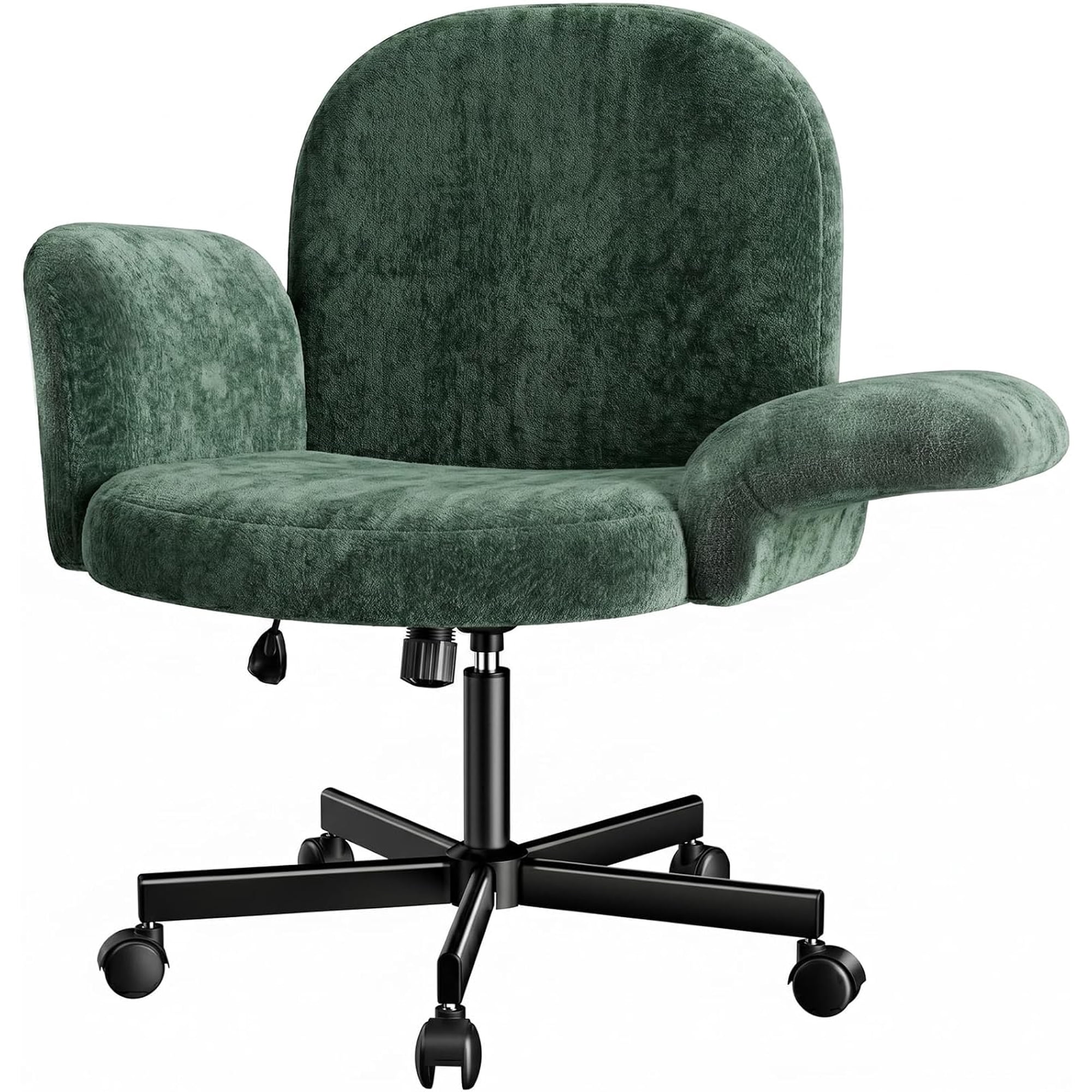
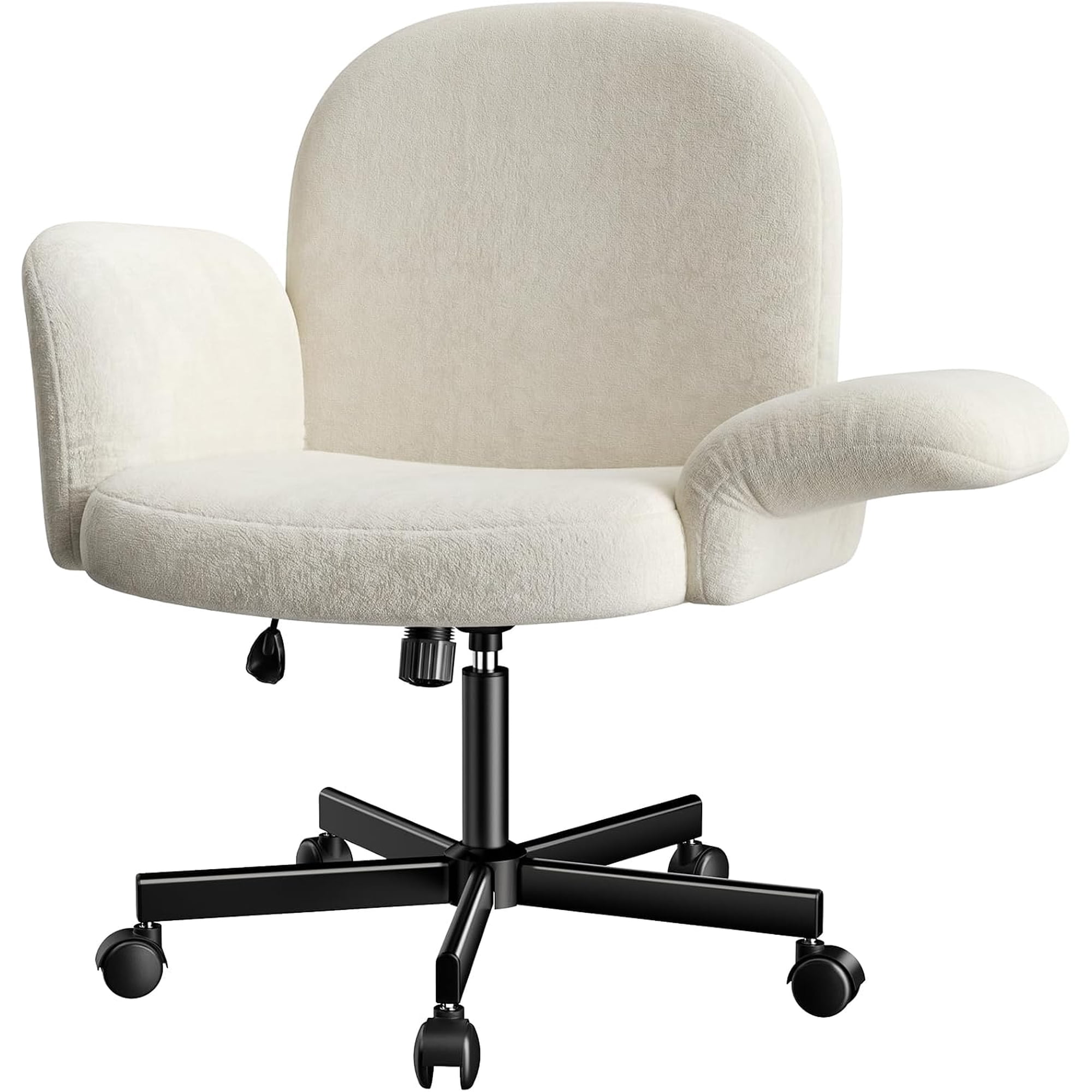
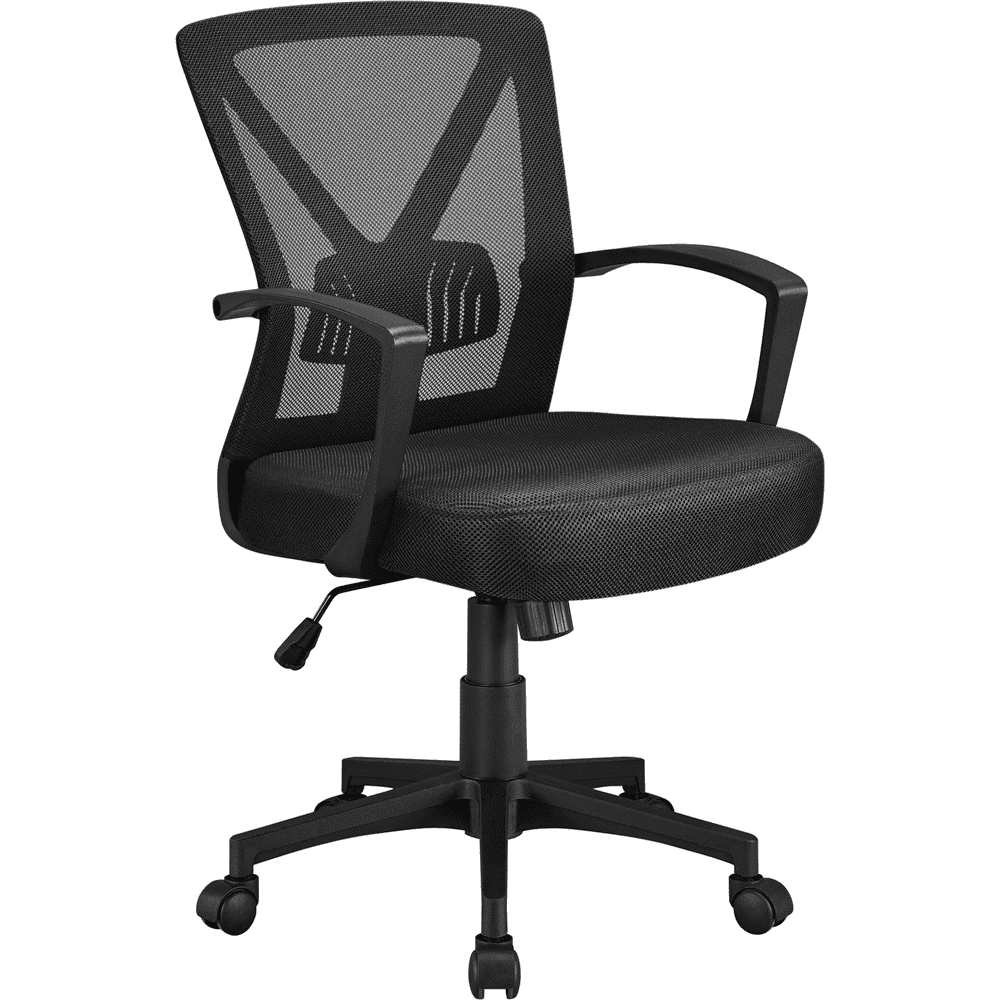
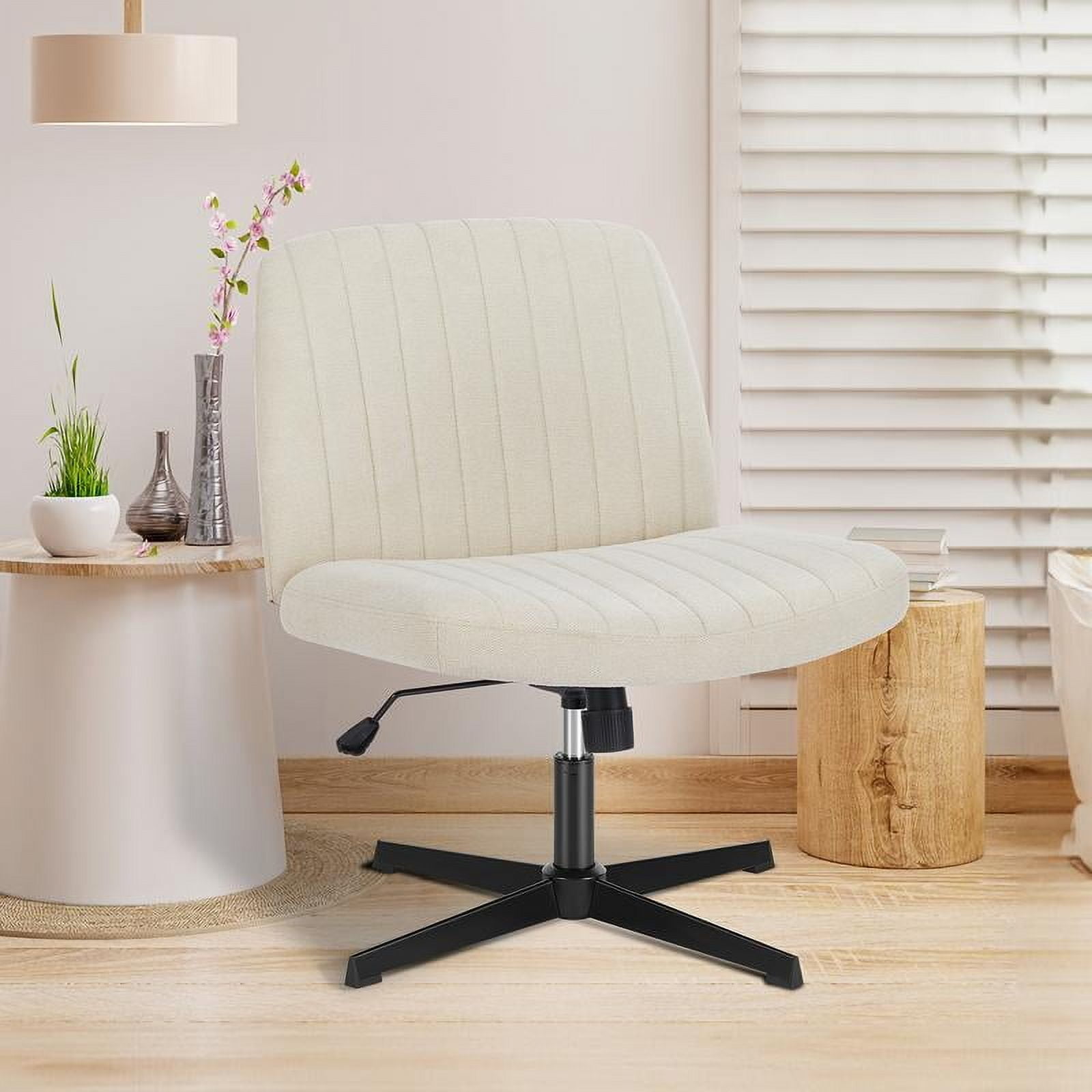
Why the Right Adjustable Office Chair With Wheels Changes Everything
Think of your office chair like the suspension system in a luxury car. A poor suspension makes every bump in the road feel like a jolt, leading to driver fatigue. Similarly, a non-adjustable, stiff chair with clunky wheels transfers every hour of sitting into physical stress on your back, neck, and shoulders. An adjustable office chair with wheels, however, acts as your body's shock absorber—it moves with you, supports you, and keeps you gliding smoothly through your workday.
According to the Occupational Safety and Health Administration (OSHA), poor workplace ergonomics, including ill-fitting seating, costs U.S. businesses billions annually in lost productivity and health care expenses. More importantly, for you as an individual, it directly affects your energy levels, focus, and long-term physical health. This guide dives deep into the mechanics of adjustability and mobility, ensuring you invest in a chair that works as hard as you do.
Anatomy of an Adjustable Office Chair With Wheels: What to Adjust and Why
Not all "adjustable" chairs are created equal. Some offer only basic height adjustment, while others are precision instruments of ergonomics. Understanding the different levers and knobs on your chair is the first step to unlocking its full potential. Here’s a breakdown of the critical adjustment zones.
1. The Foundation: Seat Height and Its Impact on Circulation
The most fundamental adjustment is seat height. When you sit, your feet should rest flat on the floor, with your knees at a 90-degree angle. If your chair is too high, you'll experience pressure on the back of your thighs, cutting off circulation. If it's too low, you'll put undue stress on your hip joints. A quality adjustable chair uses a pneumatic lift with a smooth, reliable mechanism. Look for a cylinder that offers a wide range (typically 16"-22" from floor to seat pan) to accommodate different desk heights and user statures.
- Class 3 or 4 gas lift: These are industry standards for durability and safety.
- 360-degree swivel: Essential for reaching different areas of your desk without straining.
- Waterfall edge: A gently sloping front edge of the seat reduces pressure on your thighs.
2. The Spine's Best Friend: Lumbar Support Adjustment
Static backrests are a recipe for back pain. Your spine has a natural inward curve in the lower back (the lumbar region). An adjustable lumbar support fills this gap, preventing you from slouching. The best chairs allow you to adjust not just the height of the support, but also its depth (how much it pushes forward). This is like having a custom pillow that fits the unique curve of your back.
Pro tip: When testing lumbar support, sit all the way back in the chair. The support should fit snugly into the hollow of your lower back. You should feel supported, not pushed uncomfortably forward.
3. The Link to Your Keyboard: Mastering Armrest Adjustments
Fixed armrests can force you to shrug your shoulders or lean to one side. Adjustable armrests—often called 3D or 4D armrests—allow you to move them in multiple planes. Your goal is to have your arms relaxed, elbows at a 90-degree angle, and wrists straight while typing. Adjustable armrests let you achieve this regardless of your desk height or body type.
- Height adjustment: Lets you rest your forearms parallel to the floor.
- Width adjustment: Brings the armrests closer or farther to support your shoulders naturally.
- Depth/pivot adjustment: Allows the armrest pad to move forward/backward or angle slightly, providing support exactly where your arm rests.
4. The Rolling Factor: Choosing the Right Casters (Wheels)
The wheels on your chair are not an afterthought; they are a critical component of your mobility and floor safety. The wrong casters can turn a great chair into a frustrating experience. Here’s a simple guide:
| Floor Type | Recommended Caster Type | Why It Matters |
|---|---|---|
| Hardwood / Tile / Laminate | Soft rubber or polyurethane | These are non-marking, grip the floor for controlled rolling, and won't scratch the surface. Hard plastic casters can slide uncontrollably and cause damage. |
| Carpet (Low to Medium Pile) | Hard nylon or soft rubber with deeper treads | Hard casters roll more easily on carpet by not sinking in. For thicker carpets, a larger "carpet caster" might be needed. |
| Mixed / Universal | Hybrid urethane casters | Many modern chairs come with high-quality urethane casters designed to perform well on both hard and carpeted floors, offering the best of both worlds. |
5. Recline and Tilt: More Than Just Leaning Back
The ability to recline isn't just for naps. A good recline mechanism, often with adjustable tilt tension, allows you to change your posture throughout the day. This dynamic sitting shifts your weight and relieves pressure on your spine. Look for a chair with a tilt lock, so you can secure it in your preferred recline angle, and adjustable tension, so the chair's resistance matches your body weight.
Did You Know? A study from the University of Waterloo found that varying your sitting posture by using the recline feature of your chair can reduce spinal disc pressure by up to 50% compared to sitting rigidly upright. This highlights the importance of an adjustable tilt mechanism in preventing long-term spinal issues.
Step-by-Step Guide to Setting Up Your New Adjustable Chair
Once you've chosen your chair, proper setup is key. Follow this simple routine to dial in your perfect fit:
- Seat Height: Stand in front of the chair. Adjust the seat so the highest point is just below your kneecap. Sit down; your feet should be flat.
- Seat Depth: If your chair has a sliding seat pan, adjust it so you have 2-3 finger widths of space between the back of your knee and the seat edge.
- Lumbar Support: While seated, adjust the lumbar height and depth until it fills the curve of your lower back comfortably.
- Backrest Height: If adjustable, set it so the backrest supports the curve of your back without pushing your shoulders forward.
- Armrests: Adjust them so your shoulders are relaxed, your elbows are at 90 degrees, and your wrists are straight while typing.
- Tilt Tension: Lean back. The chair should move easily but provide enough resistance to support you when you lean forward to work. Adjust the tension knob accordingly.