
Why Choose an Office Chair with 4D Armrests?
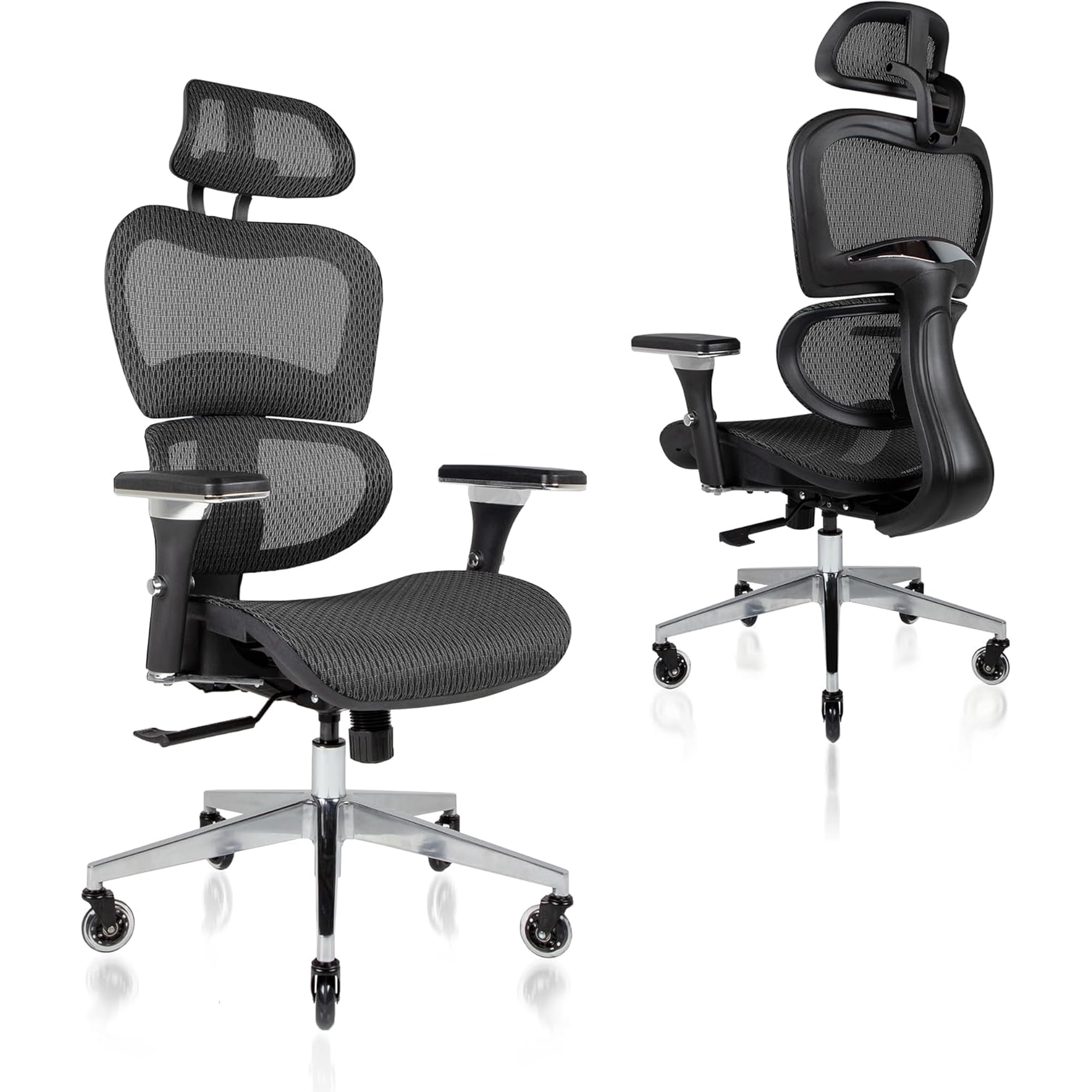
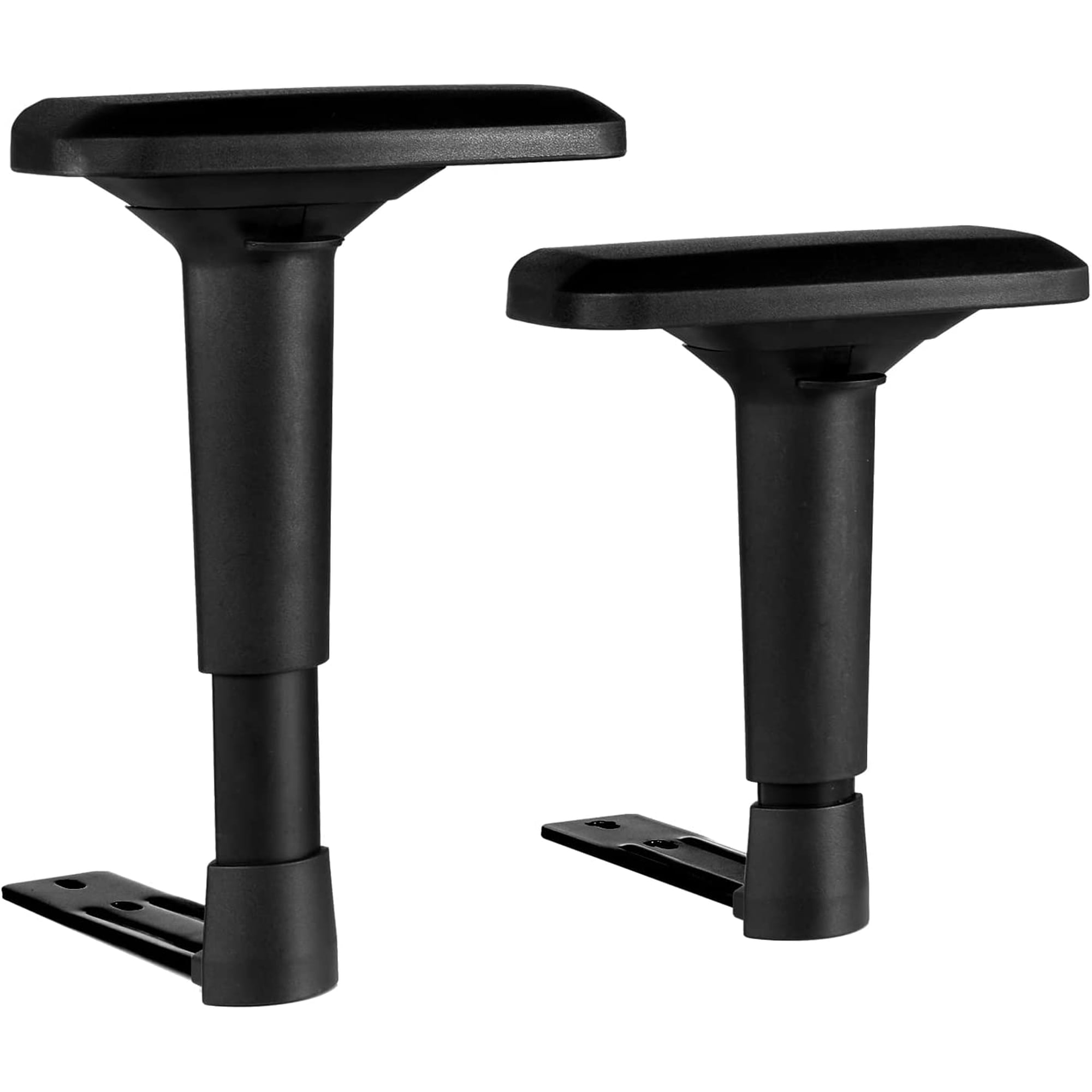
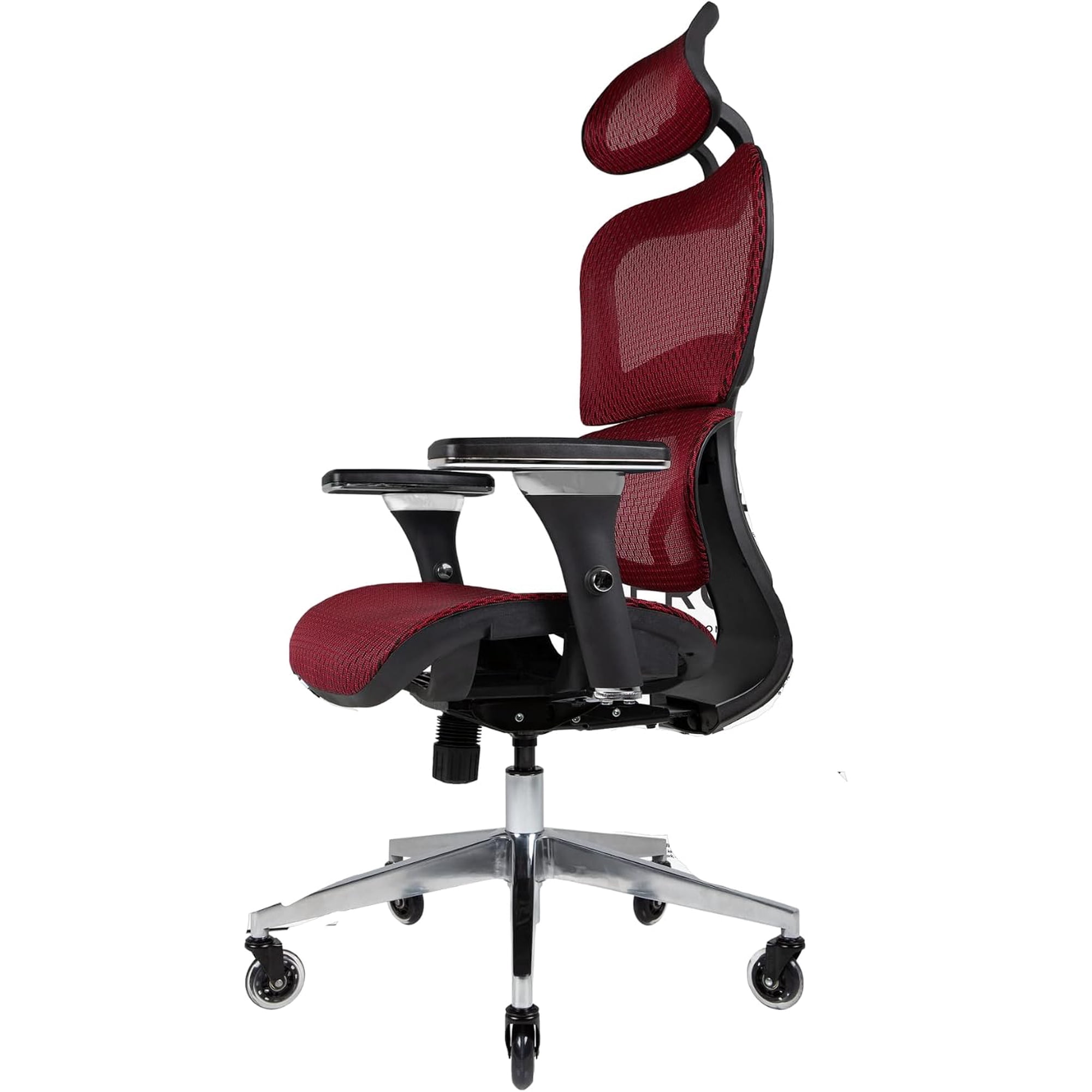
An office chair with 4D armrests represents the pinnacle of ergonomic seating. The "4D" designation means the armrests can be adjusted in four distinct ways: height, depth, width (lateral), and pivot/rotation. This comprehensive adjustability ensures that your arms, shoulders, and wrists are properly supported, reducing fatigue and the risk of repetitive strain injuries.
Ergonomic Insight: Studies show that proper arm support can reduce shoulder muscle activity by up to 30% and decrease neck tension significantly. A 4D armrest allows you to align your arms naturally with your keyboard and mouse, promoting a healthier posture throughout the workday.
Key Benefits of 4D Adjustable Armrests
- Height Adjustment: Raise or lower the armrest to match your desk height and shoulder level, preventing slouching.
- Depth Adjustment: Slide the armrest forward or backward to support your forearm while typing, reducing wrist strain.
- Width (Lateral) Adjustment: Move the armrests closer or farther apart to accommodate your body frame and sitting posture.
- Pivot/Rotation: Angle the armrest pads to follow the natural position of your hands, ideal for varied tasks like typing, mousing, or writing.
- Enhanced Productivity: With better support, you can focus longer without discomfort, leading to higher efficiency.
Who Benefits Most from 4D Armrests?
While anyone can appreciate the adjustability, certain users find 4D armrests transformative:
Office Professionals
Custom support for 8+ hour desk work.
Gamers
Dynamic support for long gaming sessions.
Executives
Premium comfort and a polished look.
Remote Workers
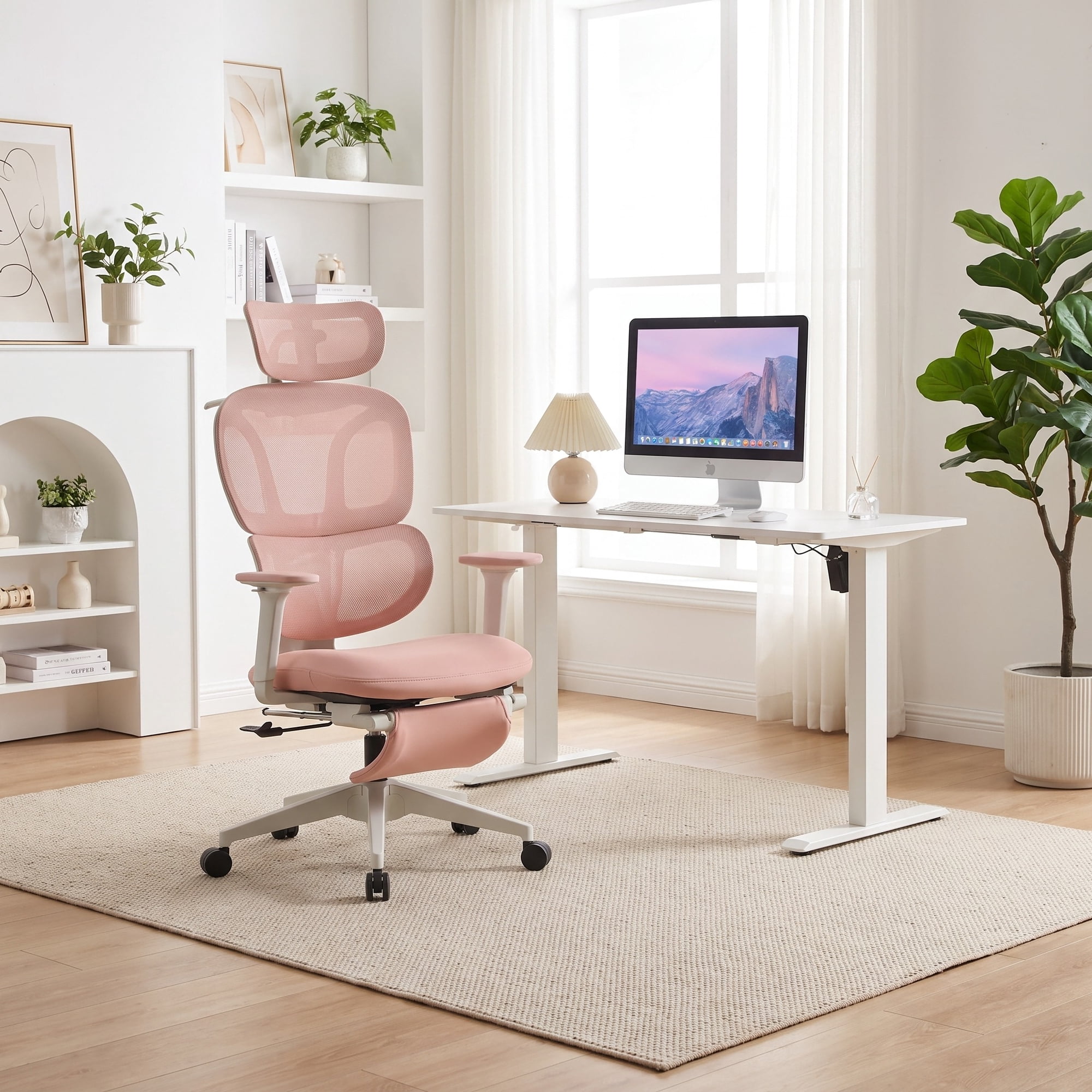
Adapt to various home desk setups.
Understanding 4D Armrest Adjustments
Here's a breakdown of each adjustment axis and how it contributes to your comfort:
| Adjustment Axis | Function | Benefit |
|---|---|---|
| Height (Up/Down) | Vertical adjustment | Aligns shoulders and elbows to 90° for typing. |
| Depth (Forward/Back) | Horizontal sliding | Supports forearms, reduces wrist extension. |
| Width (Lateral) | Side-to-side movement | Accommodates broad or narrow shoulders. |
| Pivot (Rotation) | Angle swivel | Matches hand angle, reduces ulnar deviation. |
4D Armrests vs. Other Armrest Types
To put 4D armrests in perspective, here's how they compare to other common types:
- Fixed Armrests: No adjustment; may conflict with desk height.
- 2D Armrests: Usually height and pivot only.
- 3D Armrests: Height, pivot, and depth or width.
- 4D Armrests: Full range: height, depth, width, and pivot.
4D armrests offer the most flexibility, making them ideal for shared workspaces where different body types use the same chair.
How to Adjust Your 4D Armrests for Optimal Comfort
Step 1: Set the Height
Sit with your shoulders relaxed. Adjust the armrest height so your elbows form a roughly 90° angle, with your forearms parallel to the floor.
Step 2: Adjust the Depth
Slide the armrest pad forward or backward until it supports your forearm just behind the wrist, allowing natural wrist alignment.
Step 3: Set the Width
Move the armrests laterally so they sit comfortably under your arms without pushing them outward or inward.
Step 4: Adjust the Pivot
Rotate the armrest pad to align with the natural angle of your hands as they rest on your keyboard or mouse.