
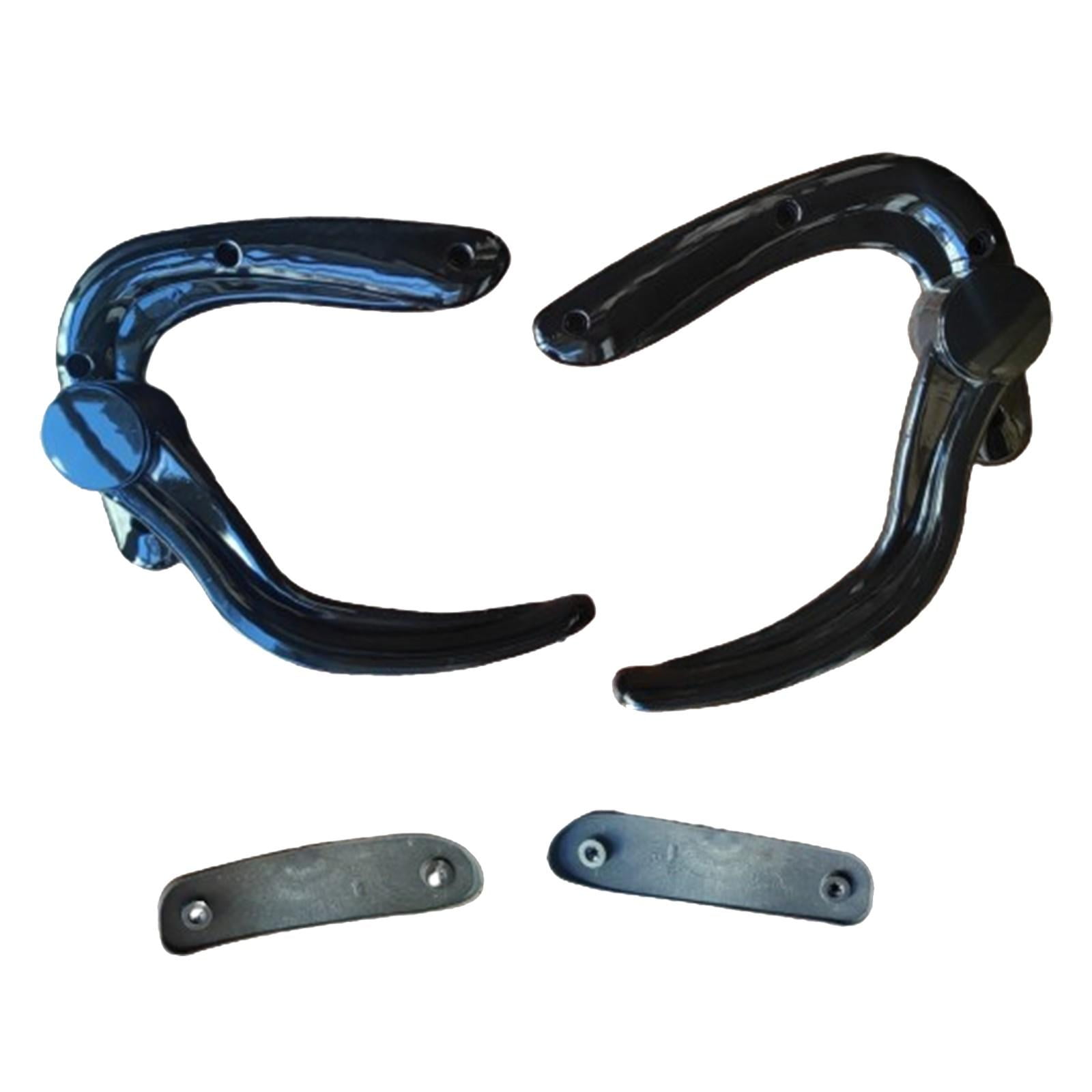
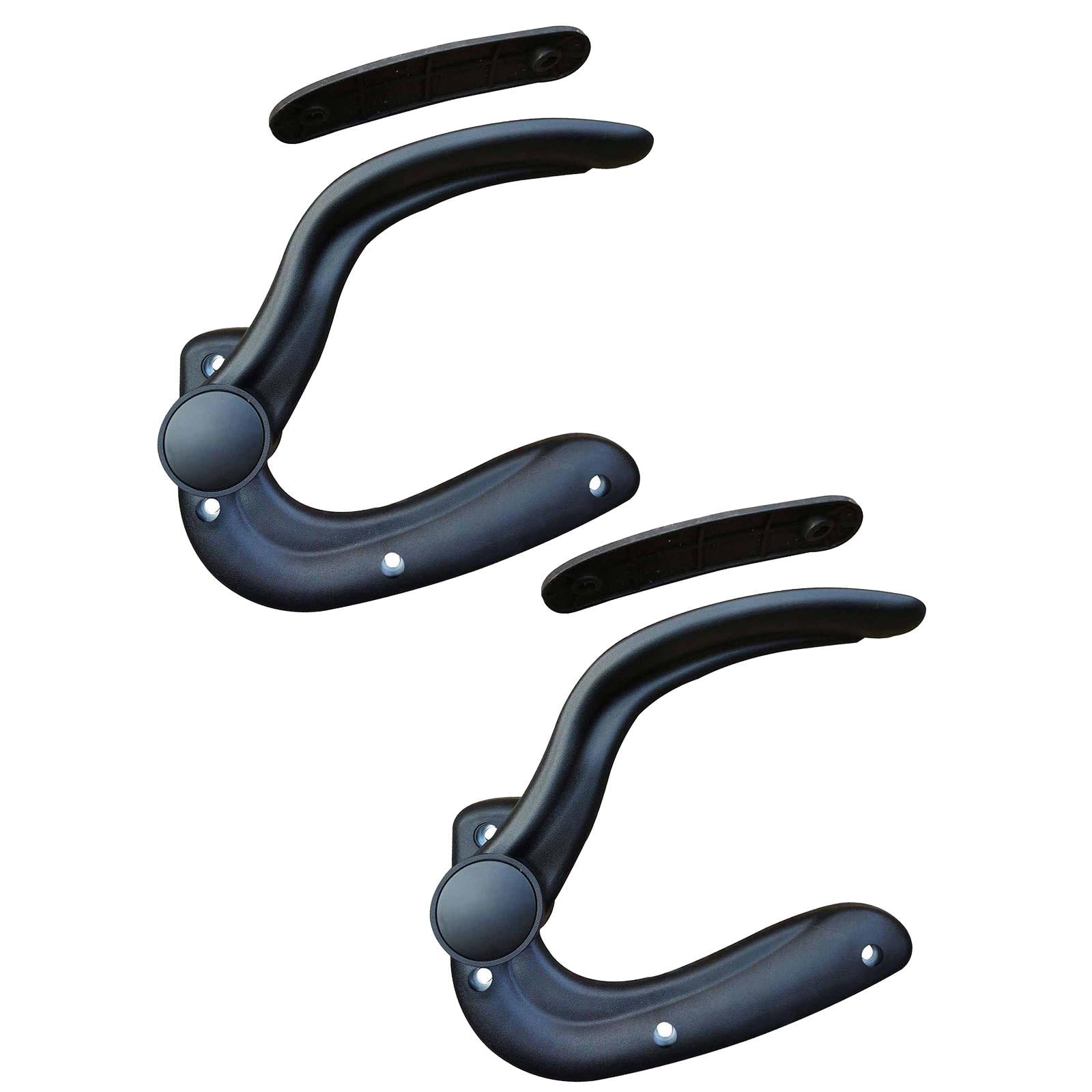

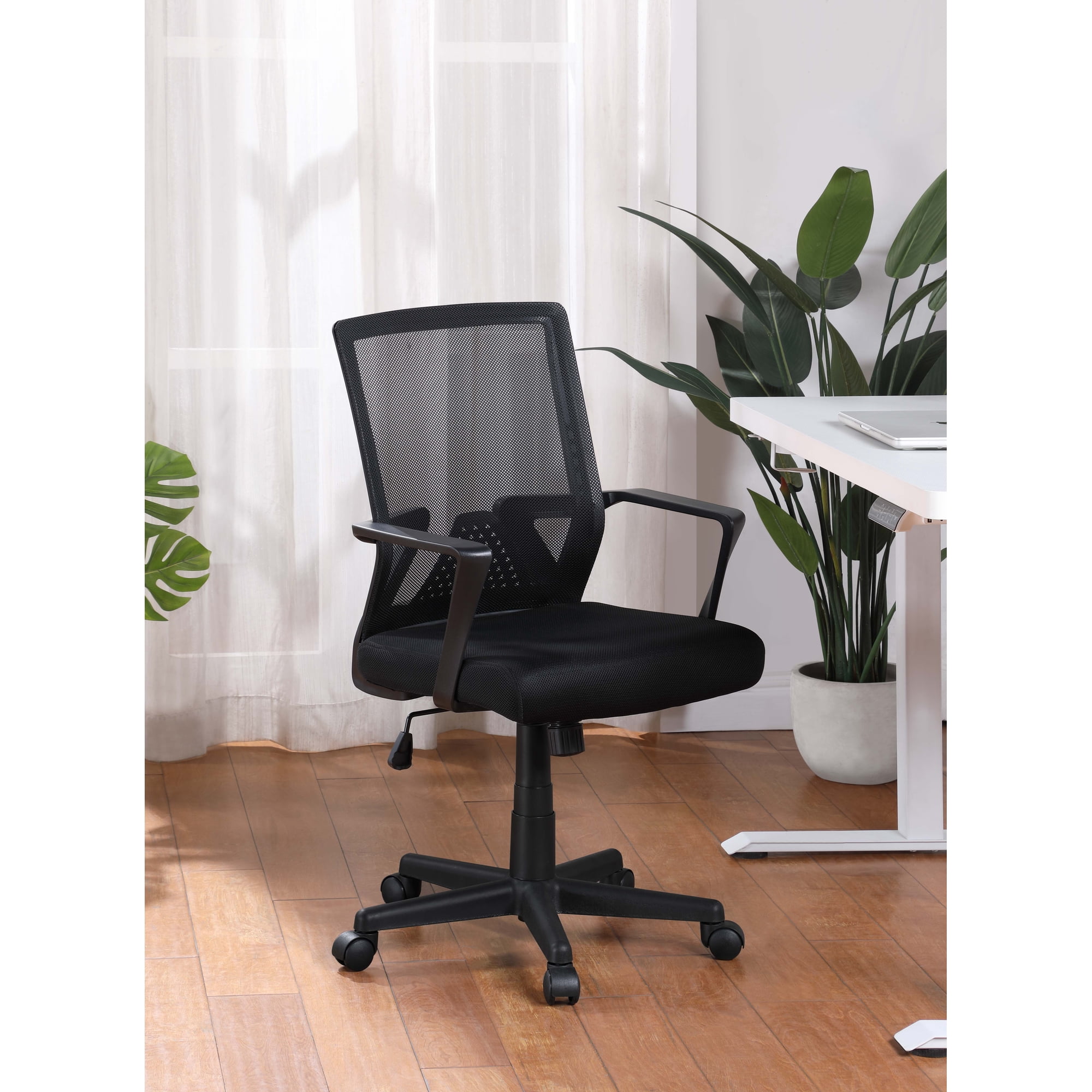
Why You Need an Office Chair With Adjustable Arm Height
Ever spent a day at work with aching shoulders or a stiff neck? Chances are, your armrests are to blame. For many, office chairs with adjustable arm height are the unsung heroes of ergonomic workspaces. They transform a static, one-size-fits-all seat into a personalized throne that works with your body, not against it.
Ergonomic Insight: According to a study published in the Journal of Electromyography and Kinesiology, using armrests correctly can reduce the load on your shoulders by up to 30%. This isn't just about comfort; it's about saving your body from years of wear and tear.
Think of your arms as a suspension bridge. The cables (your muscles and tendons) are constantly working to hold everything up. When the support pillars (the armrests) are at the wrong height, the cables tighten and strain. An office chair with adjustable arm height lets you set those pillars perfectly, ensuring your arms are relaxed and your posture is aligned.
The Ergonomic Edge: More Than Just Height
While the focus is on height, these chairs often come with a suite of other benefits. Here’s why upgrading is a smart move for your health and productivity:
- Relieves Shoulder Tension: When your arms are elevated to a natural 90-degree angle, your shoulders drop. This reduces the constant tension that leads to neck pain and tension headaches.
- Improves Typing Posture: Proper arm support allows your wrists to float naturally over the keyboard, promoting a neutral wrist position and preventing carpal tunnel syndrome.
- Reduces Cradling Habits: Many people subconsciously cradle a phone between their shoulder and ear. Adjustable arms allow you to sit back and use a headset or hold the phone with a relaxed arm.
- Accommodates Multiple Users: If you share a desk or office, an office chair with adjustable arm height is a must. It allows each user to quickly adapt the chair to their specific needs.
Types of Arm Adjustments to Look For
Not all adjustable arms are created equal. Understanding the types of adjustments available will help you choose the best chair for your needs.
| Adjustment Type | Functionality | Best For |
|---|---|---|
| Height Adjustable | Moves the armrest up and down vertically. | Most users looking for basic ergonomic support. |
| Width Adjustable | Slides the armrests closer or further from the body. | Users with wider or narrower frames. |
| Pivot Adjustable | Angles the armrests inward or outward. | Support for users who type at a slanted angle. |
| Depth Adjustable | Moves the armrest forwards or backwards. | Users who lean back frequently or have long forearms. |
| 4D Adjustable | Combines height, width, pivot, and depth. | Maximum customization for the serious ergonomic user. |
Choosing the Right Chair for Your Needs
Selecting an office chair with adjustable arm height doesn't have to be complicated. Follow this simple framework to find your perfect match.
1. Consider Your Workspace
Take a look at your desk. Is it a standard height, or do you use a standing desk converter? Your chair's armrests need to fit underneath the desk when not in use. If they don't slide down enough, you'll end up sitting too far away from your work.
2. Evaluate Your Daily Activities
Are you primarily typing, data entry, or doing design work that requires a lot of mouse movement? If you frequently reach to the side, you might prefer arms that pivot or have a wider width adjustment. If you lean back to think or take calls, look for arms with good depth.
3. Test the Mechanism
If possible, try the chair before buying. Look for a smooth, easy-to-use lever or button mechanism. The adjustment shouldn't require excessive force. A 'pop' or 'click' sound indicates it's properly locked into place.
Relaxed Shoulders
Reduces the upward shrug posture that causes daily pain.
Better Circulation
Prevents arms from going numb or feeling 'tingly' after long periods.
Enhanced Focus
Comfortable arms allow you to concentrate on work, not discomfort.
Versatility
Makes the chair a great investment for a shared workspace.