
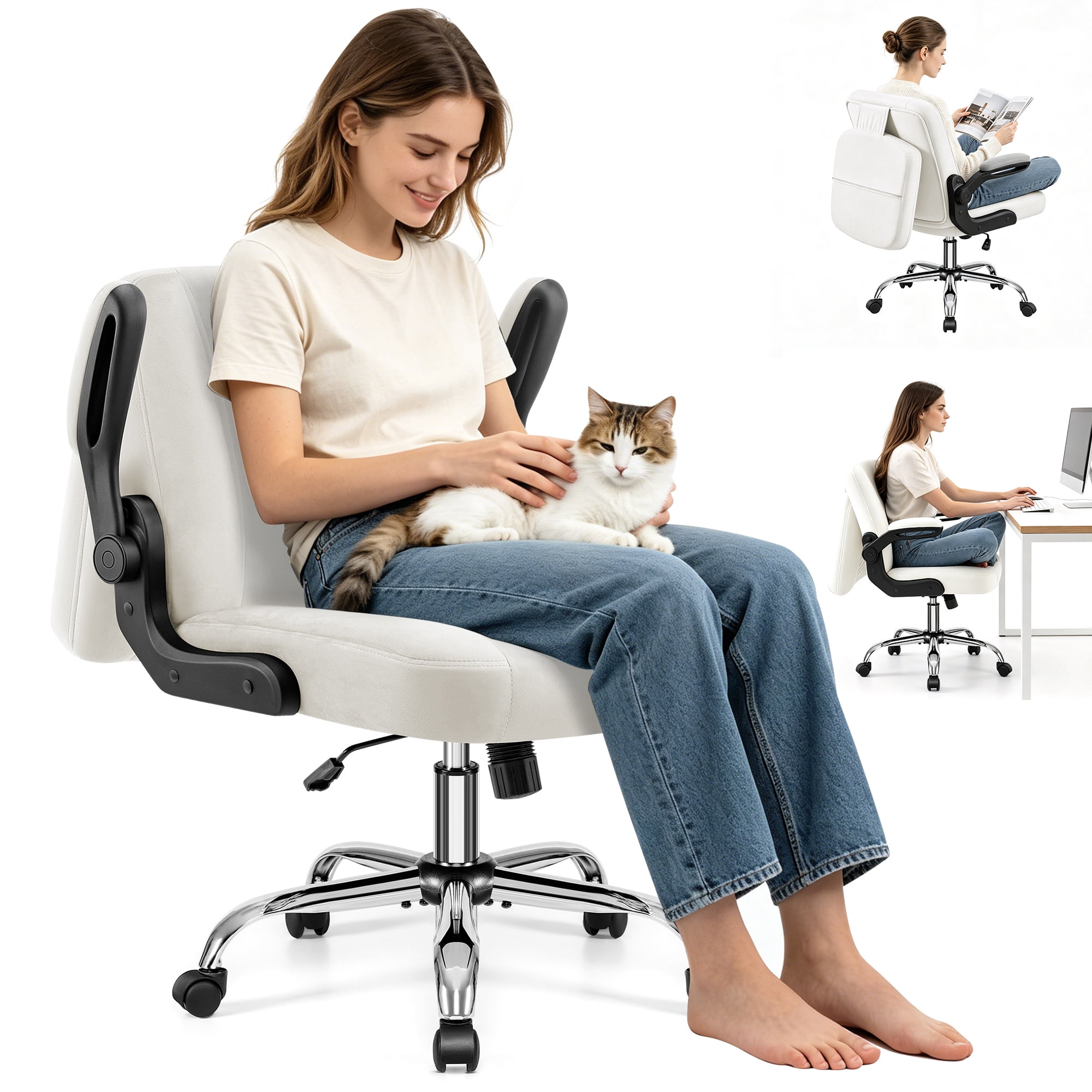
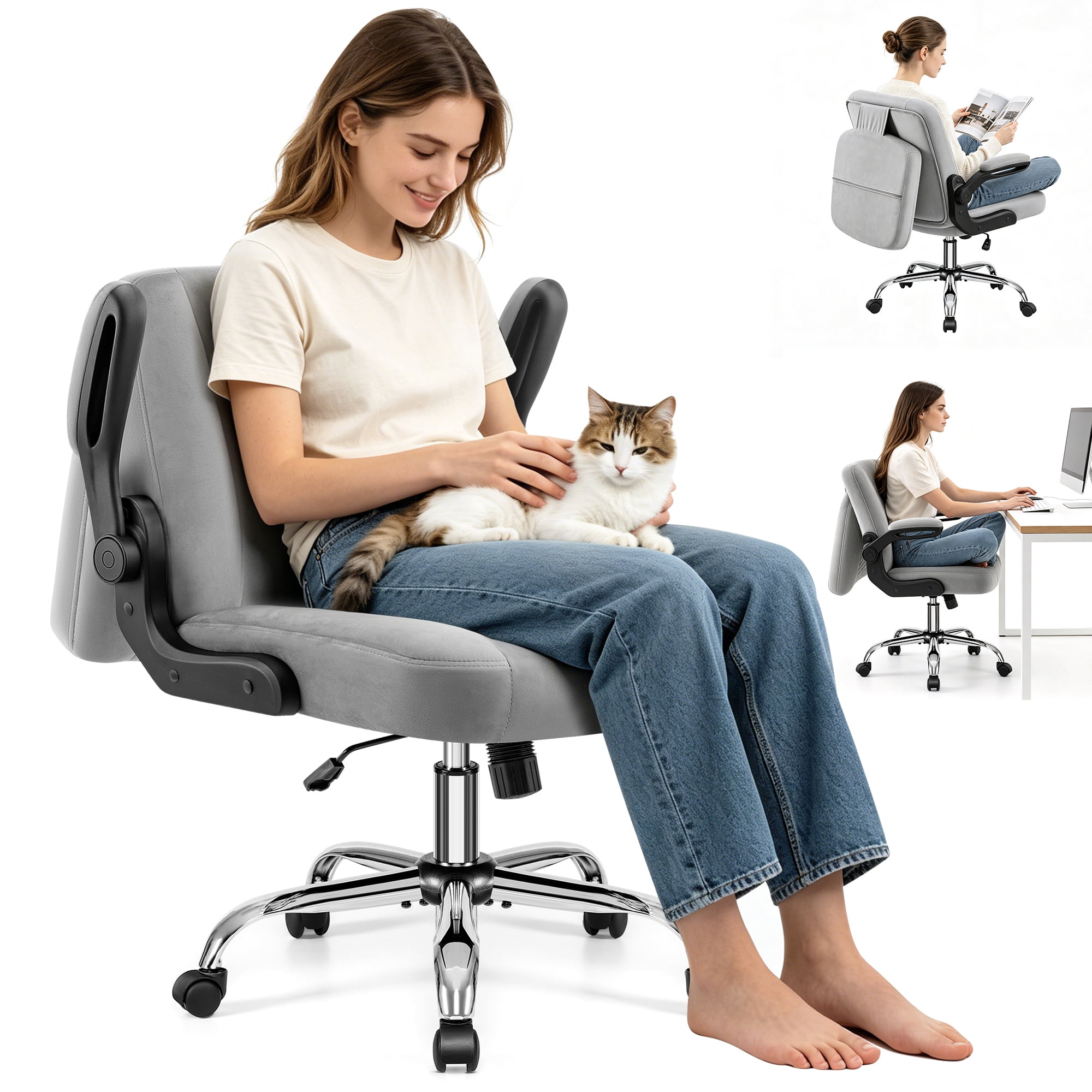
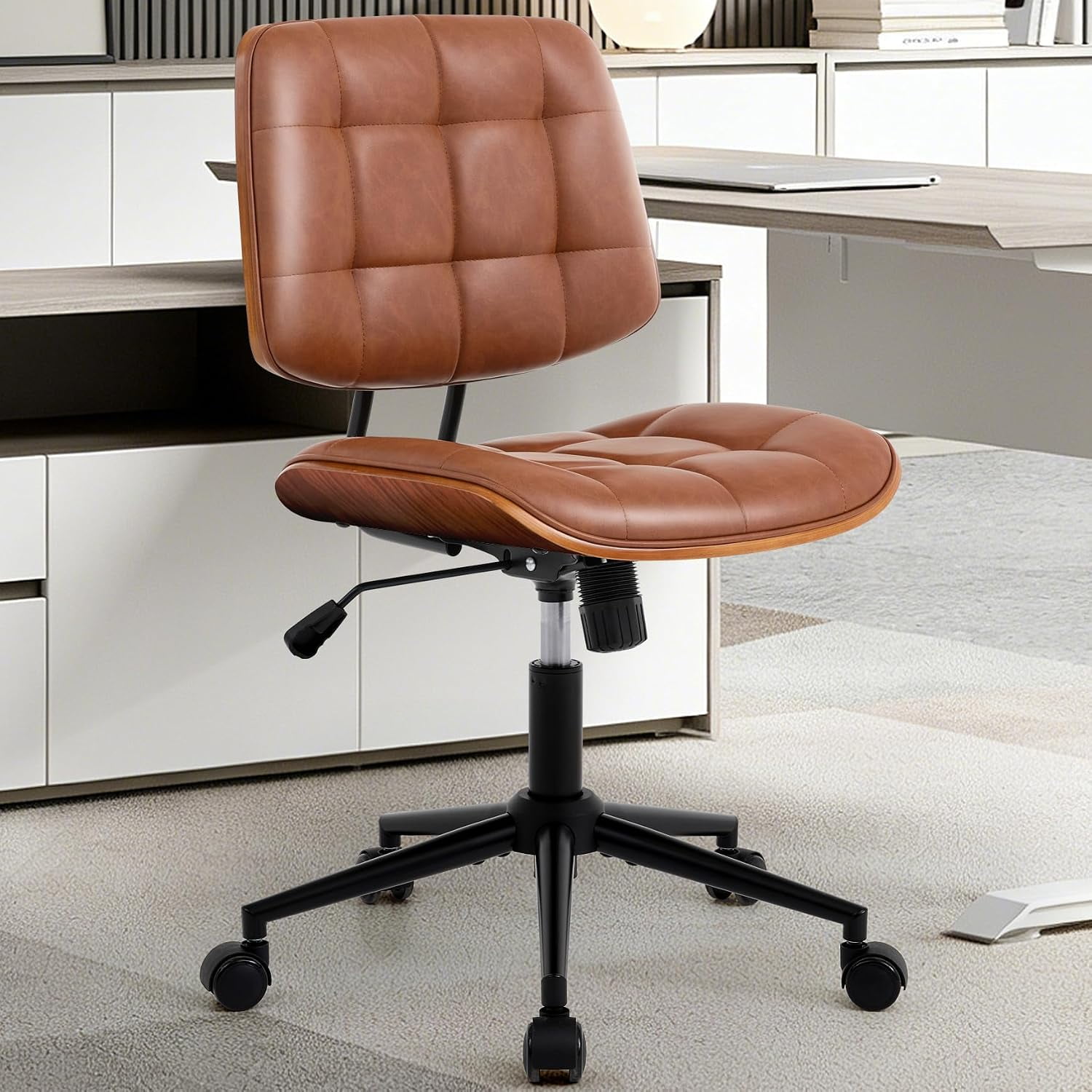
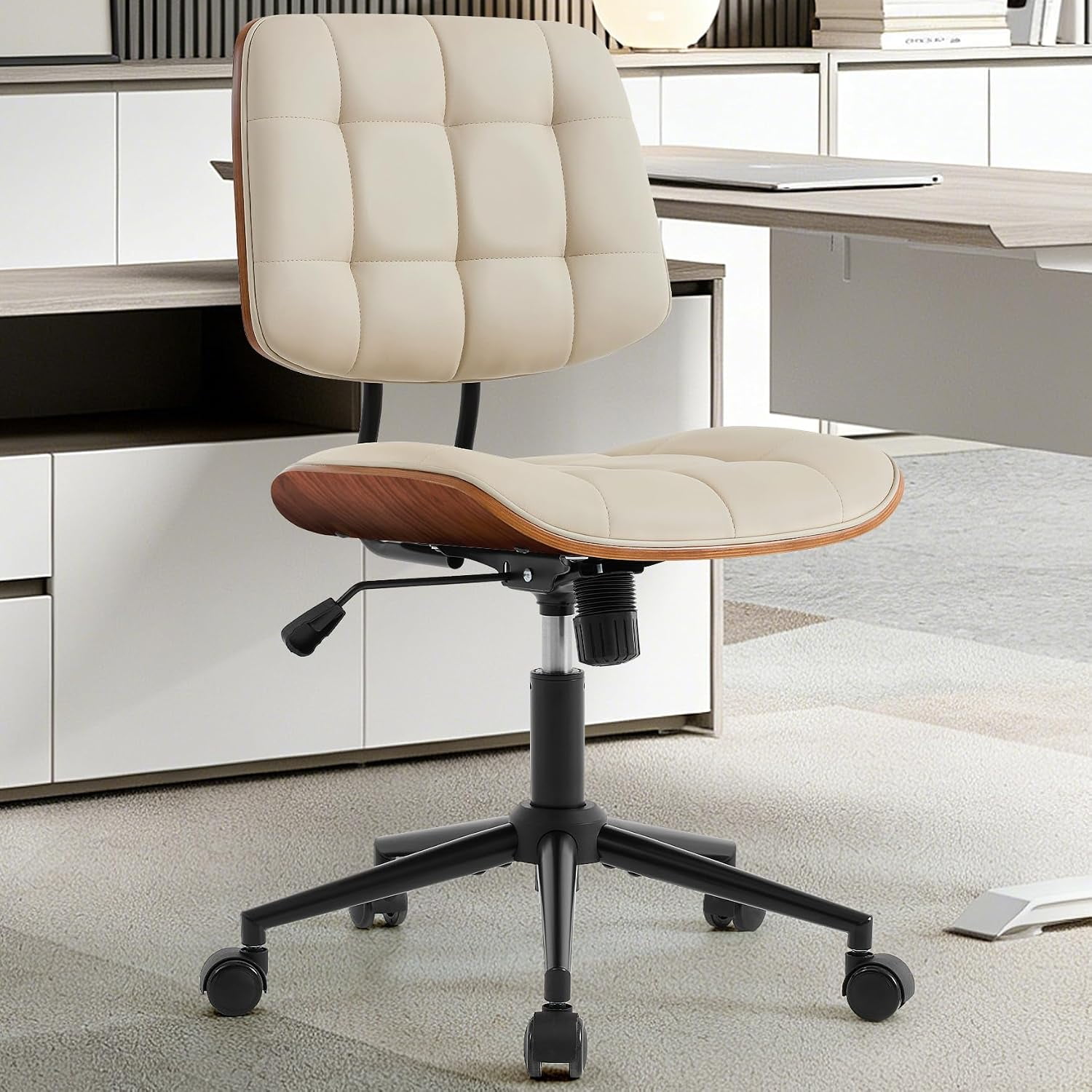
Why Choose an Office Chair with Moveable Arms?
If you spend more than a few hours at your desk, you've likely felt the strain in your shoulders, neck, or wrists. Often, the culprit is your chair's armrests. Fixed armrests lock you into a single position, forcing your body to adapt rather than the chair supporting you. This is where an office chair with moveable arms becomes a game-changer.
Ergonomic Insight: Studies show that adjustable armrests can reduce shoulder muscle activity by up to 25% and significantly lower the risk of repetitive strain injuries (RSIs). When your arms are properly supported, your neck and shoulders remain relaxed, improving focus and overall comfort.
Key Benefits of Moveable Arms
Unlike static armrests, moveable arms are designed to adapt to your body and your work. Here’s why they matter:
- Reduced Shoulder and Neck Tension: Properly positioned arms keep your shoulders relaxed and prevent hunching.
- Enhanced Typing Comfort: When arms are level with your desk, you reduce wrist extension and pressure on the carpal tunnel.
- Versatility for Different Tasks: Adjust arms for typing, writing, or even leaning back to read.
- Custom Fit for Every Body: Whether you're broad-shouldered or petite, moveable arms let you dial in the perfect width and height.
- Easy Desk Access: Some arms flip up or move back, allowing you to pull closer to your desk.
Understanding Armrest Adjustment Types (2D, 3D, 4D)
Not all moveable arms are created equal. The adjustment mechanism determines how much flexibility you get. Here’s a breakdown:
| Adjustment Type | Movements Allowed | Best For |
|---|---|---|
| 2D Armrests | Height (up/down) and Width (in/out) | Basic ergonomic needs, budget-friendly chairs |
| 3D Armrests | Height, Width, and Depth (forward/back) | Users who type a lot and need forearm support |
| 4D Armrests | Height, Width, Depth, and Angle/Pivot | Maximum customization, premium comfort for all-day use |
| Flip-Up Arms | Arms fold completely out of the way | Flexible workspaces, musicians, or users who need to push the chair under the desk |
Who Benefits Most from Moveable Arms?
While nearly everyone can benefit from adjustable armrests, certain groups find them indispensable:
Office Professionals
Reduce shoulder fatigue during long hours of typing and data entry.
Gamers
Maintain comfort during marathon sessions with precise arm support.
Executives
Project authority while enjoying personalized comfort for meetings and desk work.
Home Office Users
Adapt to multi-purpose desks and varying work-from-home setups.
What to Look For in a Chair with Moveable Arms
When shopping for an office chair with moveable arms, focus on these criteria to ensure you get the best value and comfort:
- Adjustment Range: Check the minimum and maximum height, and how far the arms can move inward/outward.
- Build Quality: Metal or reinforced plastic mechanisms last longer. Look for smooth, easy-to-use levers or knobs.
- Armrest Padding: Soft, contoured padding prevents pressure points on your elbows.
- Compatibility with Your Desk: Ensure the arms can be adjusted low enough to slide under your desk.
- Warranty: A good warranty (3+ years) indicates the manufacturer's confidence in the arm mechanism.
Remember, the best office chair with moveable arms is one that adapts to you, not the other way around. Take the time to test different adjustment types, or at least carefully review the specifications. Your shoulders and wrists will thank you.
Material & Durability Considerations for Adjustable Arms
The material and build of the armrest mechanism directly affect longevity and user experience. Here’s what you need to know about the different components:
Premium Materials
- Aluminum or Steel Cores: Provide sturdy, long-lasting support.
- Soft PU or Gel Padding: Offers superior comfort and reduces pressure on the ulnar nerve.
- High-Grade Plastics: Used in adjustment levers and knobs for smooth operation.
- Smooth Glide Mechanisms: Ensure effortless adjustment without sticking or grinding.
Signs of Lower Quality
- Thin Plastic Components: Prone to cracking or breaking under regular use.
- Hard, Unpadded Surfaces: Cause discomfort and pressure points.
- Flimsy Adjustment Levers: May strip or become stiff over time.
- Loose Fittings: Result in wobbly armrests that shift unexpectedly.
Step-by-Step Guide: Finding Your Perfect Armrest Position
Even the best moveable arms are useless if you don't set them correctly. Follow these steps for optimal ergonomic alignment:
Step 1: Start with Your Seat Height
Adjust your seat so your feet are flat on the floor and your thighs are parallel to the ground. Your knees should be at a 90-degree angle.
Step 2: Set Armrest Height
Adjust the armrest height so your elbows form a 90-degree angle when your hands rest on your keyboard. Your shoulders should remain relaxed, not shrugged.
Step 3: Adjust Armrest Width
Move the arms inward or outward so they sit directly under your elbows without forcing your arms outward or pinching them inward. Your wrists should remain straight.
Step 4: Set Armrest Depth (3D/4D Only)
Slide the arms forward or backward until the pad supports your forearm just behind the elbow. This ensures even distribution of weight.
Step 5: Angle Adjustment (4D Only)
Adjust the tilt of the armrest pad to match the natural angle of your forearm. This reduces pressure on the wrist and improves circulation.
Pro Tip: Re-evaluate your armrest settings every few months or if you change desks, keyboards, or work habits. Small adjustments can make a big difference in long-term comfort.
Frequently Asked Questions About Office Chairs with Moveable Arms
Conclusion & Final Recommendations
An office chair with moveable arms is more than just a convenience—it's a crucial ergonomic tool that protects your health and boosts productivity. By allowing you to customize the fit to your unique body and work style, these chairs help prevent common issues like shoulder stiffness, wrist pain, and poor posture.
Choosing the Right Chair for You
Choose 3D or 4D armrests for maximum forearm support. Look for padded, contoured surfaces.
Consider flip-up arms or chairs with a wide adjustment range to accommodate different users and desks.
2D adjustable arms provide solid basic support at an affordable price. Upgrade to better materials for durability.
Investing in a quality chair with moveable arms is investing in your well-being. Evaluate your needs, test different adjustment types if possible, and choose a chair that empowers you to work comfortably all day long. Your future self will thank you.