
Why Choose an Office Chair with Adjustable Arms and Lumbar Support?
In the modern workplace, where the average professional spends over 8 hours seated, the importance of an ergonomic office chair cannot be overstated. An office chair with adjustable arms and lumbar support is not just a piece of furniture—it's a crucial tool for maintaining your health, enhancing your productivity, and ensuring long-term well-being. Unlike standard chairs, these models are engineered to adapt to your unique body shape, providing personalized support that can dramatically reduce the risk of back pain, neck stiffness, and repetitive strain injuries.
Think of it this way: your office chair is the foundation of your work environment. Just as a solid foundation is critical for a building, a supportive and adjustable chair is essential for your body. Without proper support, you might find yourself slouching, leaning forward, or twisting your spine—all of which lead to fatigue, discomfort, and decreased focus. Investing in a chair that allows you to fine-tune the armrests and lumbar support is an investment in your most important asset: your health.
The Transformative Power of Adjustability: Arms and Lumbar in Sync
While many chairs offer basic adjustments, the true game-changer for comfort and spinal health is the combination of highly adjustable arms and dynamic lumbar support. These two features work in tandem to create a seating experience that feels custom-made for you. Let's delve into how each element contributes to a healthier, more productive workday.
1. Dynamic Lumbar Support: The Core of Spinal Health
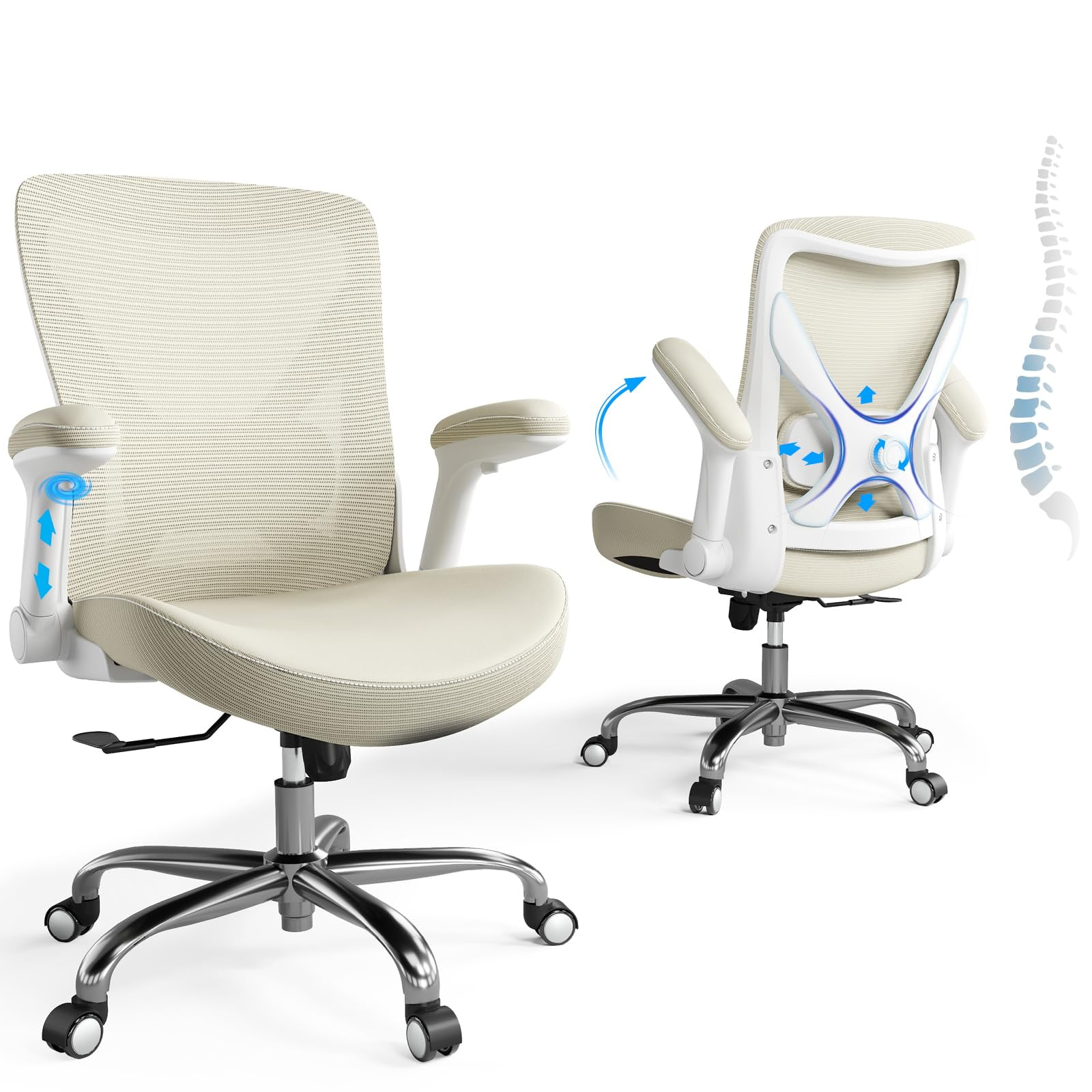
Lumbar support isn't just a cushion for your lower back; it's a mechanism that helps maintain the natural 'S' curve of your spine. When you sit for prolonged periods without support, your spine loses its natural curvature, leading to slouching and muscular strain. Adjustable lumbar support allows you to customize the firmness and position of the support pad. This is crucial because every person's spine is different. Some may require a more pronounced curve, while others need lighter support.
Industry Insight: Studies have shown that proper lumbar support can reduce disc pressure by up to 30% and increase blood flow to the back muscles. A chair with adjustable depth and height settings allows you to target the exact point where your spine needs the most support, effectively preventing the "hunchback" posture that plagues many desk workers.
Look for chairs that offer both height and depth adjustment for the lumbar support. This dual functionality ensures that the support fits perfectly against the curve of your lower back, regardless of your torso length. It's a feature that separates a good chair from a truly exceptional one.
2. Multi-Dimensional Armrests: Beyond Simple Height Adjustments
The arms of your chair do more than just hold your elbows. They play a vital role in preventing shoulder and neck tension. An office chair with adjustable arms allows you to position the armrests so that your shoulders remain relaxed and your forearms are parallel to the ground. This reduces the strain on your neck and upper back, which is often caused by holding your arms up to type or mouse.
Today, the best chairs offer multi-directional armrests (often called 3D or 4D). These allow you to adjust the:
- Height: Ensuring your arms can rest at a 90-degree angle.
- Width (In/Out): Accommodating different shoulder widths and allowing you to sit close to your desk.
- Depth (Forward/Backward): Supporting your forearms whether you are typing, reading, or leaning back.
- Pivot: Angling the armrest to match your natural arm position.
According to a 2023 ergonomic survey, 68% of office workers reported reduced shoulder pain after switching to a chair with 4D adjustable armrests. This feature is particularly beneficial for those who switch between typing and mousing, as it allows for dynamic support in all postures.
3. The Synergy of Arms and Lumbar: A Holistic Ergonomic Solution
When you combine excellent lumbar support with fully adjustable arms, you create a holistic ergonomic ecosystem. The lumbar support keeps your lower spine aligned, preventing compensatory slouching. Meanwhile, the adjustable arms support your upper body, preventing you from leaning on the desk or supporting your weight with your wrists. This synergy ensures that your entire body is in a neutral, relaxed posture, significantly reducing fatigue and increasing focus. For professionals seeking a good office chair for back pain, this combination is non-negotiable.
Quick Comparison: Standard vs. Fully Adjustable Chairs
| Feature | Standard Office Chair | Adjustable Arms & Lumbar Chair |
|---|---|---|
| Lumbar Support | Fixed or minimal adjustment | Height and depth adjustable |
| Armrest Adjustments | Height only (or none) | Height, width, depth, and pivot (3D/4D) |
| Posture Support | Often leads to slouching | Promotes neutral spine alignment |
| Pain Prevention | Minimal, may cause strain | Reduces back, neck, and shoulder pain |
| Productivity Impact | Limited focus due to discomfort | Enhanced focus and energy |
Your 4-Step Guide to Choosing the Perfect Chair
Selecting the right office chair with adjustable arms and lumbar support doesn't have to be complicated. Follow this simple, step-by-step guide to ensure you make a choice that supports your health and work style.
Step 1: Evaluate Your Workspace and Body
- Measure Your Desk Height: Ensure the chair's height range is compatible with your desk so your arms can rest at a 90-degree angle.
- Know Your Body: Consider your weight and height. Look for a chair with a weight capacity that accommodates you, and a seat depth that doesn't cut off circulation behind your knees.
Step 2: Prioritize Lumbar Adjustment
- Look for Dual Adjustment: The ability to adjust both the height and depth of the lumbar support is critical. This ensures the support fits your specific spinal curve.
- Test the Firmness: Some chairs offer adjustable firmness via a dial. This is a great feature if you prefer a firmer or softer feel against your back.
Step 3: Examine the Armrests
- Choose 3D or 4D Armrests: For maximum comfort, select a chair with armrests that move up/down, in/out, and forward/back. Pivot ability is a bonus.
- Check the Padding: Ensure the armrests have soft, durable padding that will be comfortable for long hours.
Step 4: Test and Compare
- Try Before You Buy (If Possible): Spend at least 15 minutes in the chair. Pay attention to how the lumbar support feels and how easily you can adjust the arms.
- Read Reviews: Look for feedback on durability and ease of adjustment from other users.
Long-Term Health Benefits of Ergonomic Seating
Reduced Back Pain
Proper lumbar support minimizes pressure on the lower spine, alleviating chronic pain.
Improved Posture
Adjustable features encourage a natural, upright posture, preventing slouching.
Enhanced Circulation
Correct seating angles allow for better blood flow, reducing leg fatigue and varicose vein risk.
Greater Productivity
Comfortable, pain-free work environments lead to sharper focus and higher output.
Frequently Asked Questions About Adjustable Office Chairs
Conclusion: Make the Smart Choice for Your Health
Investing in an office chair with adjustable arms and lumbar support is one of the most impactful decisions you can make for your professional life. The ability to customize your chair to fit your unique body contours is not a luxury—it's a necessity for preventing pain and boosting productivity.
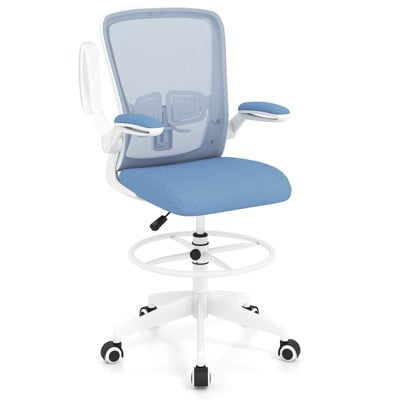
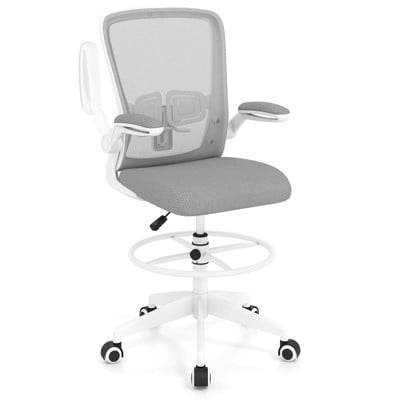
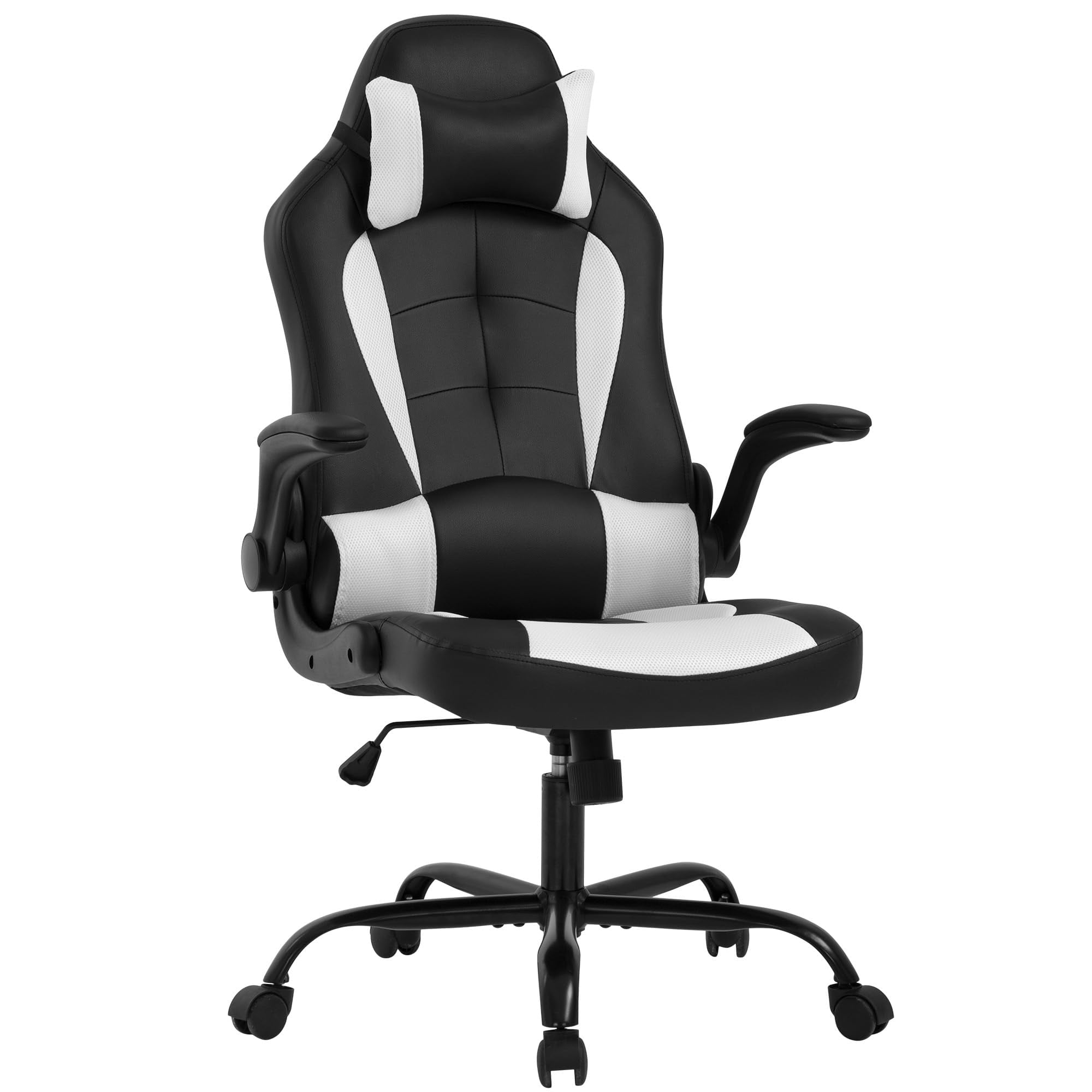
We recommend focusing on models that offer high adjustability, prioritizing dynamic lumbar support and 3D/4D armrests. Remember, the perfect chair is one that makes you feel supported without you even noticing it's there. By following our guide and exploring the top-rated products featured above, you'll be well on your way to a healthier, more comfortable workday.