
Your Complete Guide to Office Chair Handles
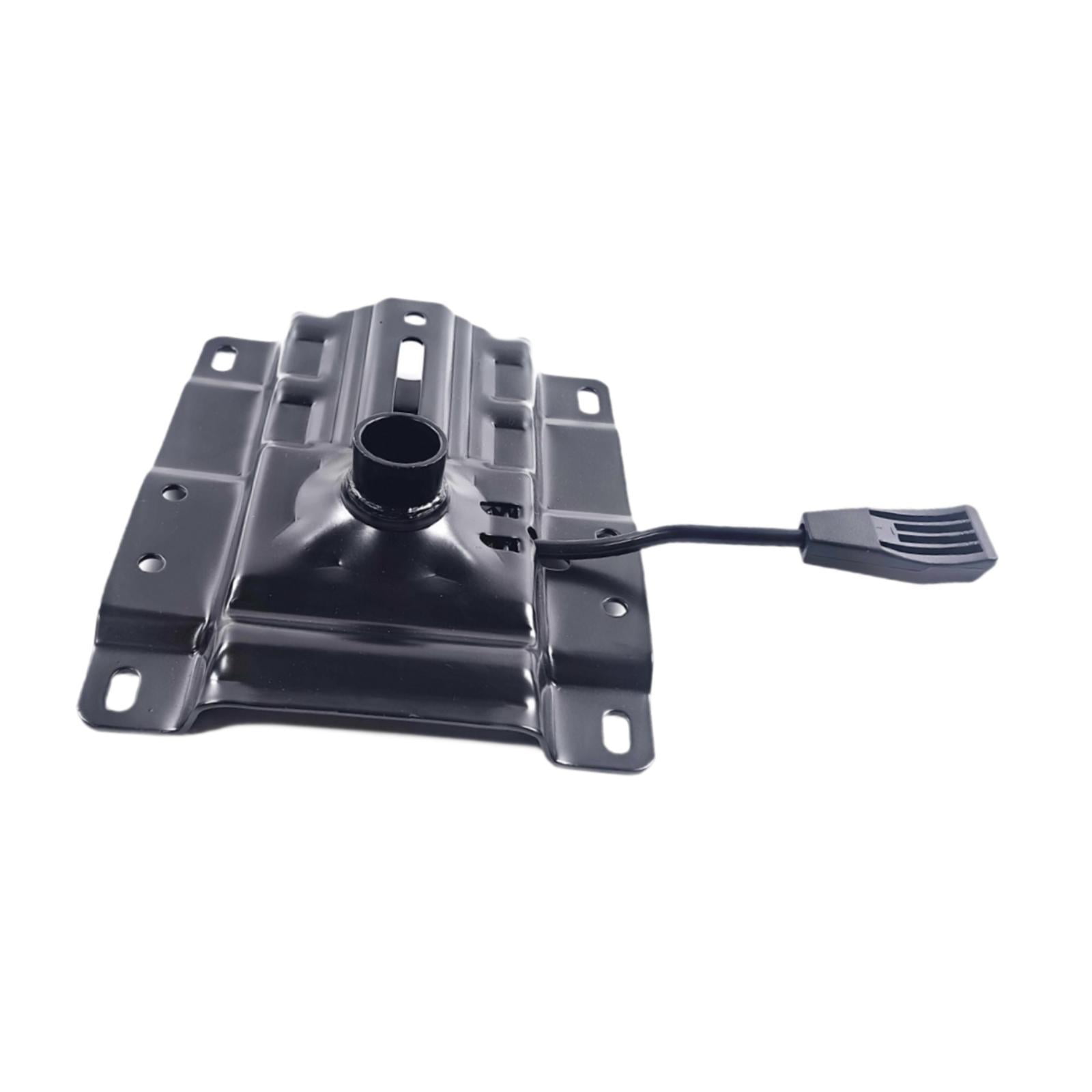
Whether you call it a handle, lever, or control, this small component plays a huge role in your daily comfort. The office chair handle is the gateway to ergonomic customization—adjusting height, tilt, and armrests with just a pull or push. Yet, many users ignore or misuse these controls, leading to poor posture and discomfort.
Ergonomic Insight: Studies show that over 60% of office workers never adjust their chair handles after the first use. This leads to misaligned spines and reduced productivity. Learning how to use your chair's levers can reduce back pain by up to 40%.
Why the Handle Matters More Than You Think
Most people think of a chair handle as just a simple lever. But in ergonomic design, it’s the command center for your seating experience. The handle connects you to the chair's internal mechanisms: pneumatic cylinders, tension springs, and locking systems. Mastering these controls means you can:
- Fine-tune seat height for optimal knee and hip angles (90° – 100°).
- Lock the tilt to prevent unwanted rocking during focused work.
- Adjust armrests to reduce shoulder tension and prevent repetitive strain.
- Activate recline tension for dynamic sitting that supports spinal movement.
Types of Office Chair Handles
Not all handles are created equal. Here’s a breakdown of the most common types you'll encounter on modern ergonomic chairs:
| Handle Type | Primary Function | Where to Find |
|---|---|---|
| Height Adjustment Lever | Raises or lowers the seat (gas cylinder) | Under the seat, usually on the right side |
| Tilt Lock Lever | Locks the backrest in a fixed position or allows free movement | Under the seat or on the side panel |
| Tilt Tension Knob/Handle | Controls the resistance when leaning back | Under the seat, often round or a small lever |
| Armrest Adjustment Toggle | Moves armrests up/down, in/out, or rotates | Underneath or on the side of the armrest |
| Lumbar Support Lever | Adjusts the depth or height of lumbar support | On the backrest or side of the chair |
Step-by-Step: How to Use Your Office Chair Handle Correctly
Using your chair handle properly can transform your workday. Follow these steps to get the most out of your chair’s controls:
Step 1: Identify All Handles
Before adjusting anything, locate every lever or handle on your chair. Look under the seat, on the sides, and beneath the armrests. Many chairs have multiple controls—knowing which does what is the first step.
Step 2: Adjust Seat Height First
While sitting, pull the height adjustment handle up (or push it down) to release the gas cylinder. Let your feet rest flat on the floor with knees at a 90° angle. Release the handle to lock the height.
Step 3: Set the Recline Tension
Find the tension knob (sometimes a handle). Turn it clockwise to increase resistance (harder to recline) or counterclockwise to decrease resistance. This helps you lean back comfortably without straining.
Step 4: Lock the Tilt (If Desired)
If you prefer a fixed backrest, pull the tilt lock lever until it clicks. Your backrest will now stay in an upright position. For rocking mode, push the lever to the unlock position.
Step 5: Fine-Tune Armrests
Use the armrest handle or button to adjust height, width, or angle. Your elbows should rest comfortably at a 90° angle, with shoulders relaxed. This reduces neck and shoulder fatigue significantly.
Common Problems and Quick Fixes
Even the best handles can wear out or malfunction. Here are common issues and how to resolve them:
- Stiff handle: Often caused by dust or dried lubricant. Spray a silicone-based lubricant on the moving parts and work the handle back and forth.
- Handle doesn’t lock: The cable or gear may be loose. Check if the bolt is tightened. If not, you may need a replacement part.
- Armrest won’t adjust: Some models have a lock button. Press it firmly while moving the armrest. If still stuck, remove the armrest and clean the track.
- Height adjustment fails: The gas cylinder is likely worn out. While costly, replacing the cylinder restores full function.
Ergonomic Benefits of Proper Handle Use
When you actively use your chair's handles, you're not just adjusting a seat—you're investing in your health. Here’s how:
Reduced Spinal Load
Proper height and tilt reduce pressure on the lumbar spine by up to 35%.
Less Shoulder Tension
Adjustable armrests prevent hunching, cutting shoulder pain by nearly half.
Improved Blood Flow
Dynamic recline encourages movement, improving circulation and reducing leg swelling.
Boosted Focus
Comfortable, well-adjusted chairs lead to fewer distractions and better concentration.
Choosing a Chair with the Right Handles
When shopping for a new office chair, the handle system should be a priority. Look for these features:
- Intuitive placement: Handles should be within easy reach without bending.
- Durable materials: Metal or reinforced plastic handles last longer than flimsy plastic.
- Multiple adjustments: The more controls (height, tilt, armrest, lumbar), the better the ergonomic fit.
- Clear labeling: Some chairs have icons indicating what each handle does—great for quick adjustments.