
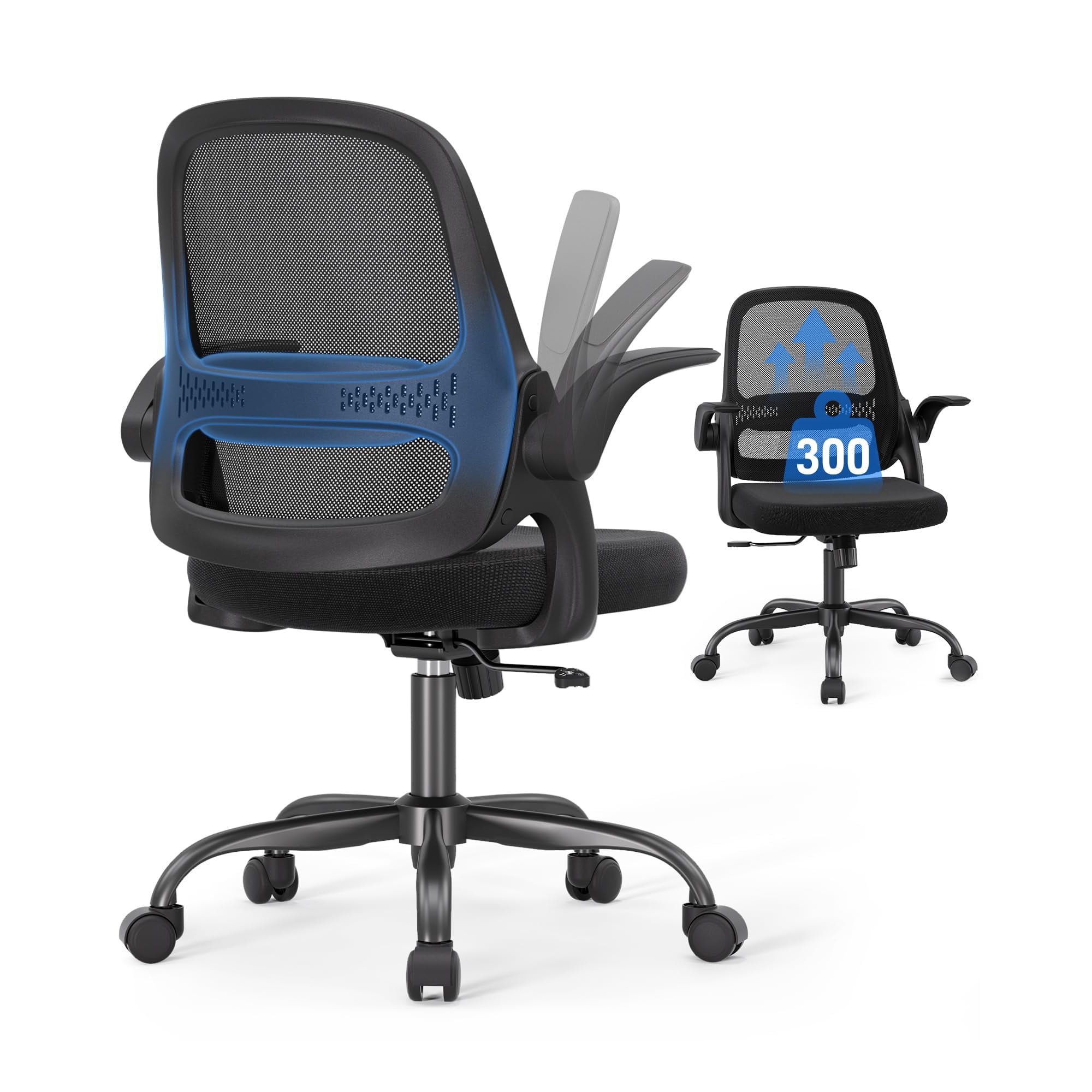
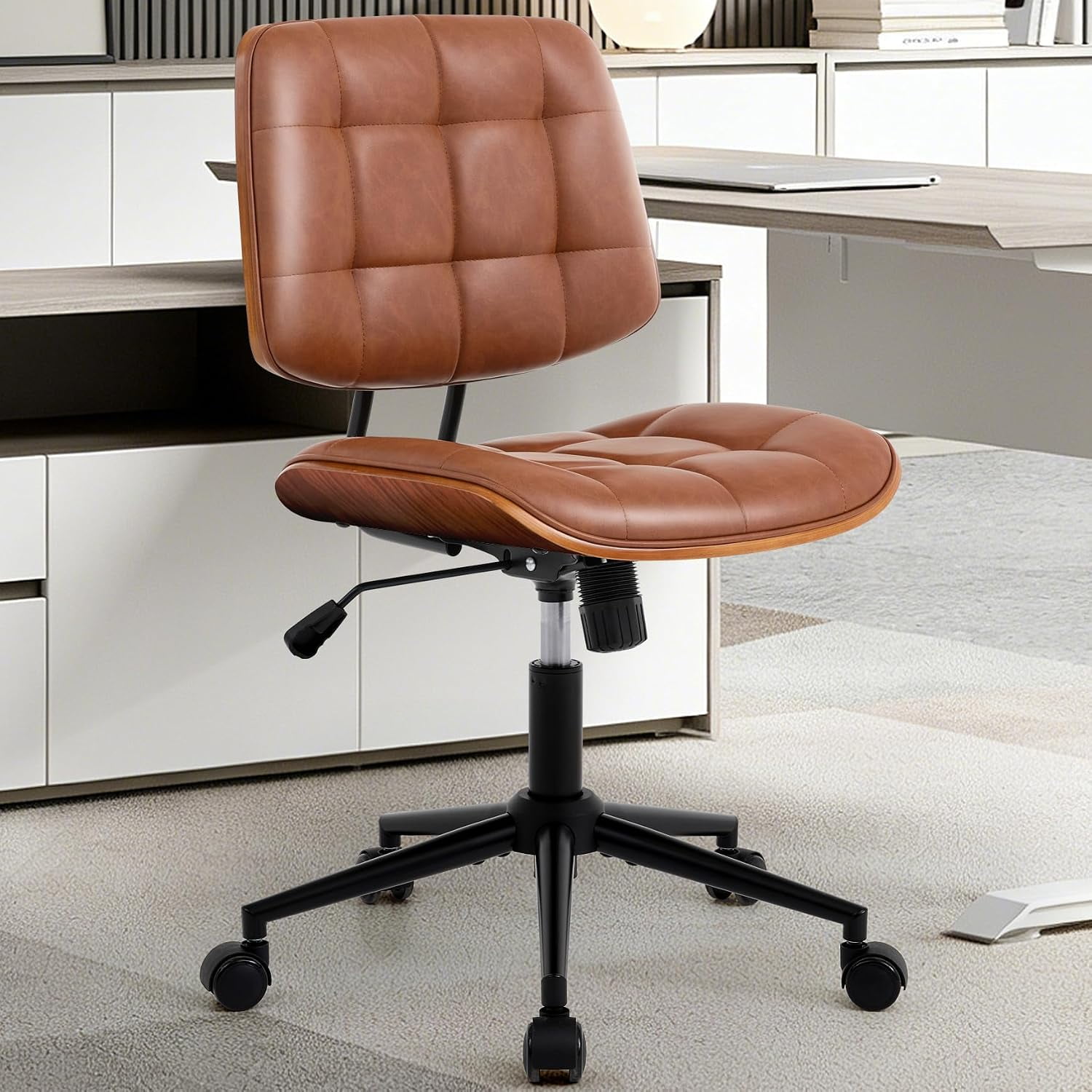
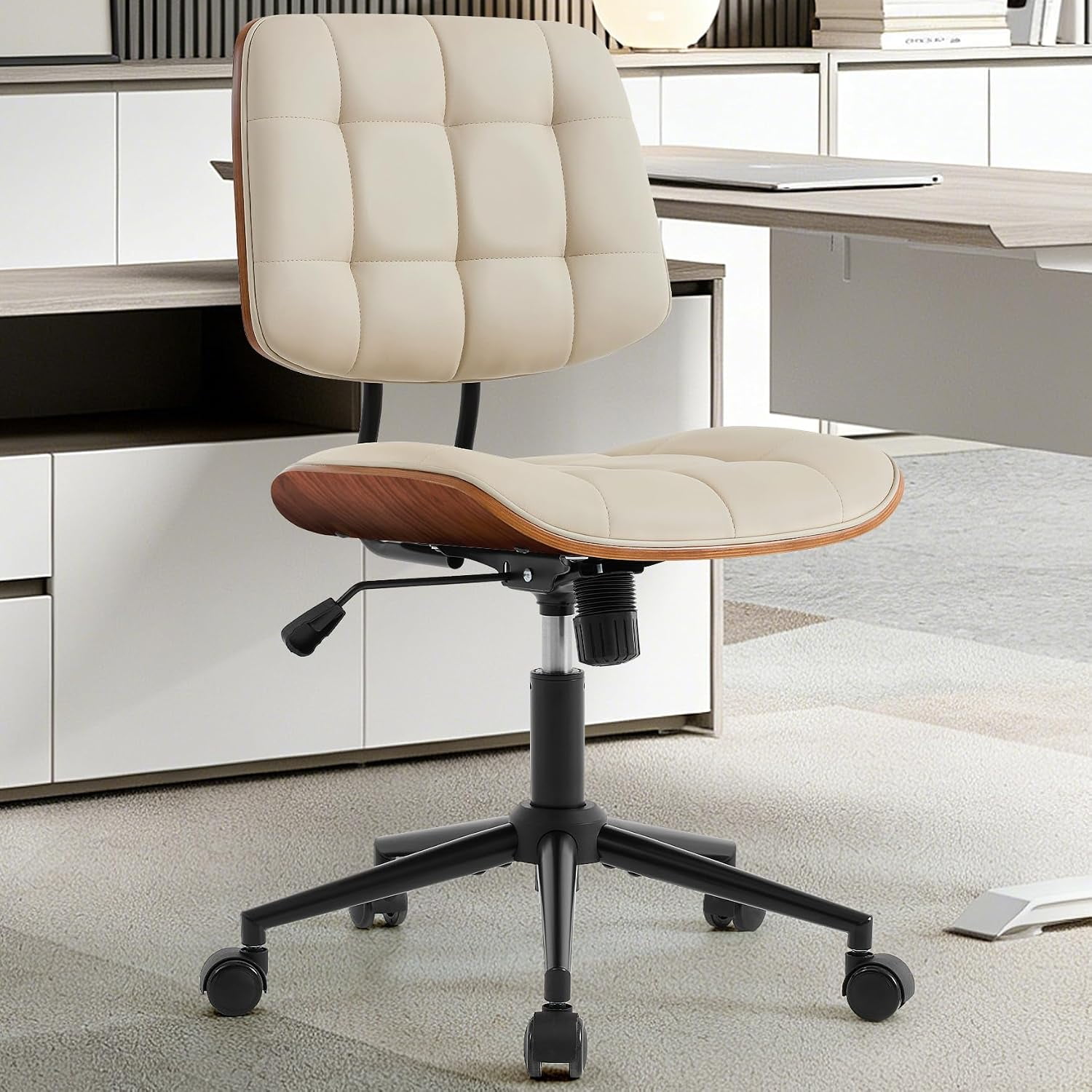
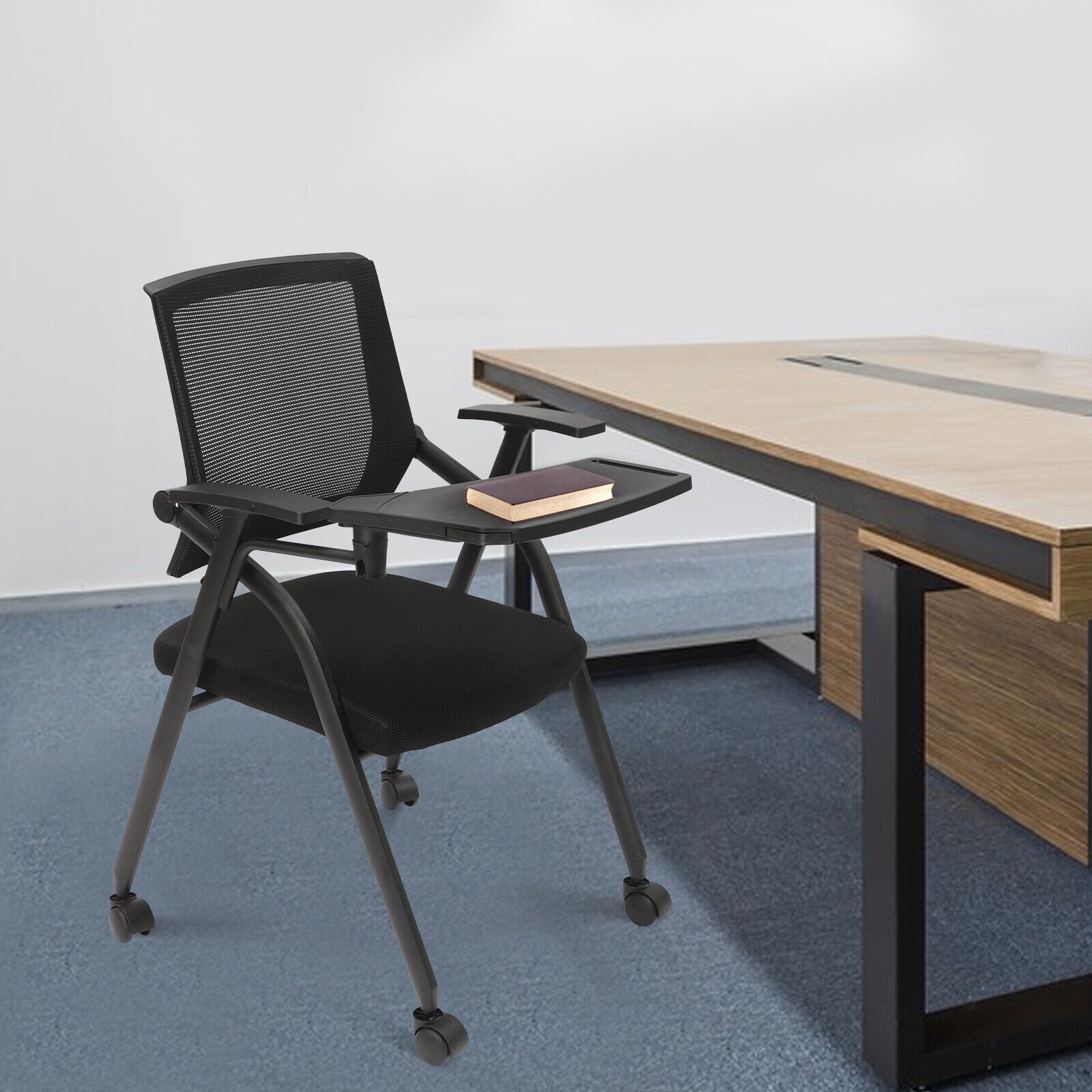
Why Choose a Narrow Office Chair With Arms?
In today's dynamic work environments, space is often at a premium. A narrow office chair with arms offers the perfect balance between comfort and compact design, allowing you to create an efficient workspace without compromising on ergonomic support.
Space-Saving Insight: According to interior design experts, choosing a narrow office chair can increase usable floor space by up to 30% in smaller offices. This makes it an essential choice for home offices, shared workspaces, and modern cubicle environments.
Key Benefits of Narrow Office Chairs
Narrow office chairs with arms provide several distinct advantages that make them ideal for space-conscious professionals:
- Space Efficiency: Compact footprint allows easy movement in tight spaces
- Ergonomic Support: Designed with adjustable features for personalized comfort
- Professional Appearance: Modern designs suitable for executive and home offices
- Versatile Placement: Fits comfortably under most desks and in small corners
- Durability: Built with quality materials to withstand daily use
Understanding Narrow Chair Dimensions
When shopping for a narrow office chair, understanding the key measurements is crucial for ensuring the perfect fit. Here's what you need to consider:
Seat Width
The most critical dimension for a narrow chair. Look for options between 18-22 inches for optimal comfort without taking up unnecessary space.
Arm Width
Measure the distance between armrests when fully extended. Narrow chairs typically range from 15-19 inches between arms.
Base Diameter
The chair's base should fit within your workspace. Most narrow chair bases measure 24-26 inches in diameter.
Overall Height
Consider the total height when fully extended, especially if you need to fit under a desk or in a confined area.
Ergonomic Considerations for Narrow Chairs
Despite their compact size, narrow office chairs can provide excellent ergonomic support when designed properly. Here are key features to look for:
| Ergonomic Feature | Importance for Narrow Chairs | What to Look For |
|---|---|---|
| Adjustable Lumbar Support | Essential for maintaining spine health during long work sessions | Height and depth adjustable lumbar padding |
| Seat Depth Adjustment | Ensures proper thigh support despite narrower width | Slide mechanism for seat depth (2-3 inches adjustment) |
| Armrest Adjustability | Critical for proper shoulder and wrist positioning | Height-adjustable arms with pivot or width adjustment |
| Tilt Mechanism | Promotes movement and dynamic sitting | Multi-tilt or synchronized tilt with tension control |
| Caster Quality | Important for mobility in tight spaces | Dual-wheel casters with smooth rolling action |
Space-Saving Design Features
Modern narrow office chairs incorporate innovative design elements that maximize functionality while minimizing their footprint:
Top Space-Saving Features
- Flip-Up Arms: Allows the chair to be pushed closer to the desk when not in use
- Thin Back Design: Slimmer backrest for reduced overall depth
- Compact Base: Smaller wheelbase diameter for easier maneuverability
- Weight-Adjustable Tilt: Customizable resistance without bulky mechanisms
- Quick-Release Gas Cylinder: Allows for easy height adjustment without additional space requirements
Narrow Chair vs. Standard Chair
Understanding the differences between narrow and standard office chairs helps you make an informed decision:
| Feature | Narrow Office Chair | Standard Office Chair |
|---|---|---|
| Seat Width | 18-22 inches | 22-28 inches |
| Overall Width | 22-26 inches (with arms) | 26-32 inches (with arms) |
| Ideal For | Small offices, cubicles, home workspaces | Spacious offices, executive suites |
| Weight Capacity | 250-300 lbs typical | 300-400 lbs typical |
| Arm Adjustability | Often 2D or 3D adjustable | Often 4D adjustable |
Choosing the Right Narrow Office Chair
Follow this step-by-step guide to select the perfect narrow office chair with arms for your workspace:
Step 1: Measure Your Space
- Measure the available floor space in your workspace
- Check the clearance under your desk (height and depth)
- Consider the turning radius needed for movement
Step 2: Consider Your Body Type
- Measure your hip width and shoulder width
- Consider your height and leg length
- Think about your sitting posture and preferences
Step 3: Evaluate Features and Adjustability
- Prioritize chairs with adjustable seat height and depth
- Look for chairs with lumbar support adjustment
- Consider armrest adjustability options
Step 4: Test Comfort and Support
- Check the seat cushion firmness and contour
- Test back support and recline functionality
- Ensure armrests support your forearms comfortably
Pro Tip: Optimizing Your Narrow Chair Setup
Position your narrow office chair so that your elbows form a 90-degree angle when typing, and your feet rest flat on the floor. This alignment helps maximize the ergonomic benefits of your chair, even in a compact workspace.