
Decoding Back Support: Your Guide to Ergonomic Relief
For millions of people who spend their days seated, the quest for the perfect ergonomic office chair back support is more than a matter of comfort—it's a critical component of long-term health. Think of your spine as a carefully stacked tower of blocks. Without the right support, that tower begins to lean, putting stress on the blocks (your vertebrae) and the elastic bands holding them together (your muscles and ligaments). An ergonomic chair acts as the stabilizing frame, keeping everything aligned and functioning as it should.
Did you know? The human spine is not designed for static, prolonged sitting. Research published in the journal 'Spine' indicates that sitting increases disc pressure by up to 40% compared to standing. A well-designed ergonomic chair with targeted back support can counteract this pressure, helping to maintain the spine's natural 'S' curve and reduce the risk of chronic pain.
The Anatomy of Effective Back Support
Not all back support is created equal. A truly effective ergonomic chair addresses the back in three key zones: the lumbar (lower back), thoracic (mid-back), and cervical (neck) regions. Here’s a breakdown of what to look for:
Types of Lumbar Support Mechanisms
Manufacturers use different mechanisms to provide lumbar support. Understanding these can help you choose the one that feels best for you.
- Built-in Curvature: The backrest has a permanent, fixed curve. This is the most basic type and may not fit everyone's spine perfectly.
- Adjustable Pad: A separate pad that can be moved up and down, and sometimes in and out. This is a very popular and effective mid-range solution.
- Dynamic, Self-Adjusting: The lumbar area is tensioned with a flexible material or spring that automatically adapts to your movements, providing support as you shift. Often found on higher-end chairs.
- Air Lumbar: Uses air bladders that can be inflated or deflated to precisely control the amount and location of support. This is a premium feature offering the highest level of customization.
The Perfect Seat: A Step-by-Step Adjustment Guide
Even the best chair won't help if it's not adjusted for your body. Think of this as a quick tune-up for your workstation. Follow these steps to ensure your back support is working optimally:
- Set Your Seat Height: Sit with your feet flat on the floor. Your knees should be at a 90-degree angle, with your thighs roughly parallel to the floor. This ensures proper circulation and a stable base.
- Adjust Seat Depth: You should be able to fit 2-3 fingers between the back of your knee and the edge of the seat pan. This prevents pressure on the soft tissues behind your knees.
- Find Your Lumbar Support: While sitting upright, adjust the lumbar support's height until its most prominent point fits snugly into the curve of your lower back. If it has depth adjustment, increase it until you feel gentle, even pressure—not a painful poke.
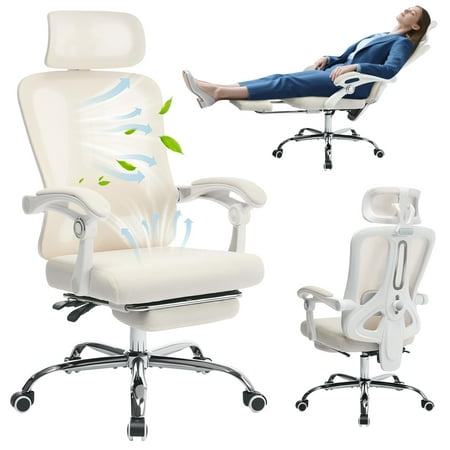
- Set Backrest Angle and Tension: Engage the recline function. The tension should be strong enough to support you when upright but light enough to allow you to lean back comfortably. Your back should remain in contact with the lumbar support even when reclined slightly.
- Adjust Armrests (if available): Set them so your shoulders are relaxed, and your elbows form an "L" shape. Your forearms should rest lightly on the desk or armrests.
A quick tip: Spend 5-10 minutes fine-tuning these adjustments at the start of your workweek. Your body will thank you.
Materials Matter: Mesh vs. Foam for Back Health
The material of the backrest plays a significant role in both comfort and support.
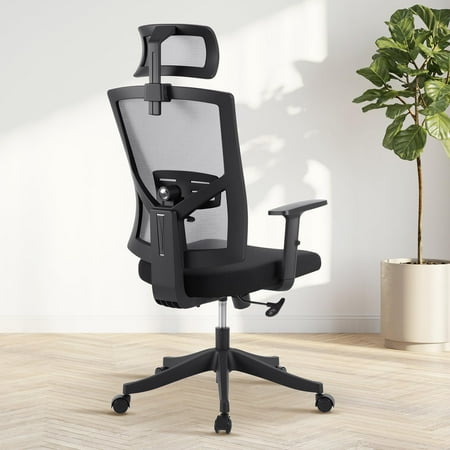
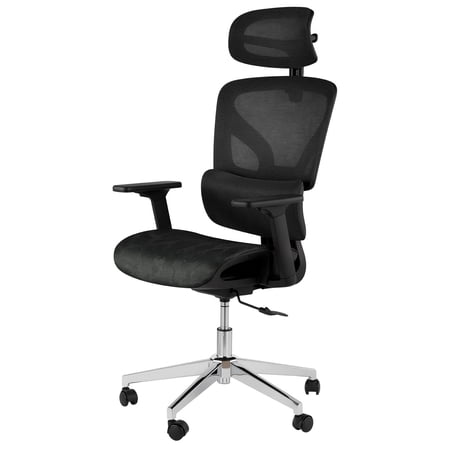
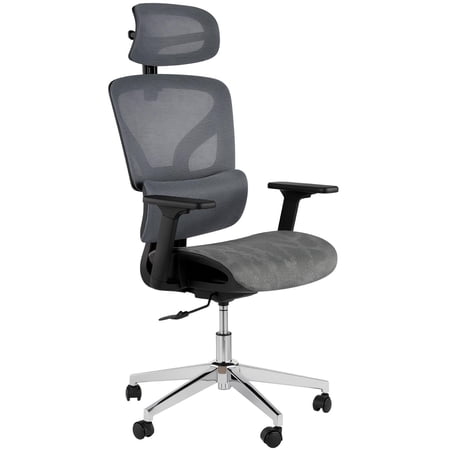
- Mesh Backs: These are excellent for breathability, keeping you cool during long hours. They provide a flexible, conforming support that adapts to your shape. Look for mesh with variable tension—firmer in the lumbar area and more pliable in the upper back.
- Foam Backs (often upholstered in fabric or leather): These offer a more solid, "hugging" feel. High-quality foam, like memory foam or cold-cured foam, provides durable and consistent support. They can be warmer than mesh but often create a more luxurious, executive feel.
Your choice depends on your climate and personal preference for a "bouncy" vs. a "solid" feel.