
Why an Electronic Office Chair Redefines Your Workday
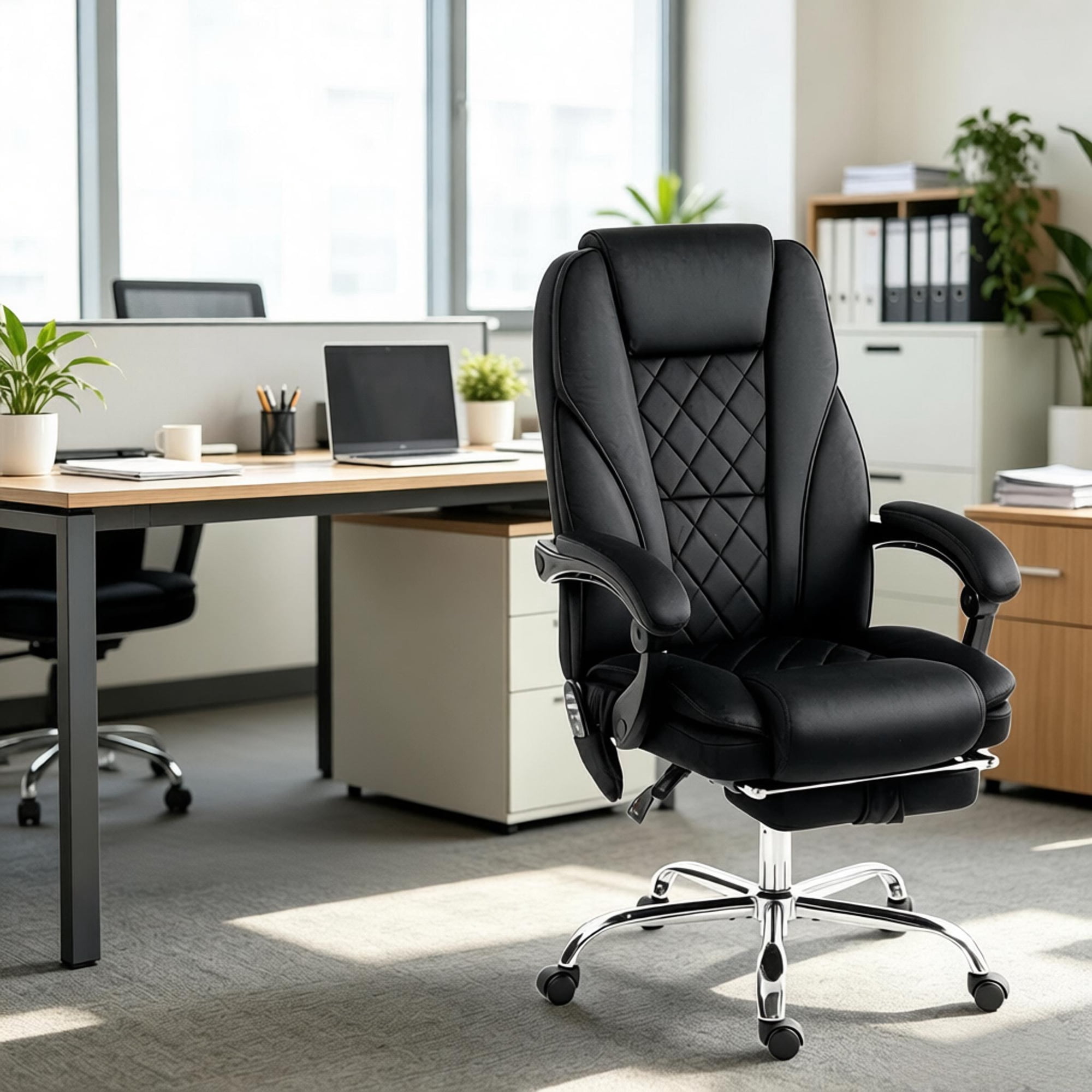
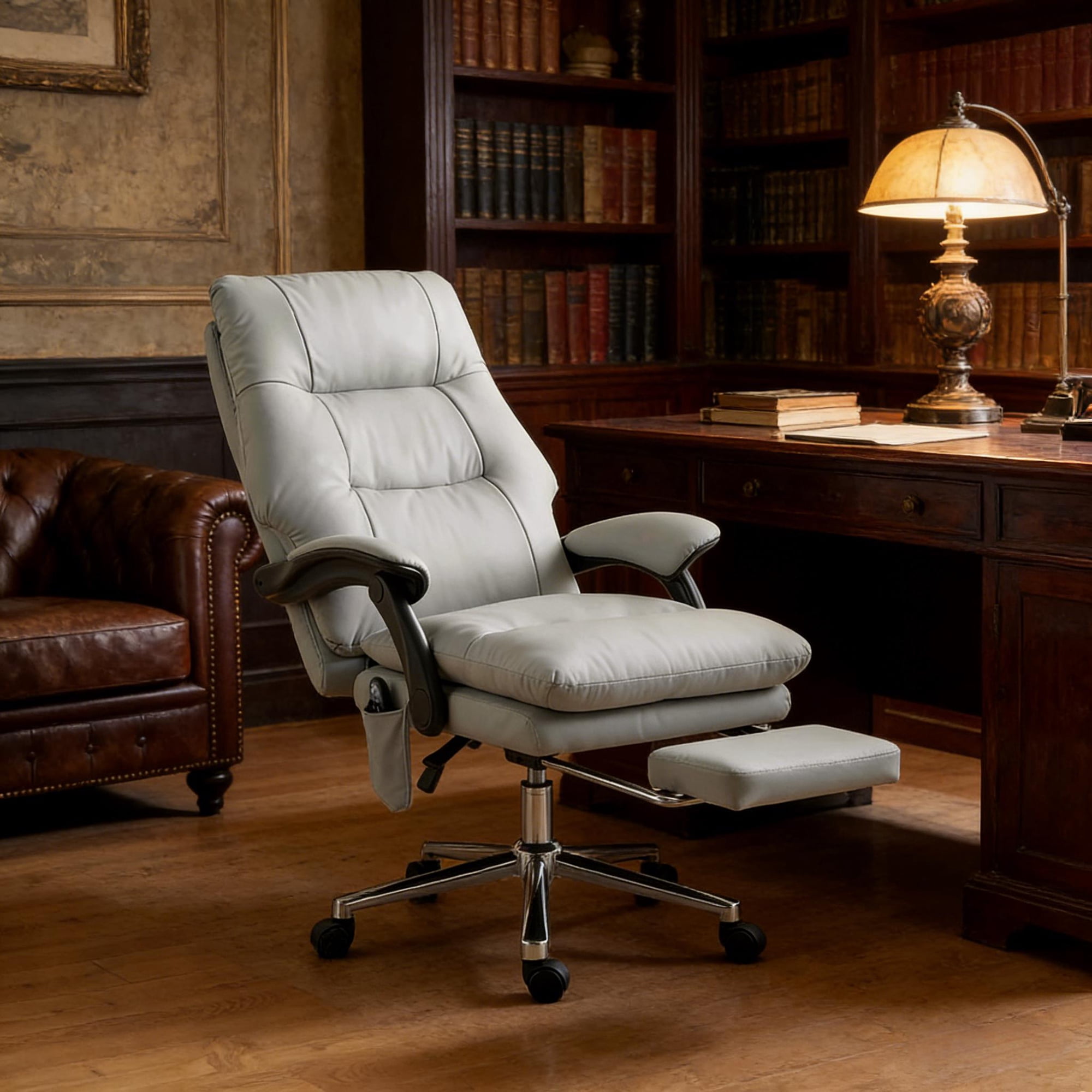
Imagine a chair that adapts to you—instantly, silently, and precisely. An electronic office chair is no longer a futuristic luxury but a practical tool for executives, remote professionals, and anyone who spends significant hours at a desk. By integrating motorized adjustments, these chairs eliminate the guesswork of manual levers and allow seamless transitions between active work and relaxation modes.
Ergonomic insight: Studies by the Human Factors and Ergonomics Society indicate that dynamic seating (changing posture frequently) reduces lower back strain by nearly 34%. Electronic chairs enable effortless micro-adjustments throughout the day, helping maintain spinal alignment without interrupting workflow.
Key Innovations in Electronic Office Chairs
Modern electronic seating solutions bring advanced engineering to the office. Here’s what sets them apart from conventional ergonomic chairs:
- Power-Adjustable Lumbar Support: Fine-tune the depth and height of lumbar curvature using a built-in motor, ensuring continuous lower back contact even when leaning back.
- Memory Presets (1–4 positions): Save your ideal upright typing position, a relaxed recline for calls, and a third for media consumption. Instantly switch with the press of a button.
- Silent Recline Mechanism: Electronic recline allows you to lean back smoothly without the sudden jerk of spring-based chairs, reducing distraction and improving relaxation.
- Integrated Smart Sensors: Some premium models track sitting time and posture, sending gentle reminders to adjust or stand, promoting healthy movement habits.
- USB Charging Ports: Keep your phone or tablet charged directly from the chair base, reducing cable clutter.
Who Benefits Most from an Electronic Office Chair?
Comparison: Electronic vs. Manual Office Chairs
| Feature | Electronic Office Chair | Manual Chair |
|---|---|---|
| Adjustment Ease | Push-button, while seated, infinite positions | Lever/knob, often requires standing |
| Lumbar Support | Motorized depth/height, dynamic response | Manual slider or fixed |
| Memory Settings | 1–4 programmable positions | Not available |
| Recline Control | Smooth motorized tilt, angle lock | Spring tension, friction knob |
| Price Range | $700 – $2,500+ | $300 – $1,200 |
| Best Suited For | Long hours, shared offices, posture-conscious users | Budget-focused, occasional use |
✅ Advantages
- Effortless micro-adjustments without interrupting focus
- Enhanced comfort via programmable memory for different activities
- Ideal for multi-user households or offices – each user saves personal settings
- Often include premium materials like memory foam + breathable mesh or leather
- Future-ready: integrates with sit-stand desks for full ergonomic ecosystem
⚠️ Considerations
- Higher upfront investment compared to manual chairs
- Requires power source (battery or outlet) – may need cord management
- Electronics add complexity; choose brands with robust warranties
- Heavier frame due to motors – less portable
Smart Features to Look For: Your Buying Checklist
When selecting the perfect electronic office chair, don’t settle for basic power height. Evaluate these advanced capabilities:
- Motorized Seat Depth Adjustment – Allows proper thigh support regardless of leg length.
- Independent Backrest & Seat Tilt – Separate motors for seat angle and backrest give customized posture.
- Wireless Remote / App Control – Some high-end models let you adjust via smartphone for futuristic convenience.
- High Weight Capacity & Sturdy Base – Aim for 300 lb minimum; heavy-duty versions up to 500 lbs with reinforced electric lift.
- Certified Ergonomics (BIFMA) – Ensures durability and safety standards for commercial use.
Pro tip: If you work in a shared office environment, an electronic chair with memory presets eliminates constant fiddling. Each user can store their perfect alignment, reducing friction and boosting productivity.
Maintenance & Longevity of Electronic Office Chairs
High-quality electronic seating can last 7–12 years with proper care. Keep the mechanisms clean and avoid overloading weight limits. For battery-powered models, recharge according to manufacturer guidelines—typically every 2–4 weeks. Check motor connections annually; most brands provide replacement parts. Look for warranties covering at least 5 years on electrical components and lifetime on frame to safeguard your investment.