
Why Adjustable Armrests Matter for Your Workday
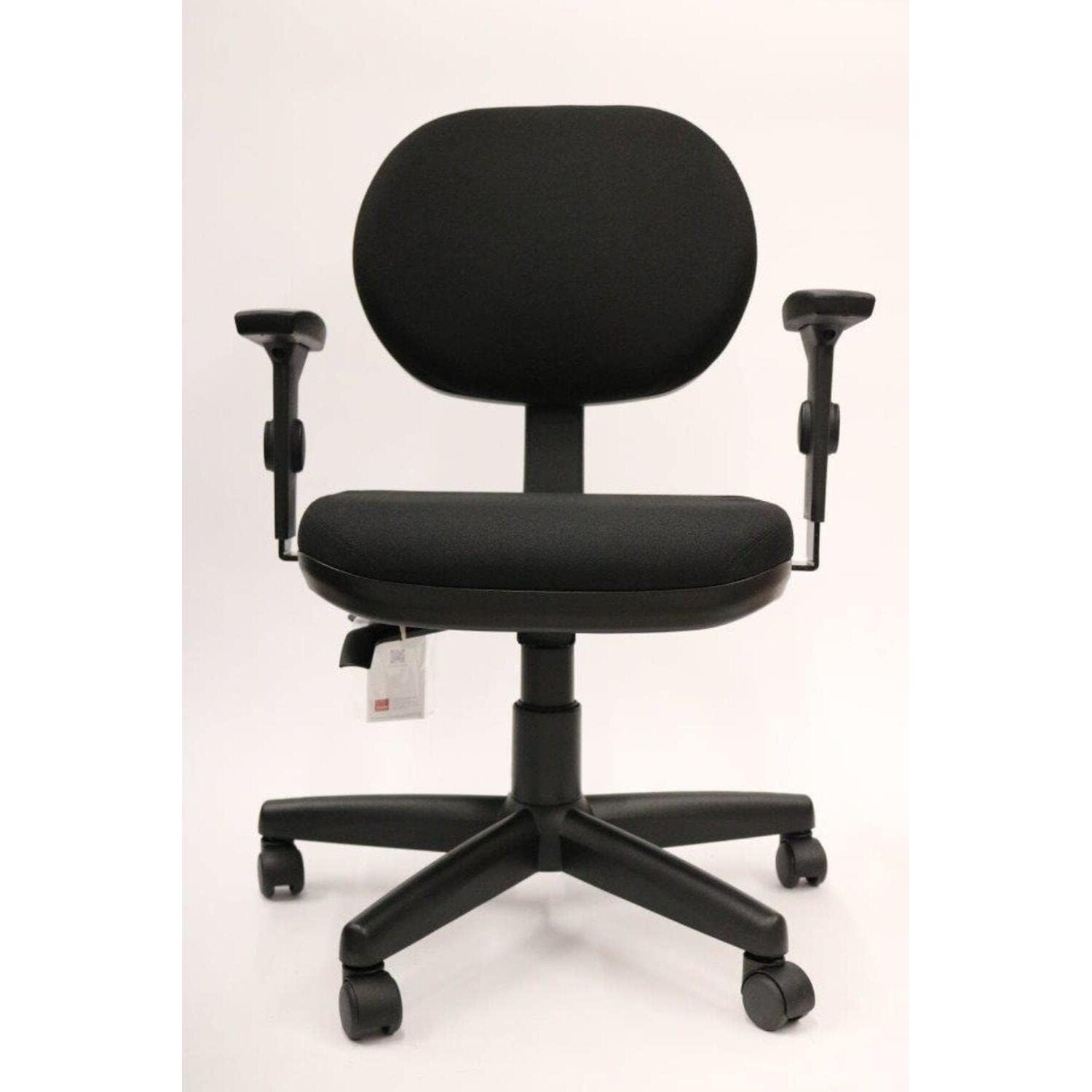
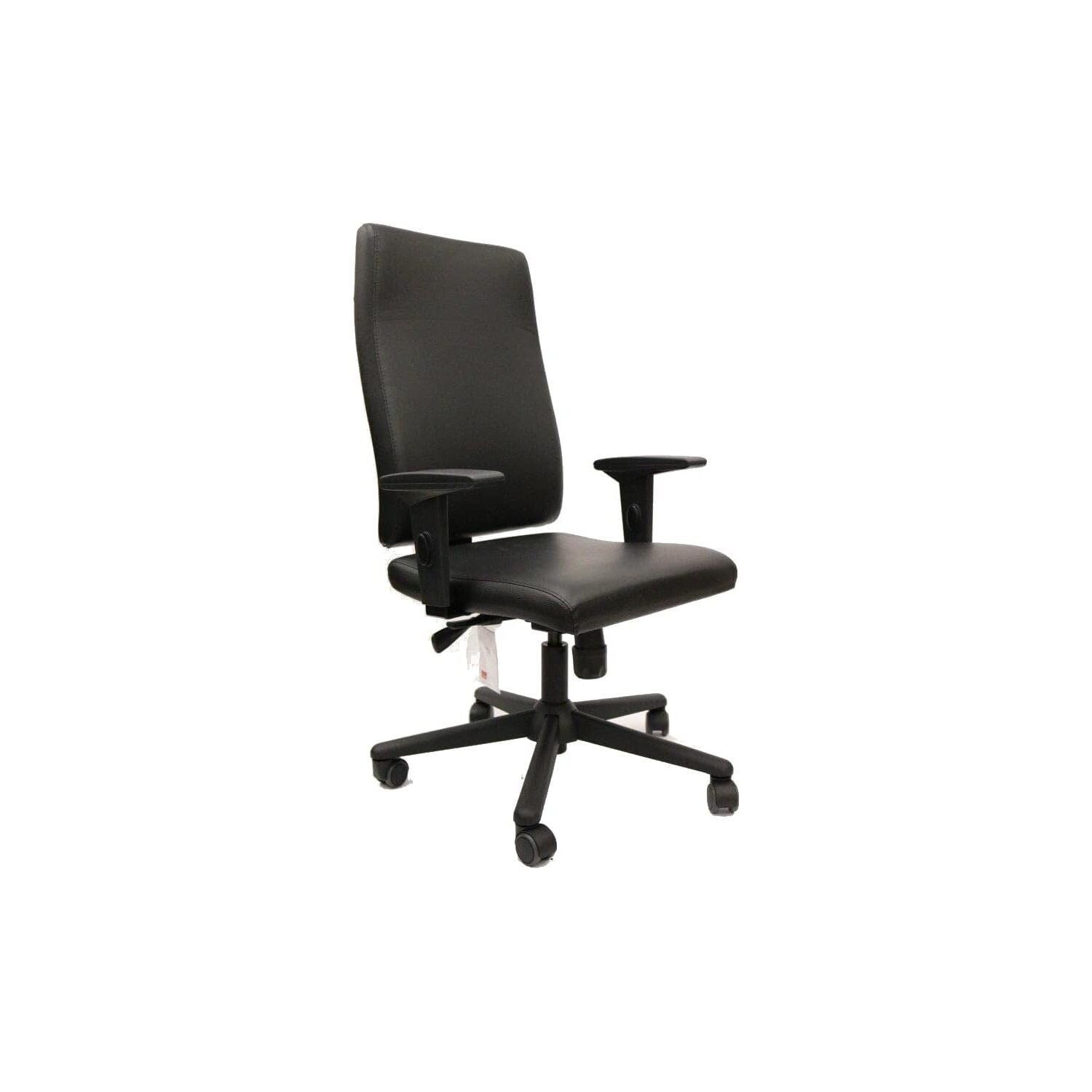
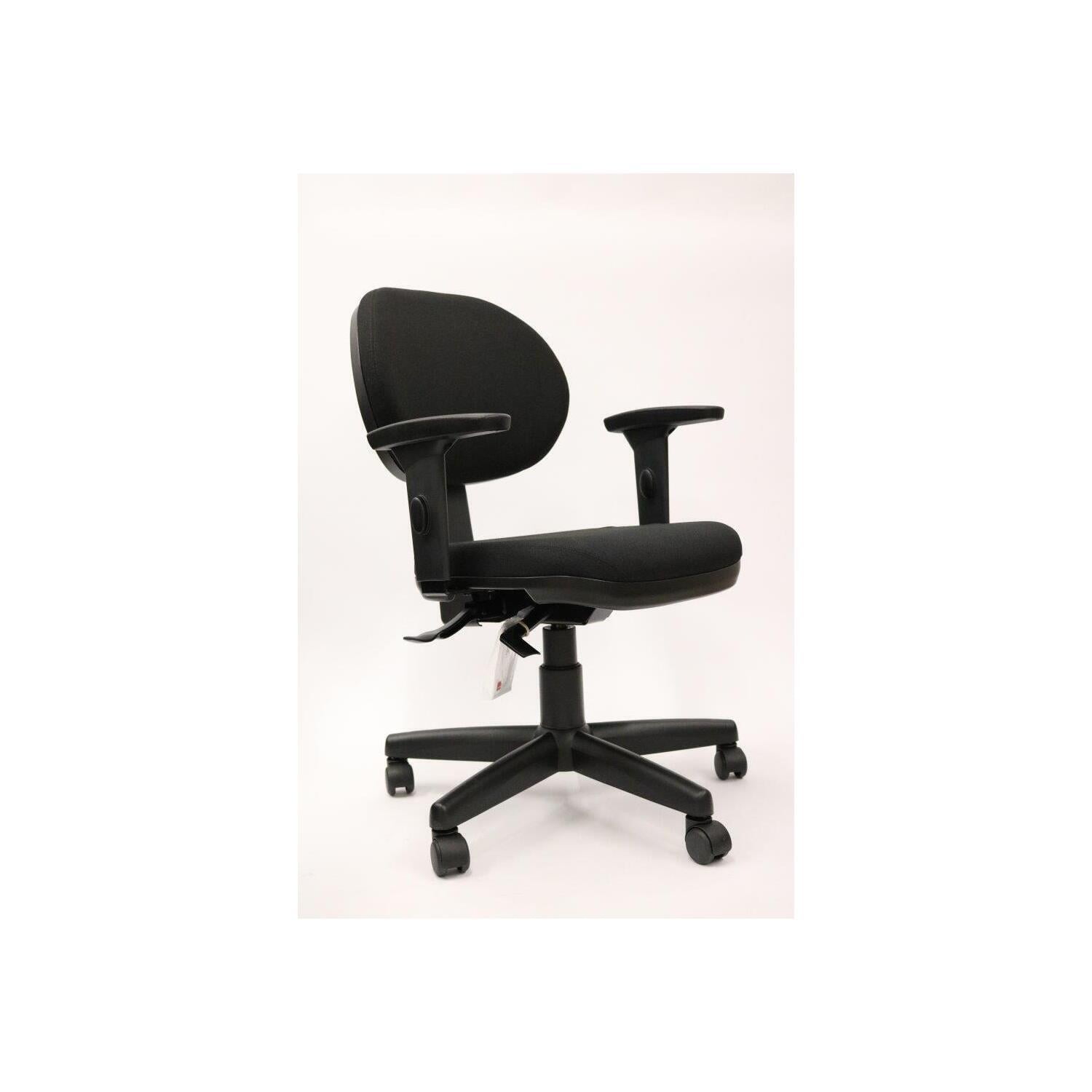
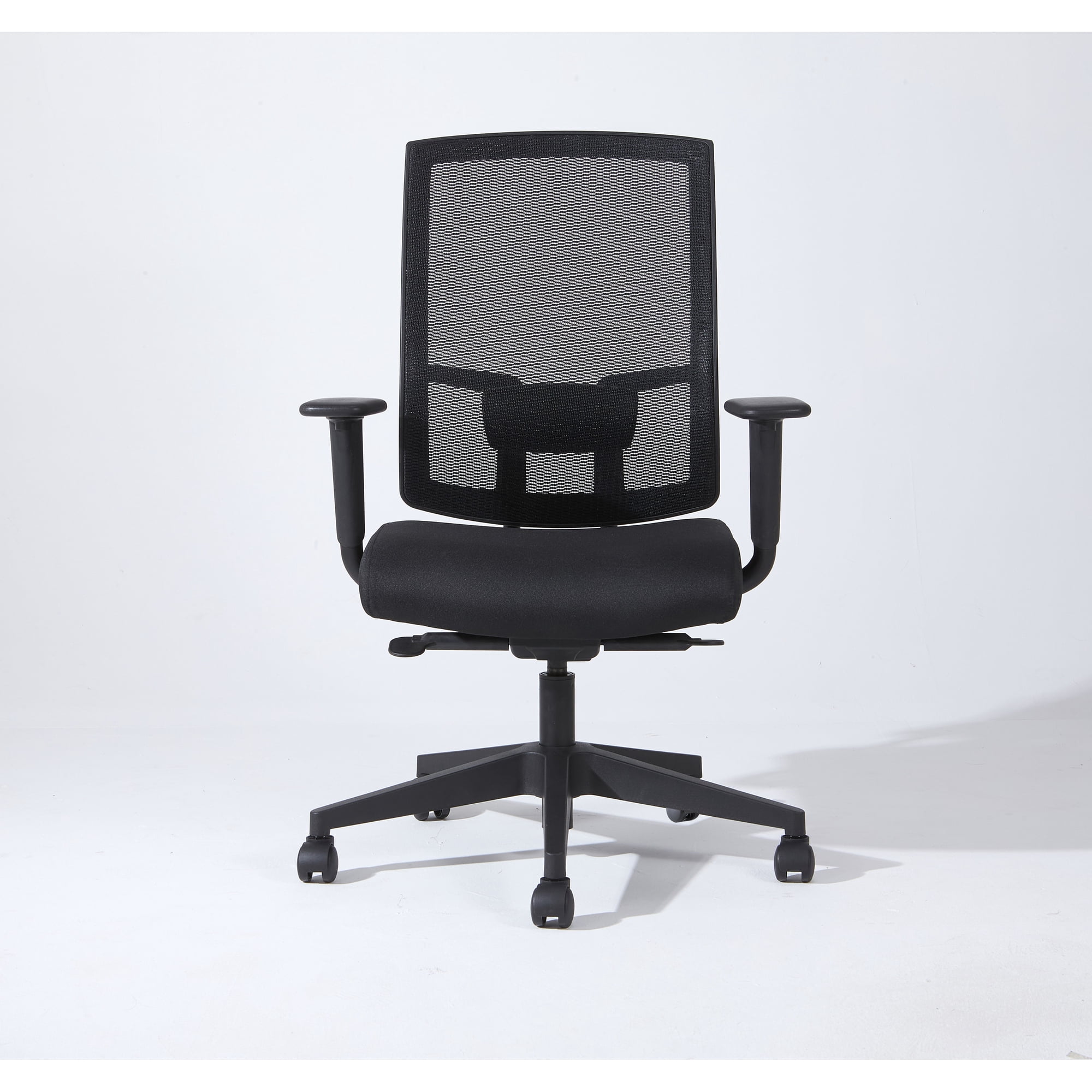
Imagine trying to write with a pen that’s too short, or using a keyboard that forces your wrists to bend at an awkward angle. That’s exactly what happens when your office chair’s armrests are not adjustable. Adjustable arms ergonomic office chairs are designed to adapt to your unique body geometry, offering support exactly where you need it.
According to ergonomic studies, proper arm support can reduce shoulder muscle activity by up to 30%, directly lowering fatigue and discomfort during long work sessions. When your arms are properly supported, your shoulders relax, your neck stays aligned, and your productivity naturally improves.
Key Benefits of Adjustable Arms
Reduced Shoulder Tension
When armrests are at the correct height and width, your shoulders stay relaxed. This prevents the "hunched" posture that leads to chronic pain.
Supports Forearms, Not Wrists
Properly adjusted arms take the weight off your wrists, reducing pressure on the carpal tunnel and lowering the risk of repetitive strain injuries.
Enhanced Typing Comfort
With your elbows at a 90-degree angle and forearms parallel to the floor, typing becomes effortless and your speed can increase.
Personalized Fit
Every body is different. Adjustable arms let you fine-tune the chair to your specific arm length, desk height, and sitting style.
Understanding Adjustment Types: 2D vs 3D vs 4D
Not all adjustable arms are created equal. Here’s a quick breakdown to help you choose:
| Adjustment Type | Movements | Best For |
|---|---|---|
| 2D (Basic) | Height + Pivot (angle) | Users who need simple height changes and slight angle adjustments. |
| 3D (Mid-Range) | Height + Pivot + Sliding (forward/back) | People who want to position arms closer/farther from the desk for typing. |
| 4D (Premium) | Height + Pivot + Sliding + Width (in/out) | Those who need ultimate customization, especially broad-shouldered or petite users. |
For most executives and professionals, a 3D or 4D adjustable arm offers the best balance of comfort and versatility. These allow you to dial in the perfect arm position, whether you’re typing, reading, or taking a call.
Top Features to Look For in an Adjustable Arms Ergonomic Chair
- Sturdy Locking Mechanism: Arms should stay firmly in place once adjusted. Look for chairs with solid metal or reinforced plastic locks.
- Easy-to-Use Controls: You shouldn’t have to wrestle with your chair. Good designs feature intuitive levers or push-button adjustments.
- Soft, Durable Padding: Armrests with memory foam or high-density cushioning prevent sore elbows after hours of use.
- Width Adjustment Range: A wide range ensures the chair fits both narrow and broad body types comfortably.
- Depth Adjustment: The ability to slide the arms forward/backward helps align them with your desk edge.
Pro Tip: When testing a chair, adjust the arms so your elbows are at a 90-degree angle, with your forearms parallel to the floor. Your shoulders should feel completely relaxed – if you’re shrugging or reaching, the arms aren’t set correctly.
How to Adjust Your Chair’s Arms for Maximum Benefit
Even the best adjustable arms are useless if you don’t set them up properly. Follow this simple 4-step process:
- Set the Height: Sit upright with your shoulders relaxed. Adjust the armrest height until your elbows rest naturally at a 90-degree angle.
- Adjust the Width: Bring the armrests close enough to support your forearms, but not so close that they pinch your sides. There should be about 1-2 inches of space between your torso and the armrest.
- Dial in Depth: Slide the armrests forward so they support your forearms just behind your wrists. This prevents your wrists from bending upward while typing.
- Set the Angle (if available): Tilt the armrests slightly inward for a more natural resting position, or keep them flat depending on your preference.
Take a moment to recheck these settings after a few hours – subtle adjustments can make a world of difference in how you feel at the end of the day.
Who Benefits Most from Adjustable Arms?
While almost anyone can benefit from adjustable armrests, certain groups find them particularly valuable:
- Multi-taskers: If you switch between typing, writing, and phone calls, adjustable arms let you reposition quickly.
- People with shoulder or neck pain: Proper support can alleviate chronic issues.
- Tall or short users: Standard fixed arms often don’t fit extremes of height; adjustable arms bridge that gap.
- Gamers and designers: Long hours at the desk demand precise ergonomic adjustments for peak performance.
Materials and Build Quality
When shopping for an adjustable arms ergonomic office chair, pay attention to the materials used in the armrests. High-end chairs use PU-coated foam, silicone, or gel-infused padding that remains comfortable and doesn’t harden over time. The adjustment mechanism should be smooth and quiet, with no wobble or play. Metal or reinforced composite frames are more durable than all-plastic builds.
Remember, the armrests are one of the most frequently touched parts of your chair – they need to withstand daily use and maintain their adjustment integrity.
Common Mistakes to Avoid
- Ignoring adjustment range: Make sure the chair fits your body. Try to test it or check the manufacturer's specs for height and width ranges.
- Setting arms too high: This forces your shoulders to hike up, causing neck tension. Your shoulders should be down and relaxed.
- Setting arms too low: You’ll lean to one side, straining your lower back. Your forearms should be parallel to the floor.
- Forgetting to adjust after sharing chairs: If you share your chair, always reset the arms to your settings before working.