
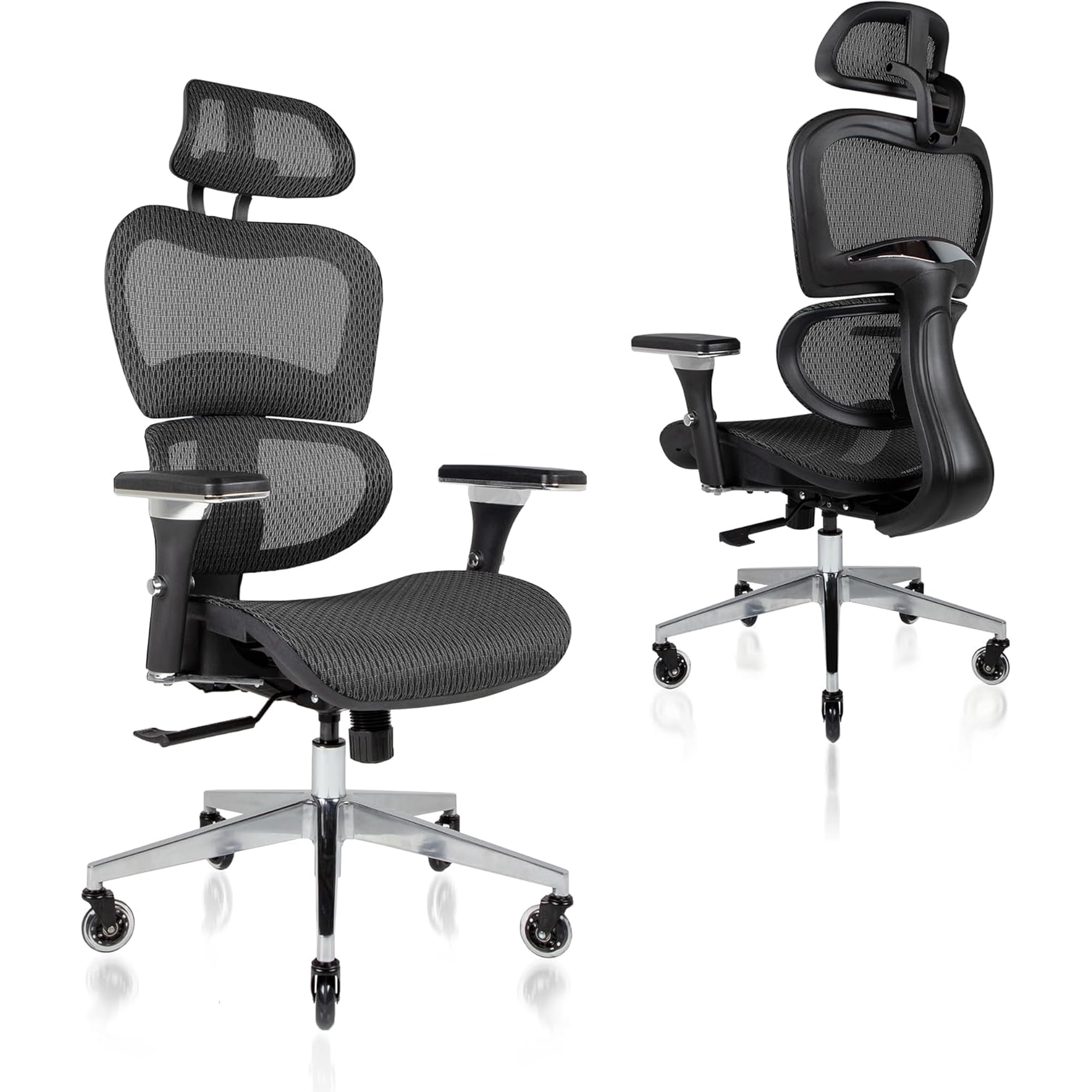
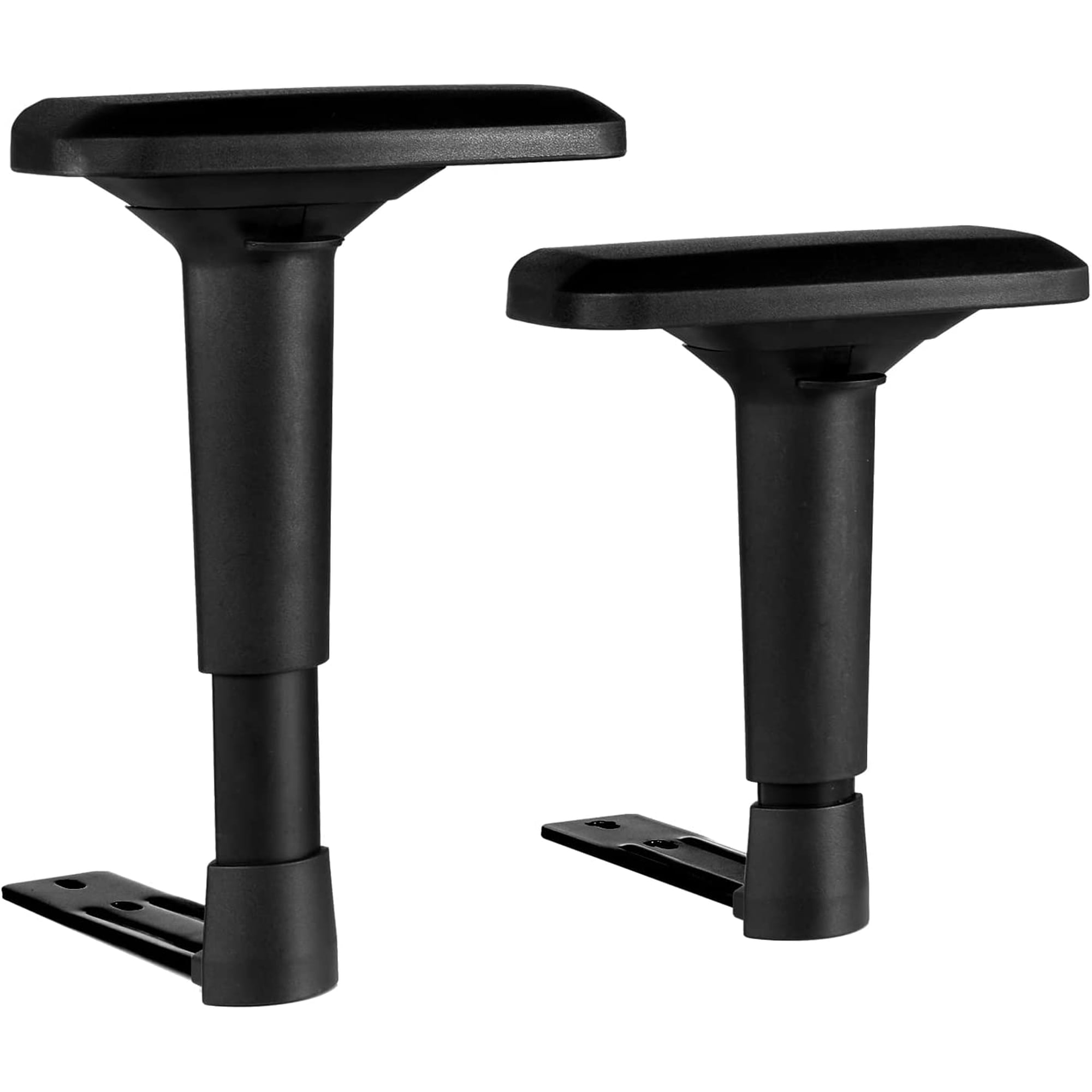
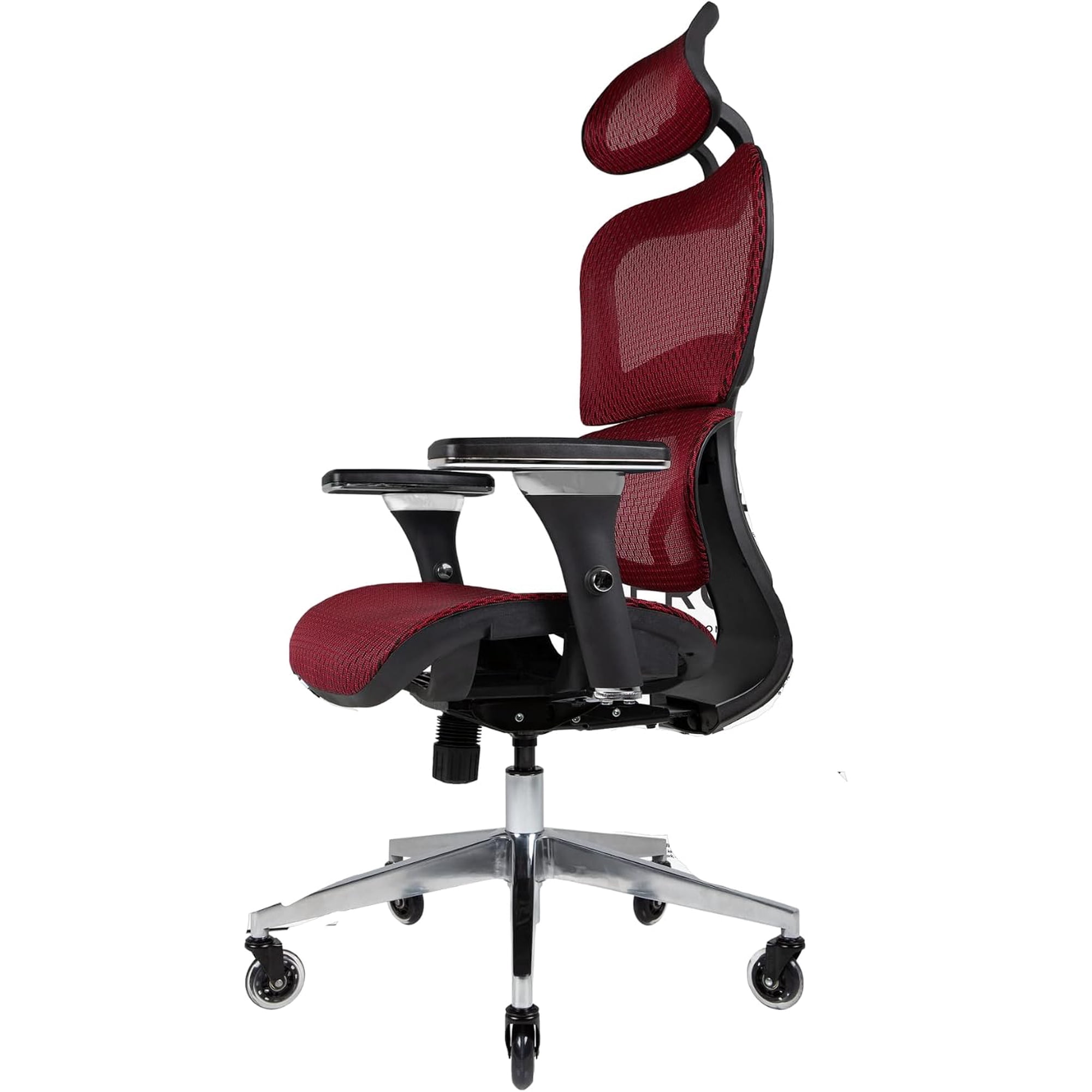
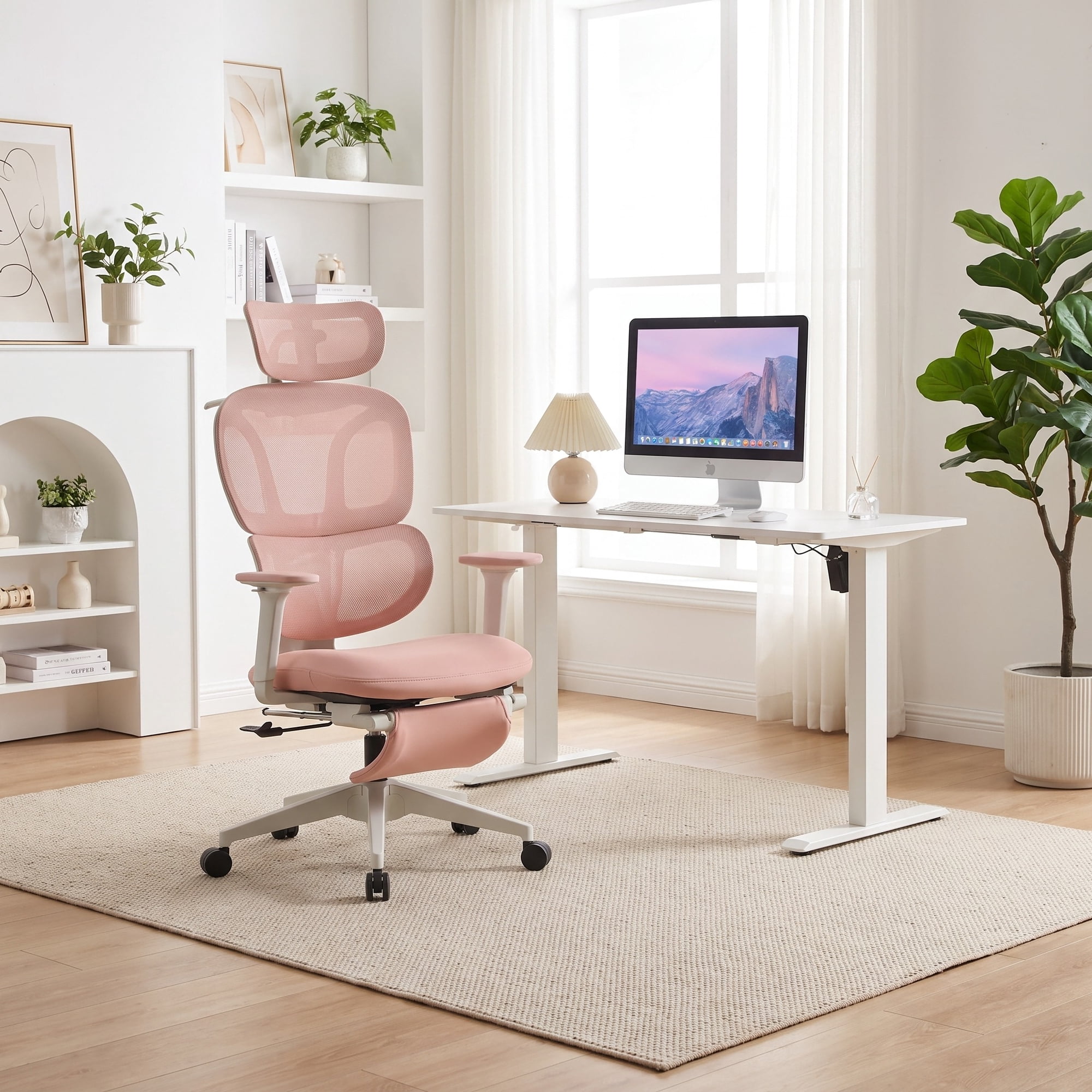
Why Choose a 4D Armrest Office Chair?
Imagine having armrests that adapt to your unique body and work style—that's the power of a 4D armrest office chair. Unlike traditional fixed or 2D armrests, 4D mechanisms offer a level of customization that transforms your sitting experience. They move up and down, forward and backward, pivot in and out, and swivel to match the natural angle of your wrists and forearms.
Industry Insight: A study by the Ergonomics Society found that users with fully adjustable armrests reported 47% less shoulder discomfort and 38% less neck pain compared to those with static armrests. The ability to fine-tune arm support is a game-changer for productivity and long-term health.
The Four Dimensions of Comfort
Let's break down what "4D" really means and how each adjustment contributes to your wellbeing:
1. Height Adjustment (Up/Down)
Set the armrest to align with your seated elbow height, maintaining a 90-degree angle at the elbow. This reduces pressure on your shoulders and prevents hunching.
2. Width Adjustment (In/Out)
Slide the armrests inward or outward to match your shoulder width. This ensures your arms are supported without being forced into an unnatural position.
3. Depth Adjustment (Forward/Backward)
Position the armrests to support your forearms while typing or writing, keeping your wrists straight and reducing the risk of carpal tunnel syndrome.
4. Angle Adjustment (Swivel/Pivot)
Rotate the armrest to follow the natural angle of your arms, especially when using a mouse or leaning back. This small detail can significantly reduce elbow and wrist strain.
Key Features to Look For
Not all 4D armrests are created equal. When shopping for a 4d armrest office chair, consider these essential features:
- Lever or Button Controls: Smooth, easy-to-use mechanisms for each adjustment point.
- Durable Materials: Metal or reinforced nylon arms that can withstand daily use.
- Padded Armrests: Soft yet firm padding to prevent pressure points.
- Locking Mechanism: Ensures your settings stay in place once adjusted.
- Width Compatibility: Armrests should accommodate different body types without hitting the desk.
Who Should Use a 4D Armrest Office Chair?
While anyone can benefit, certain users will find a 4d armrest office chair indispensable:
- Knowledge Workers & Programmers: Typing-intensive tasks demand precise arm support.
- Creative Professionals: Graphic designers, video editors, and animators who use multiple input devices.
- Call Center Agents: Long hours on the phone and computer require dynamic support.
- People with Shoulder or Neck Issues: The adjustability helps relieve tension and promote healing.
- Shared Workstations: 4D armrests make it easy for multiple users to adjust the chair to their needs.
How to Choose the Perfect 4D Armrest Chair
Follow this step-by-step guide to find your ideal match:
1. Assess Your Workspace
- Desk Height: Measure your desk height to ensure the chair's armrests can be lowered or raised accordingly.
- Desk Depth: Make sure there's enough depth for the armrests to slide forward without hitting the wall.
- Task Variety: Do you type more, use a mouse, or switch between multiple devices? This affects the best armrest settings.
2. Test the Adjustability Range
- Sit Naturally: Sit in the chair with your arms relaxed. Test each adjustment to see if it meets your range of motion.
- Simulate Tasks: Type, mouse, and write to ensure the armrests support you in all positions.
- Check Locking: Adjust the settings and then apply pressure to see if they stay secure.
3. Consider the Overall Chair Quality
- Seat Cushion: A good chair needs a supportive seat, not just great armrests.
- Back Support: Lumbar support is crucial; combine it with 4D arms for full-body ergonomics.
- Base and Casters: Ensure the chair is stable and rolls smoothly on your floor type.
Health Benefits of 4D Armrests
Investing in a 4d armrest office chair is an investment in your physical health. Here's how:
Reduced Shoulder Tension
Proper height and width adjustments allow your shoulders to relax, reducing trapezius muscle fatigue.
Prevents Carpal Tunnel
By keeping your wrists straight, depth and swivel adjustments minimize nerve compression in the wrist.
Improves Circulation
Correct arm positioning prevents pressure on the ulnar nerve, improving blood flow to the hands.
Boosts Productivity
Comfort allows you to focus on work rather than discomfort, leading to higher efficiency.