
Your Chair at Work: The Unsung Hero of Your 9-to-5
Think about your average workday. You arrive, grab your coffee, sit down at your desk, and for the next eight (or more) hours, you're likely in one place: your office chair. It's the piece of equipment you interact with more than any other, yet it's often the most overlooked. We spend countless hours researching the perfect laptop or monitor, but the foundation of our workstation—the office chair at work—is frequently an afterthought.
The truth is, your chair is the bedrock of your productivity and physical well-being. An ill-fitting, unsupportive chair doesn't just cause discomfort; it's a silent saboteur. It can lead to nagging back pain, stiff necks, shoulder tension, and mental fatigue, all of which chip away at your focus and efficiency. According to the Occupational Safety and Health Administration (OSHA), musculoskeletal disorders (MSDs) linked to poor workstation setup are a leading cause of lost workdays. Conversely, investing in the right chair is an investment in your most valuable asset: yourself.
Did you know? A study published in the Journal of Physical Therapy Science found that using an ergonomic chair with proper lumbar support significantly reduced subjective pain and discomfort in office workers over a 12-week period. It's not just about comfort; it's about long-term health.
Decoding the "Office Chair at Work": What Makes a Chair Work-Ready?
Not all chairs are created equal. A stylish dining chair or a plush lounge chair might look nice, but it's not built for the dynamic demands of a workday. A true "office chair at work" is engineered for function. It's a tool designed to support your body in an active, seated position. Here’s a breakdown of the essential features that separate a workhorse from a hindrance.
The Holy Trinity of Ergonomic Features
1. Adjustable Lumbar Support
This is non-negotiable. Your lower spine has a natural inward curve. Lumbar support fills the gap between this curve and the chair back, preventing slouching. Look for chairs with both height and depth adjustment to perfectly cradle your lower back, no matter your height.
2. Seat Depth and Height Adjustment
Your feet should rest flat on the floor with your knees at a 90-degree angle (seat height). You should also be able to fit 2-3 fingers between the back of your knee and the seat pan (seat depth). Adjustable seat depth is a game-changer for ensuring proper circulation and thigh support.
3. Dynamic Armrests (4D Adjustability)
Armrests should support your arms while allowing your shoulders to relax. 4D armrests can be adjusted up/down, left/right, forward/backward, and often pivot. This lets you find the perfect position to type without hunching or reaching, preventing neck and shoulder strain.
Material World: Mesh vs. Fabric vs. Leather
The material of your chair dictates its breathability, comfort, and longevity. For a chair you'll use all day, every day, material choice is critical.
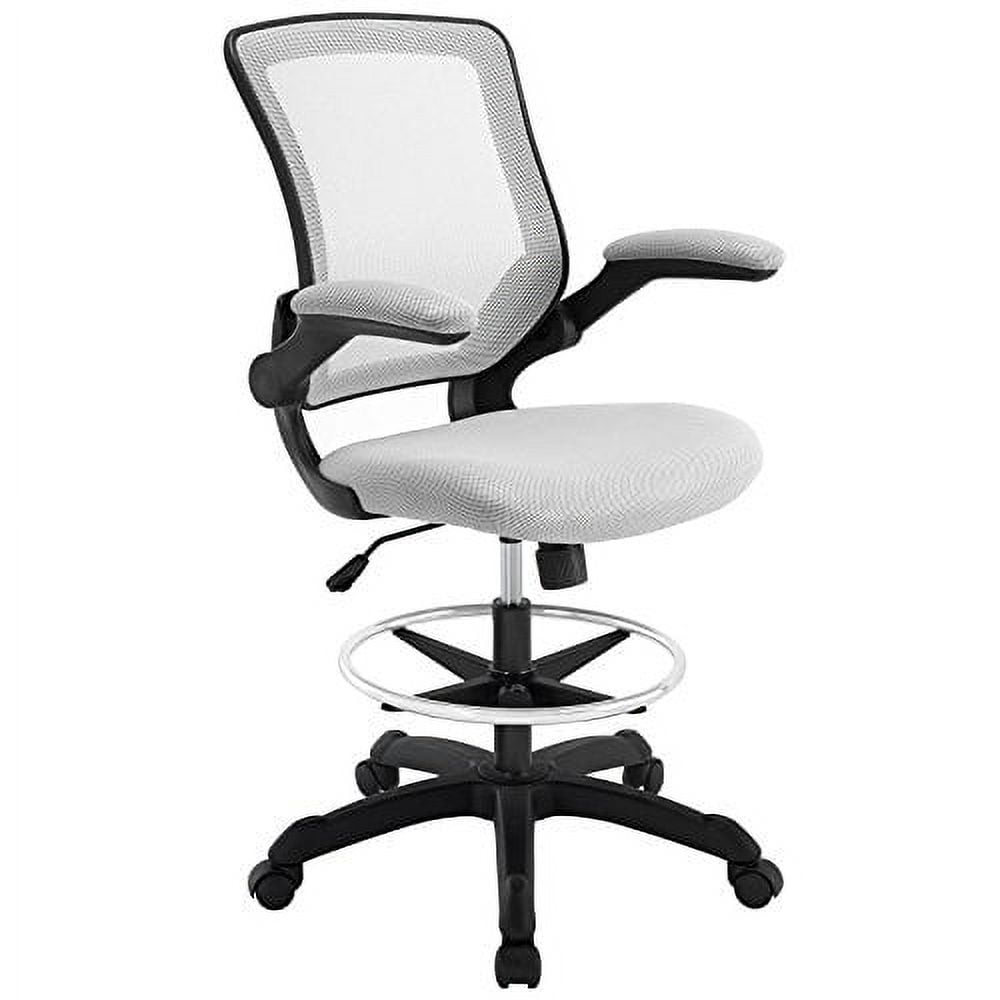
- High-Quality Mesh: The champion of breathability. Mesh backrests allow air to circulate, keeping you cool and preventing that sticky feeling on warm days. It’s also durable and provides a modern, professional look. Ideal for warmer climates or anyone who tends to overheat.
- Durable Fabric: Fabrics offer a great balance of comfort, warmth, and cost. Modern performance fabrics are often stain-resistant and highly durable. They come in a wider variety of colors and textures, allowing for more personalization in your workspace.
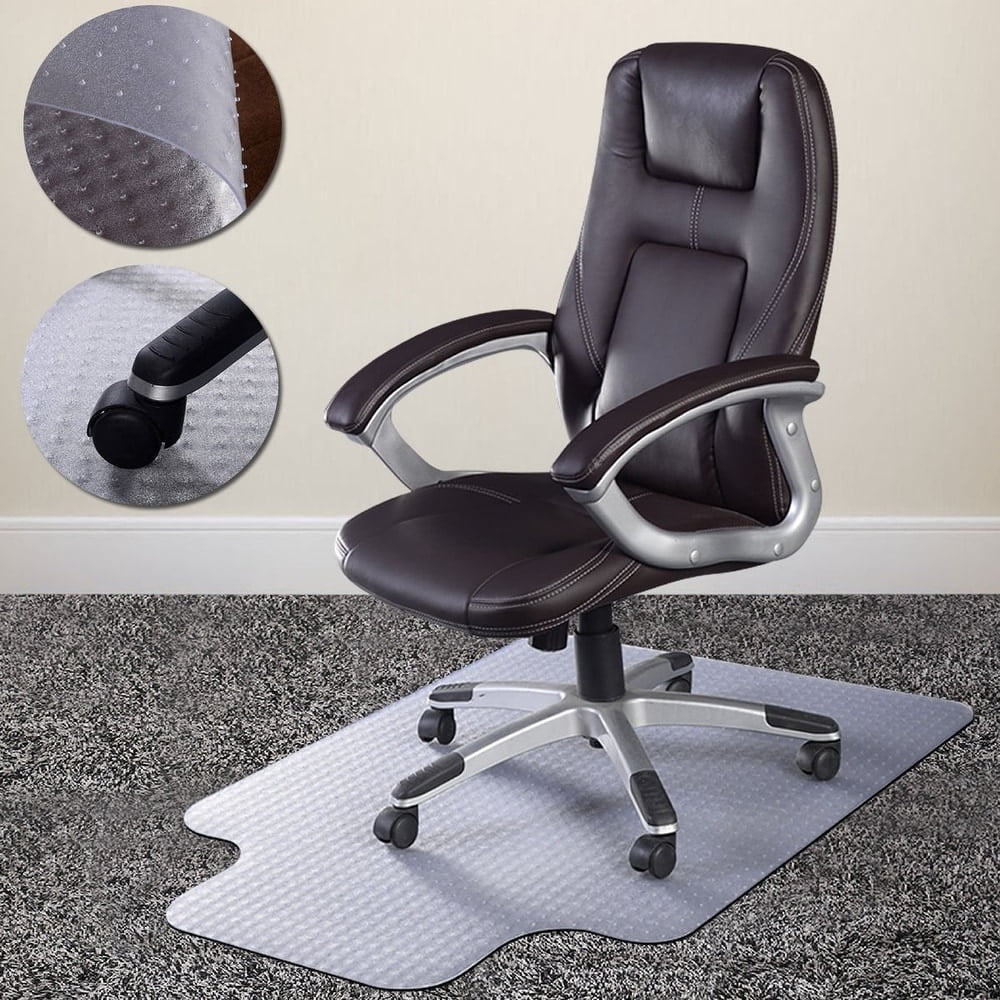
- Premium Leather: Leather exudes a classic, executive feel. It's durable and easy to wipe clean. However, it can be warm and may require a break-in period. Best suited for climate-controlled offices where a traditional aesthetic is desired.
The "5-Step Fit Test": Finding Your Perfect Work Chair
Finding the right office chair at work isn't just about picking a popular model; it's about finding one that fits *you*. Use this simple 5-step test when evaluating a chair.
1. The Seat Height Check
Sit with your feet flat on the floor. Adjust the chair height until your thighs are parallel to the floor and your knees are bent at a 90-degree angle. Your hips should be slightly higher than your knees to promote good posture.
2. The Seat Depth Test
With your back against the backrest, make a fist and try to slide it behind your calf, near the back of your knee. If it fits snugly, the depth is good. If you can't fit your fist, the seat is too deep and may cut off circulation. If there's a large gap, the seat is too short.
3. The Lumbar Support Check
Does the lumbar support hit the curve of your lower back? If not, try adjusting it up or down. You should feel a gentle but firm pressure supporting the natural inward curve of your spine, not pushing uncomfortably on your tailbone or mid-back.
4. The Armrest Alignment
Adjust the armrests so they just barely touch the underside of your elbows while your arms are relaxed at your sides and your shoulders are down. When you type, your forearms should be parallel to the floor and your wrists straight.
5. The Recline & Tilt Test
Lean back. Does the chair recline smoothly? Can you lock it in a slightly reclined position? A good chair allows you to change positions throughout the day. A "synchro-tilt" mechanism, where the seat and back move together, is a premium feature that keeps you supported even as you recline.
Beyond the Chair: Your Complete Seating Ecosystem
Remember that even the best office chair at work is part of a larger system. For optimal comfort, consider these companions:
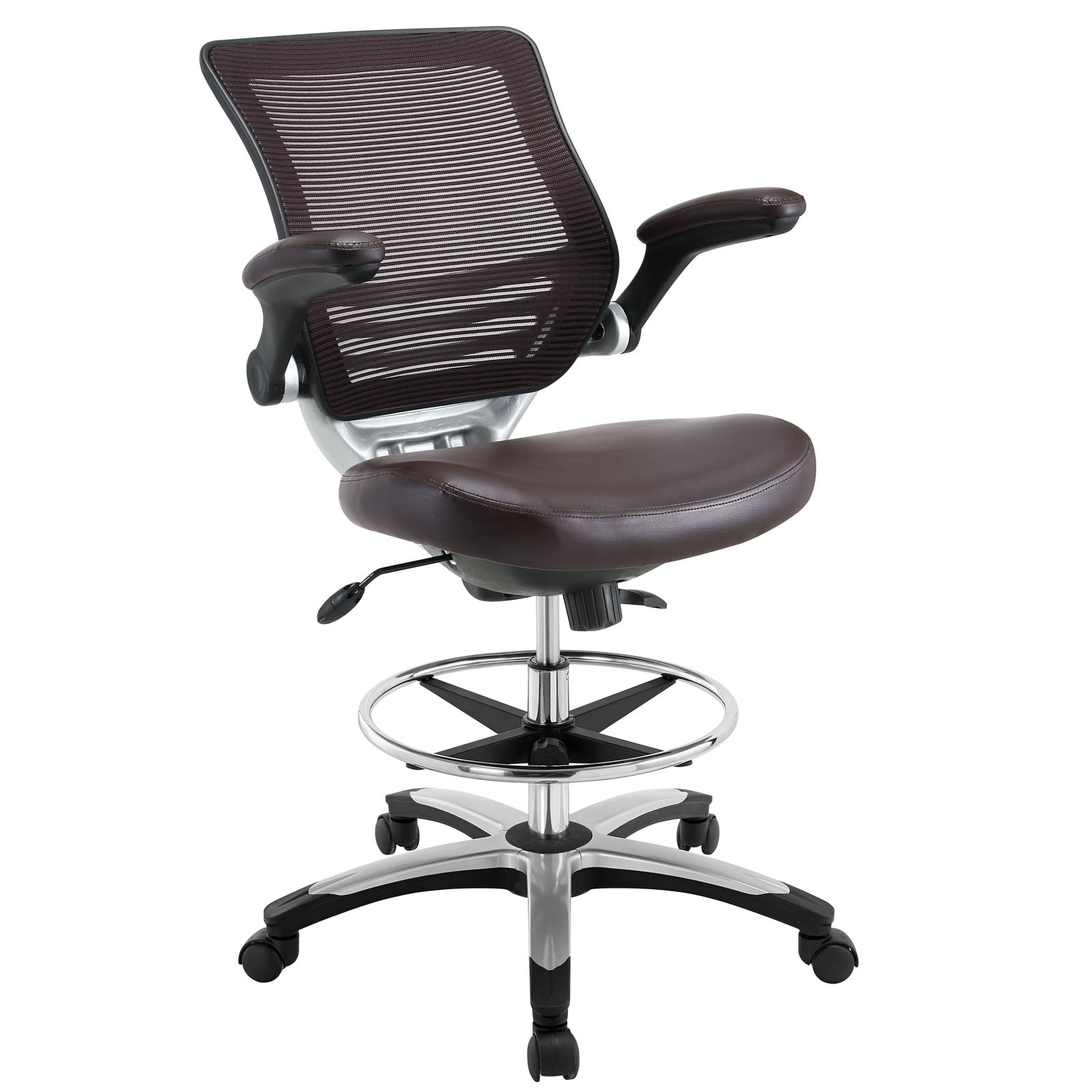
- A Footrest: If, after adjusting your chair, your feet don't rest flat on the floor (common for petite individuals), a footrest provides crucial support for your lower legs and helps maintain good posture.
- A Lumbar Support Cushion: If you love your current chair but it lacks sufficient lumbar support, a high-quality memory foam or inflatable cushion can bridge the gap and add targeted support.
- A Seat Cushion: For extra pressure relief, especially if you have a chair with a firm seat, a gel or memory foam seat cushion can add a layer of cloud-like comfort.
Frequently Asked Questions About Your Office Chair at Work
Conclusion: Prioritize Your Seat, Prioritize Yourself
Your office chair at work is far more than just a place to sit. It's a fundamental tool that directly influences your physical health, mental clarity, and overall job satisfaction. In the hustle of deadlines and meetings, it's easy to overlook the importance of this daily companion. But as we've explored, the right chair is a proactive measure against chronic pain, a catalyst for sustained focus, and a statement that you value your well-being.
Choosing a chair doesn't have to be overwhelming. Focus on the fundamentals: find one with robust adjustability, particularly for lumbar support and seat depth. Select a material that suits your environment and personal comfort. And most importantly, use the "5-Step Fit Test" to ensure the chair fits *your* body, not the other way around. By giving your chair the attention it deserves, you're not just upgrading your workspace—you're upgrading your work life.
Your Next Step to a Better Workday
Ready to find your perfect match? Browse our curated selection of office chairs above. Each one has been selected for its quality, ergonomic features, and positive reviews from real users like you. Invest in a great day's work, every day.