
Why Your Home Office Table and Chairs Are Key to Productivity
The environment you create in your home office has a direct impact on your work performance and overall well-being. It's more than just a corner in your house; it's your command center. The two most important pieces of furniture in this space are your home office table and chairs. A poorly matched or low-quality set can lead to discomfort, poor posture, and decreased concentration, while a well-chosen set can dramatically enhance your workflow.
Work-From-Home Trend: A recent survey indicates that over 60% of remote workers report that a comfortable and functional home office setup directly impacts their job satisfaction and efficiency. The right home office table and chairs are central to this positive experience.
Key Considerations for Your Workspace
When selecting a home office table and chairs, it's not just about looks. It's about creating an ecosystem where you can thrive.
- Ergonomic Harmony: The height of your table and chair must allow for a neutral sitting posture. Your eyes should be level with the top of your monitor, your feet flat on the floor, and your wrists straight while typing.
- Space Optimization: Consider the footprint of your chosen set, especially in smaller rooms. A compact or L-shaped desk paired with a chair that can be tucked neatly under it is a smart choice for maximizing floor space.
- Material & Aesthetics: The materials of your table and chairs should not only look good but also stand up to daily use. Wood and metal are durable options, while mesh and fabric chairs offer breathability and comfort.
- Functionality & Tech: Modern desks often include cable management features, monitor stands, and grommets. These additions contribute to a neat and organized workspace, allowing you to focus on the tasks at hand.
Essential Features of an Excellent Home Office Setup
Creating the ideal home office is a balancing act. Here's a breakdown of crucial features to look for in your table and chairs:
| Feature | Benefit | What to Look For |
|---|---|---|
| Adjustable Desk Height | Allows you to switch between sitting and standing, reducing the health risks of a sedentary lifestyle | Electric or manual height adjustment, with a range that suits your height (typically 28" - 48") |
| Lumbar Support (Chair) | Provides support for your lower back, preventing slouching and back pain | Built-in or adjustable lumbar support that conforms to your spine's natural curve |
| Seat Depth and Height (Chair) | Ensures proper leg and thigh support, improving circulation | Seat height adjustment and a depth that leaves 2-3 inches between the edge of the seat and your knees |
| Desk Surface Area | Provides enough space for your monitor, keyboard, documents, and other essentials | A width of at least 48" and a depth of 24" for a single monitor setup, larger for dual monitors |
| Armrest Adjustability (Chair) | Supports your arms and shoulders, reducing strain on your neck and upper back | 3D or 4D armrests that adjust for height, width, depth, and angle |
Benefits of the Right Table and Chair Combination
Investing in a high-quality home office table and chairs is an investment in yourself. The benefits extend far beyond just looks:
Enhanced Posture
An ergonomic setup supports your spine's natural alignment, reducing the risk of long-term back and neck issues.
Increased Energy
Proper seating promotes better blood circulation, which can lead to higher energy levels throughout the day.
Improved Focus
A comfortable and clutter-free workspace minimizes distractions, allowing you to concentrate deeply on your work.
Professional Aesthetic
A well-designed and coordinated furniture set creates a positive image for yourself during video calls and meetings.
A Comprehensive Guide to Selecting Your Home Office Table and Chairs
Choosing the perfect home office table and chairs is a significant decision. To make an informed choice, let's break down the selection process step-by-step, covering everything from room size to personal ergonomics.
Step 1: Assessing Your Space
Before you start shopping, carefully measure your designated home office area. This will help you determine the maximum size of your table and the footprint of your chair. Key points to consider:
- Room Dimensions: Note the length and width of the room. A small room may benefit from a small office table and chairs set to avoid it feeling cramped.
- Doorways and Windows: Ensure the furniture will fit through the door and won't block windows or natural light.
- Placement: Decide where you want your desk to be. A corner is great for maximizing space, while a central location might be ideal for multiple monitors. Consider an office round table and chair set for a unique look.
- Traffic Flow: Leave enough room to move around comfortably behind your chair without bumping into other furniture or walls.
Step 2: Choosing Your Desk Style and Material
Your desk is the foundation of your home office. The material and design will influence both aesthetics and durability.
Desk Materials
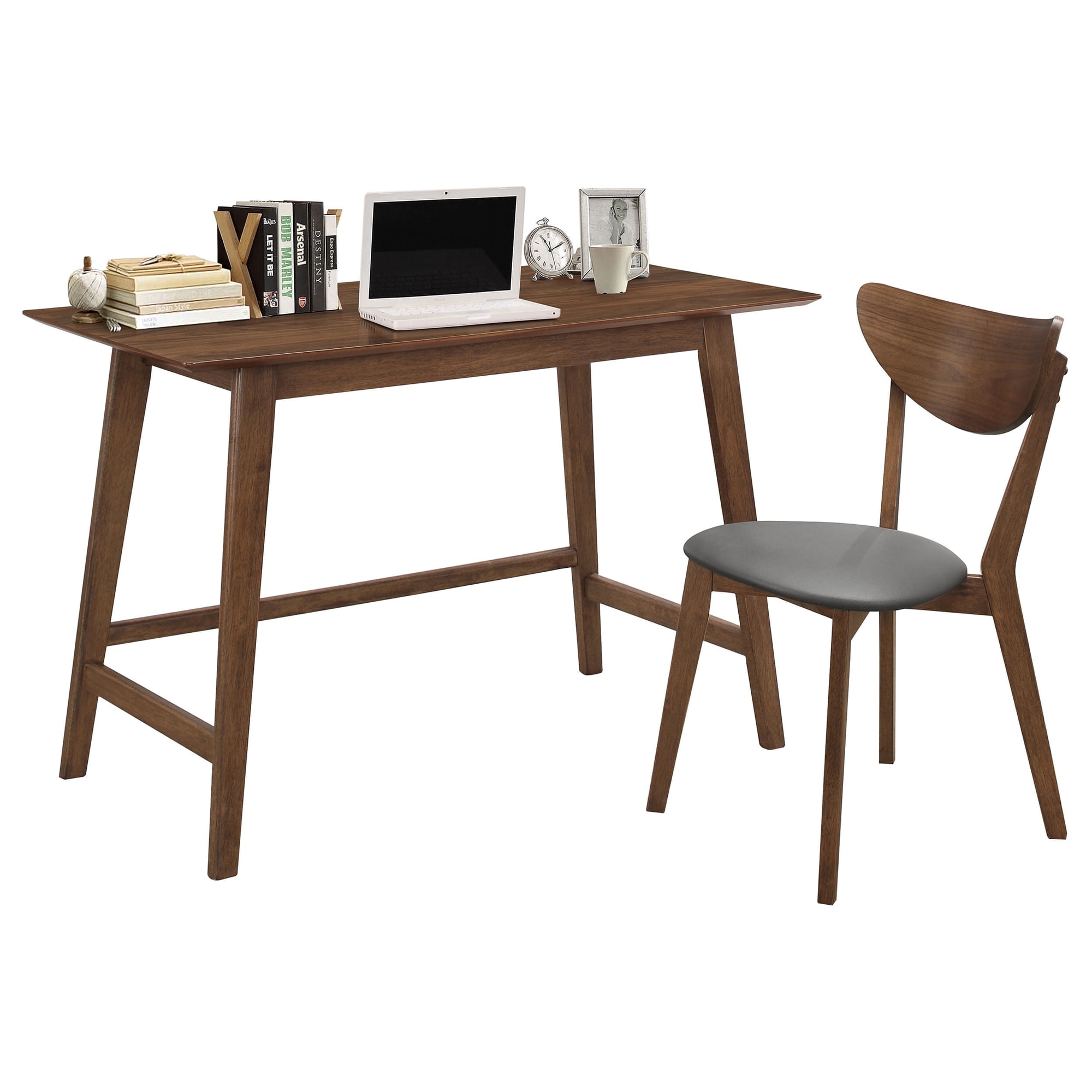
- Wood & Engineered Wood: Classic, durable, and available in various finishes (oak, walnut, etc.). Good for a traditional or warm modern look.
- Metal & Glass: Offers a sleek, contemporary, and professional feel. Very durable but can show fingerprints.
- Laminate: Cost-effective, scratch-resistant, and available in many patterns and colors.
Desk Styles
- Executive/Standard: A classic rectangular desk, great for a spacious office.
- L-Shaped: Perfect for corner offices or for those who need a lot of surface area for multiple monitors.
- Standing/Height-Adjustable: Essential for those who want to switch between sitting and standing to improve health and productivity.
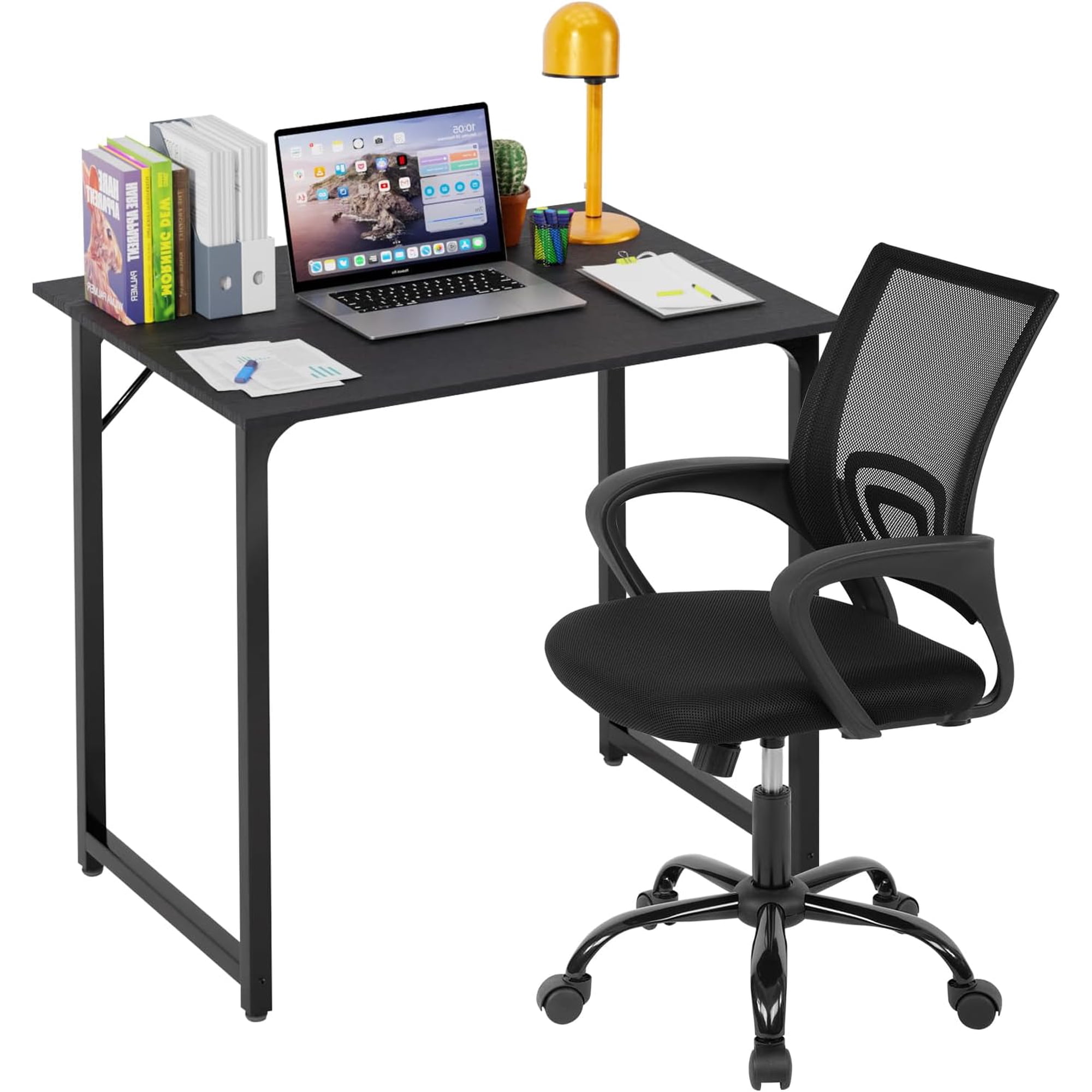
- Small/Compact: Ideal for tight spaces or minimalists, such as a small table and chair set for office.
Step 3: Selecting the Perfect Chair
The chair is arguably the most critical ergonomic component of your home office. A good chair will support your body for hours, while a poor one can lead to discomfort and injury.
- Ergonomics First: Prioritize features like adjustable lumbar support, seat depth, and armrests. An ergonomic office chair with flip-up arms can be a great space-saver.
- Material and Breathability: For long hours, a mesh back can prevent overheating. Leather or fabric upholstery can add a touch of luxury and comfort but may not be as breathable.
- Mobility: Think about your floor type. If you have carpet, you might need an office chair with carpet wheels or a special mat. For hardwood, softer casters are necessary to avoid scratches.
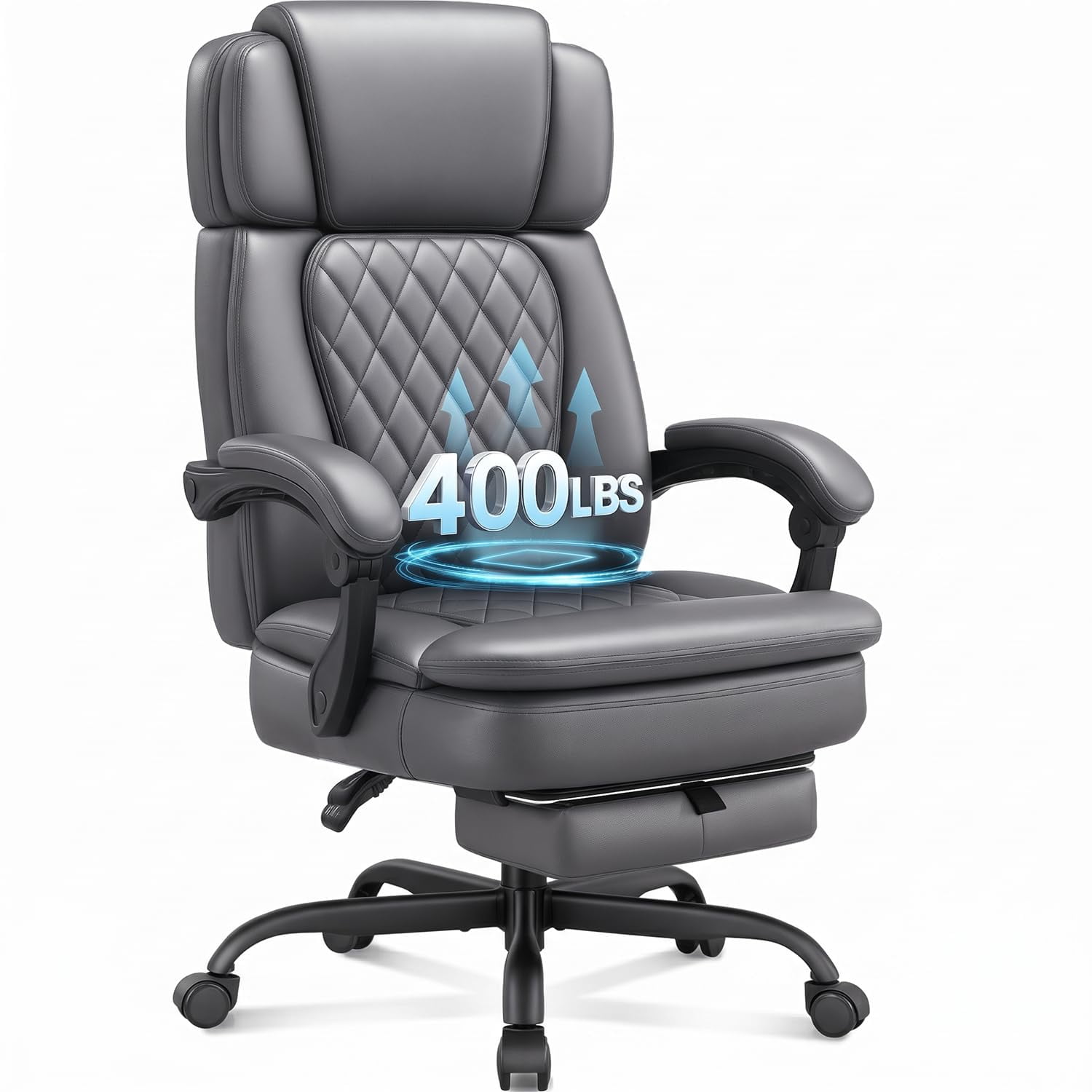
- Weight Capacity: Choose a chair that can support your weight securely. A standard chair is fine for most, but if you need more support, consider a big and tall office chair with flip-up arms.
Chair Materials
- Mesh: Excellent breathability, lightweight, and often more affordable.
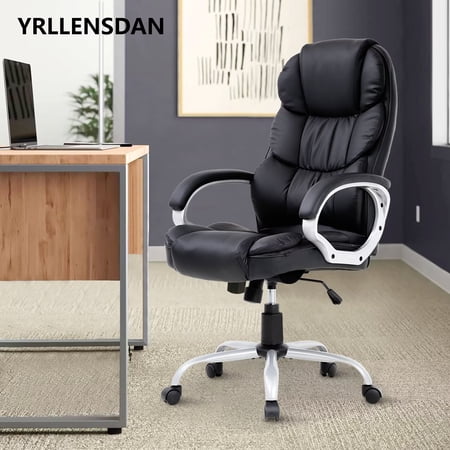
- Leather (Genuine/Faux): Professional look, easy to clean, durable but can be warm.
- Fabric: Soft, cozy, and available in a wide variety of colors and textures.
Key Ergonomic Features
- Adjustable Lumbar Support: Critical for lower back health.
- Seat Depth Adjustment: Ensures proper thigh support and circulation.
- 3D/4D Armrests: Allow you to set the perfect arm and shoulder position for typing.
- Tilt Mechanism: Lets you lean back and relax, taking pressure off your spine.
Step 4: Measuring for a Perfect Fit
Important Measurements:
- Desk Height: The standard is 28-30 inches. For a standing desk, look for a range of 22-48 inches.
- Chair Height: Your chair should allow your feet to be flat on the floor with your thighs parallel to the ground. Most chairs have a height range of 16-21 inches.
- Desk Depth: You need at least 24 inches to comfortably fit a monitor and keyboard. A depth of 30 inches or more is ideal for a 27-inch monitor or larger.
- Desk Width: A minimum of 48 inches is recommended for a single monitor setup. Add 10-15 inches per additional monitor.
Step 5: Budget and Buying Strategy
Your home office table and chairs is a long-term investment. Here’s a general guide to planning your budget.
- Budget-Friendly ($200 - $500): Basic laminate desks and entry-level ergonomic chairs. Often found as sets, perfect for students or part-time workers.
- Mid-Range ($500 - $1200): Better quality materials, improved ergonomics, and a wider selection of styles. This is the "sweet spot" for most work-from-home professionals.
- Premium ($1200+): High-end materials like solid wood or full-grain leather, advanced ergonomics, height-adjustable desks, and long warranties. For dedicated professionals who work full-time from home.
Frequently Asked Questions About Home Office Tables and Chairs
Conclusion: Build Your Perfect Home Office
Choosing the right home office table and chairs is a journey toward better productivity, health, and overall work satisfaction. By carefully considering your space, budget, and personal ergonomic needs, you can create a workspace that not only looks professional but also supports you to do your best work.
Remember that a good home office setup is an investment. Prioritizing comfort and functionality today pays dividends in the future.
Final Tips for Your Home Office Setup
Opt for an executive or L-shaped desk with a large, luxurious chair. This setup offers maximum surface area and comfort for extended workdays.
Choose compact desks, corner units, or wall-mounted drop-leaf tables. Pair with an armless chair or one with flip-up arms to tuck away easily, like a small office meeting table and chairs style.
Prioritize a height-adjustable desk and a top-tier ergonomic chair. This combination allows you to stay active and comfortable even during your most intense work sessions.