
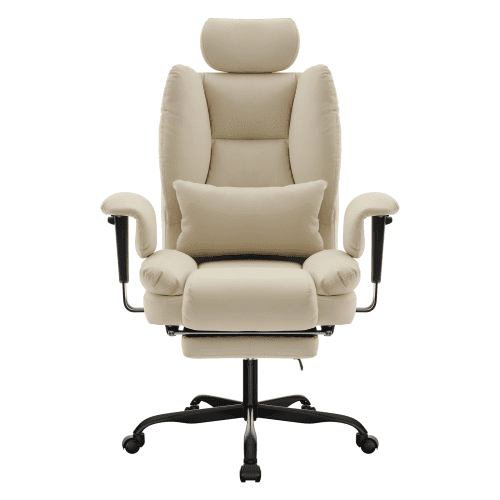
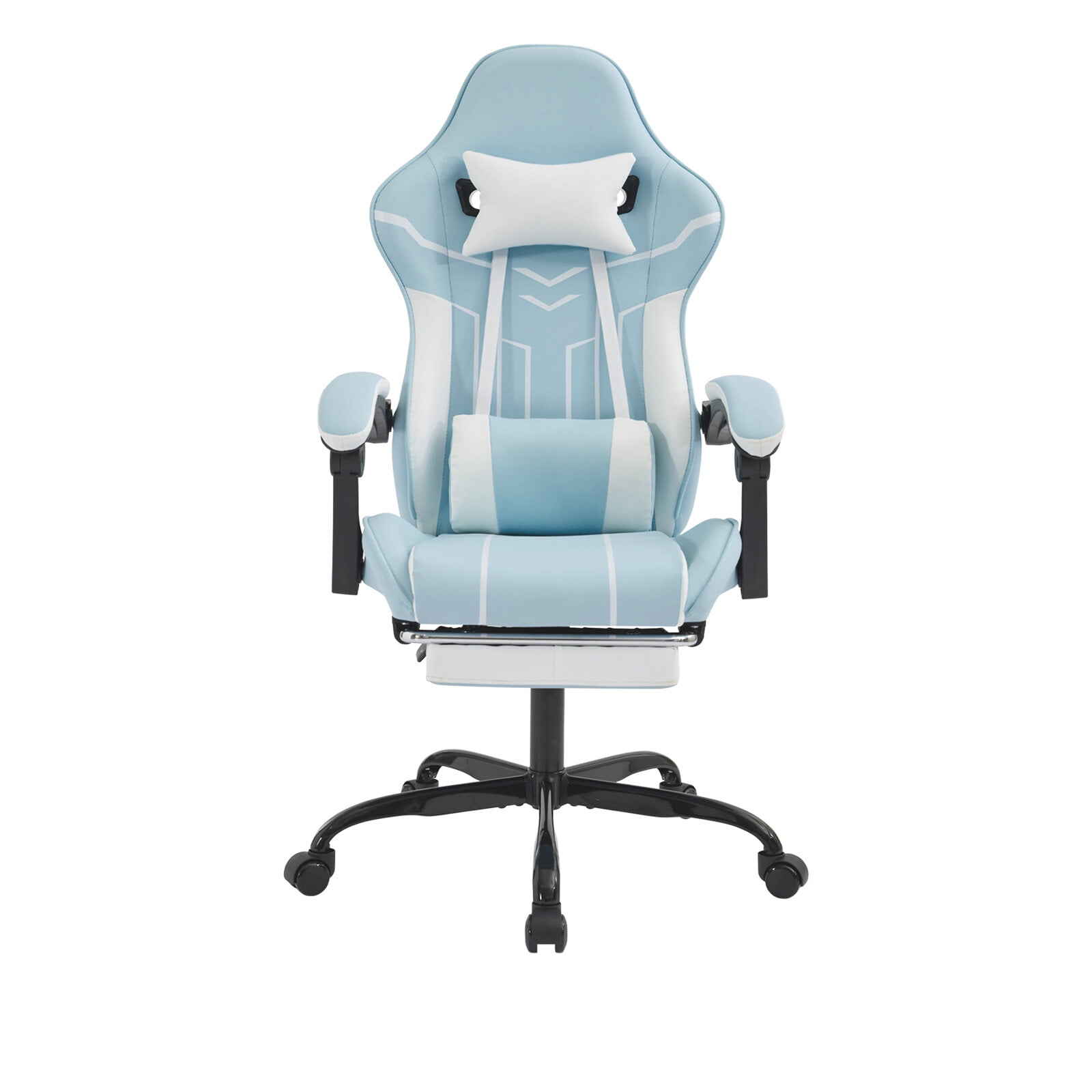
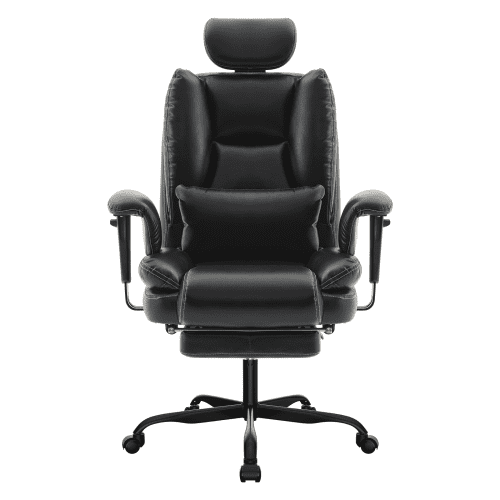
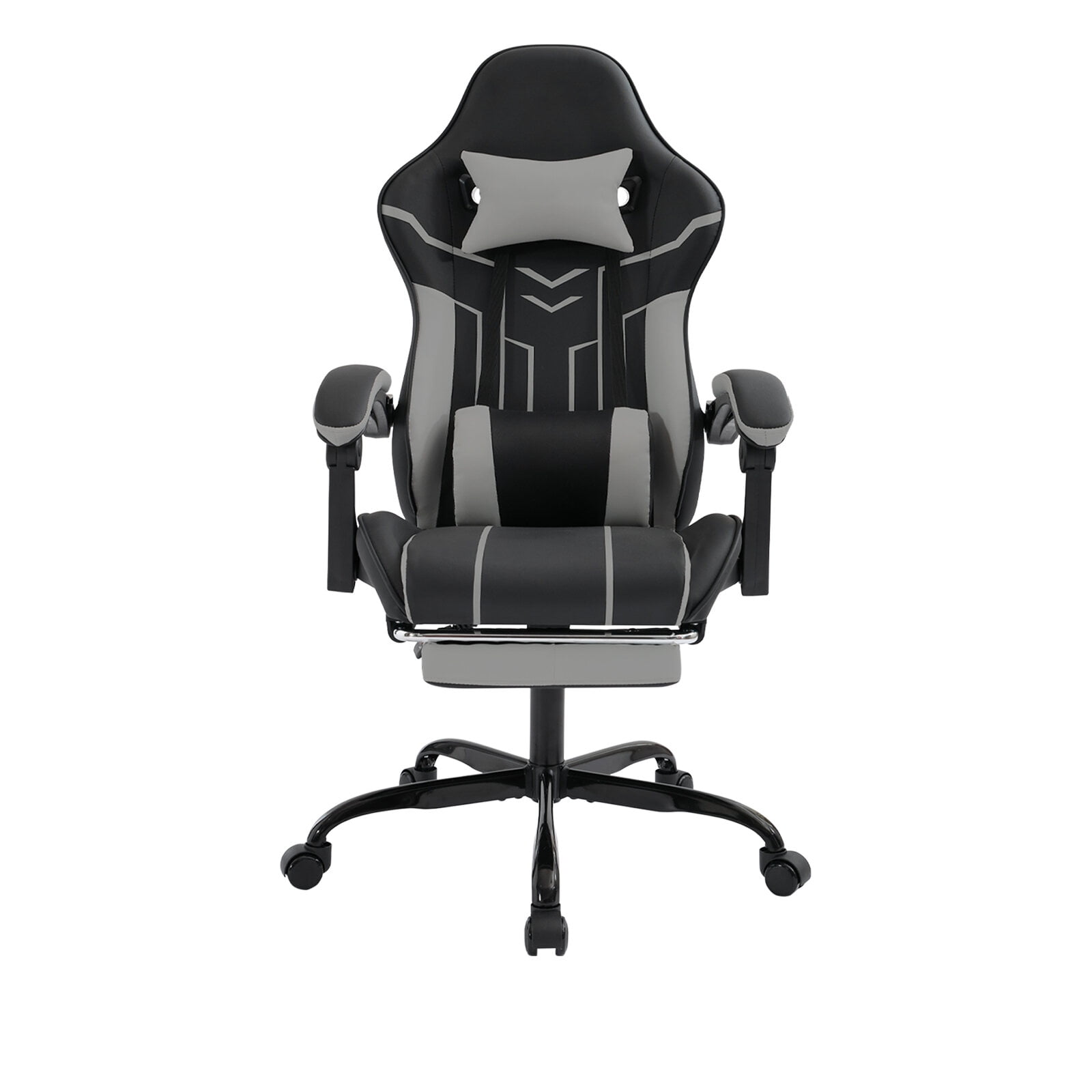
Finding the Perfect Ergonomic Office Chair Under $200
For many remote workers, students, and budget-conscious professionals, the search for a comfortable and supportive chair often comes down to one question: can you really get a good ergonomic office chair under $200? The short answer is yes—and we're here to prove it. While premium chairs can cost upwards of $800, the market for budget-friendly ergonomic seating has exploded in recent years, offering impressive features at accessible prices.
Did you know? According to a recent survey, nearly 60% of remote workers experience back pain, and investing in a proper ergonomic chair—even a budget one—can reduce discomfort by up to 40%. A good chair is an investment in your health and productivity.
What to Look For in a Budget Ergonomic Chair
When you're shopping for an ergonomic office chair under $200, it's important to know which features matter most. Here are the key elements that separate a good budget chair from a mediocre one:
- Adjustable Lumbar Support: This is non-negotiable. Look for a chair with a built-in lumbar support that can be adjusted up and down, or at least provides firm lower back support.
- Breathable Mesh Back: Mesh is your best friend in this price range. It offers superior breathability, keeping you cool during long work sessions, and is often more durable than cheap fabric.
- Seat Height & Tilt Adjustment: Ensure the chair has a pneumatic height adjustment lever and a tilt tension knob. Being able to adjust the recline tension is crucial for dynamic sitting.
- Sturdy Base & Casters: A nylon or metal base with smooth-rolling casters (preferably dual-wheel) ensures stability and easy movement on various floor types.
- Weight Capacity: Most chairs in this range support up to 250-300 lbs. Always check the specifications to ensure it meets your needs.
Top Benefits of Choosing a Chair Under $200
Affordable Ergonomics
Get essential ergonomic features without breaking the bank.
Better Posture
Proper lumbar support encourages a healthier sitting posture.
Increased Productivity
Comfort reduces distractions, allowing you to focus on work.
Easy to Assemble
Most budget chairs come with straightforward instructions and tools.
Mesh vs. Fabric: Which is Better for Under $200?
One of the biggest decisions you'll make is between a mesh or fabric upholstery. In the sub-$200 category, mesh chairs often come out on top. They provide excellent airflow, which is a lifesaver during summer months or in warmer climates. Fabric chairs can be comfortable, but cheaper fabrics may trap heat and show wear more quickly. Mesh also tends to be more resilient and easier to clean—just a quick wipe down with a damp cloth.
Why Mesh Wins
- Breathability: Keeps your back cool all day.
- Durability: High-quality mesh resists sagging.
- Easy Maintenance: Dust and dirt don't embed as deeply.
- Modern Look: Complements any desk setup.
Fabric Considerations
- Comfort: Can be softer and warmer.
- Stains: More susceptible to spills and marks.
- Allergens: May trap dust and pet dander.
- Price: Often slightly cheaper, but may not last as long.
Quick Comparison: Features at Different Price Points
| Feature | Under $100 | $100 - $150 | $150 - $200 |
|---|---|---|---|
| Lumbar Support | Fixed (often insufficient) | Adjustable (basic) | Adjustable (better range) |
| Material | Fabric or low-grade mesh | Breathable mesh | Premium mesh or fabric |
| Adjustability | Height only | Height + tilt | Height, tilt, and sometimes armrests |
| Durability | 1-2 years | 2-3 years | 3-5 years |
| Best For | Occasional use | Light daily use | Regular full-time work |
Step-by-Step Guide to Choosing Your Chair
Step 1: Measure Your Space
- Height: Ensure the chair's maximum height fits under your desk.
- Width: Measure the available floor space to avoid a cramped fit.
- Weight Capacity: Check the chair's rating to ensure it supports you safely.
Step 2: Prioritize Adjustability
- Lumbar Support: Look for at least a height adjustment.
- Seat Height: Pneumatic lever is essential.
- Tilt Lock: Allows you to lock the backrest at your preferred angle.
Step 3: Test the Comfort
If possible, sit in the chair for 10-15 minutes. Pay attention to pressure points, especially under your thighs and your lower back. The seat should be deep enough to support your thighs without cutting off circulation.
Step 4: Read Reviews
Customer reviews are gold. Look for consistent feedback on durability, comfort, and ease of assembly. Avoid chairs with multiple complaints about broken parts or poor customer service.
Material Considerations for Budget Chairs
While you won't get top-grain leather at this price point, the materials used in sub-$200 chairs have improved drastically. Here's what you can expect:
- Mesh: Look for a high-density, elastic mesh that offers both support and breathability. Avoid loose, flimsy mesh that will sag quickly.
- Fabric: If you prefer fabric, choose a tight-weave polyester or nylon blend. These are more durable and stain-resistant than cotton or cheaper synthetics.
- Frame: Nylon frames are common and lightweight. For extra stability, look for a steel or reinforced frame, especially in the base.
- Casters: Smooth-rolling casters are essential. If you have hardwood floors, consider soft PU casters to prevent scratches.
Common Myths About Budget Ergonomic Chairs
- Myth: "You can't get real ergonomic support for under $200." Truth: Many chairs in this range offer excellent lumbar support, seat depth adjustment, and tilt control—features that were once only found in high-end models.
- Myth: "They're all made of cheap plastic." Truth: While some components are plastic, many budget chairs use reinforced nylon and steel for durability.
- Myth: "They won't last more than a year." Truth: With proper care, many sub-$200 chairs last 3-5 years, making them a great value.