

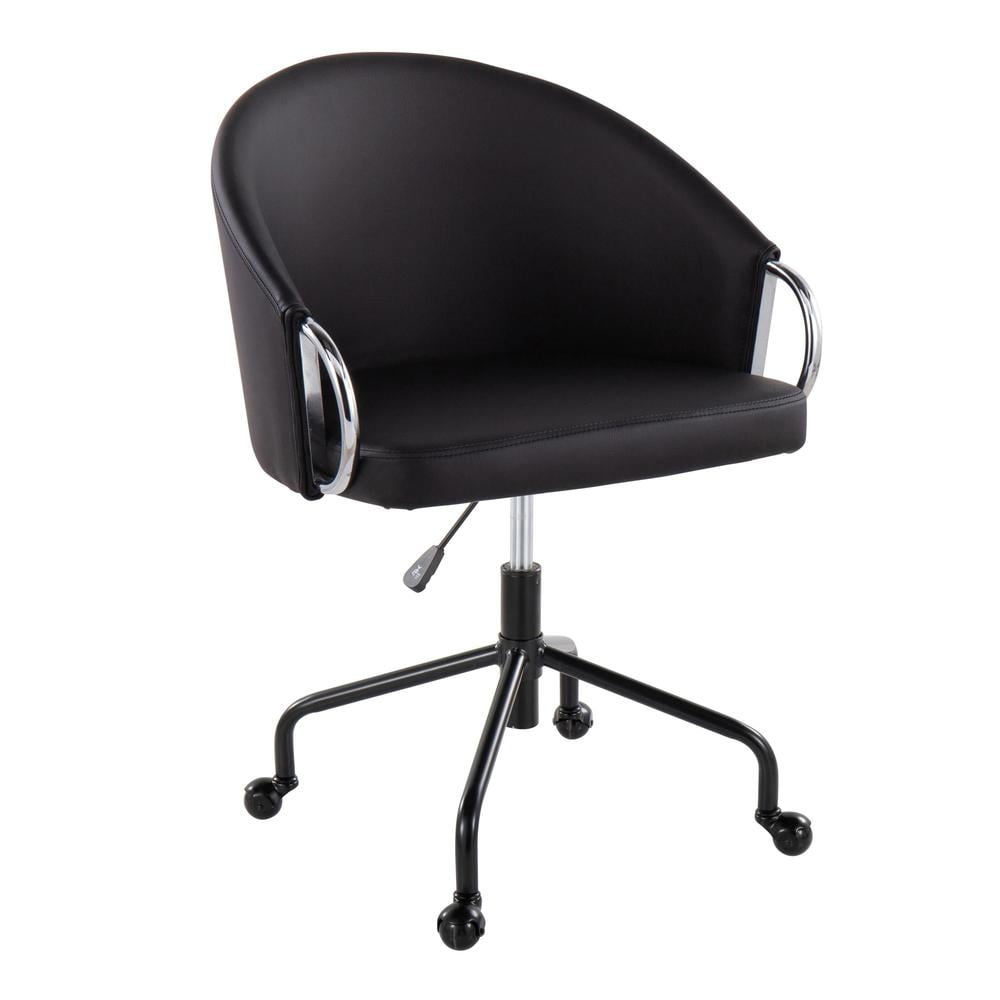
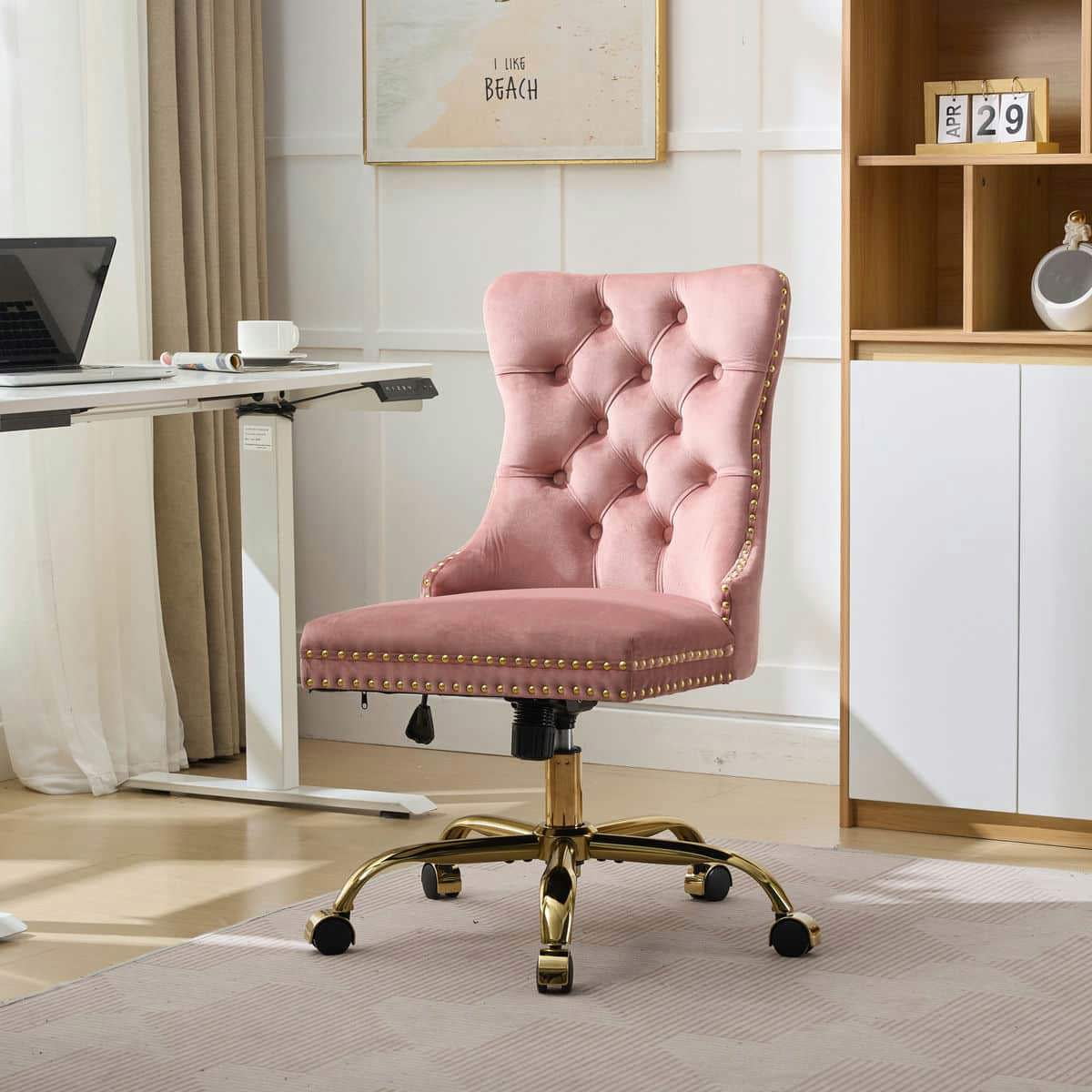
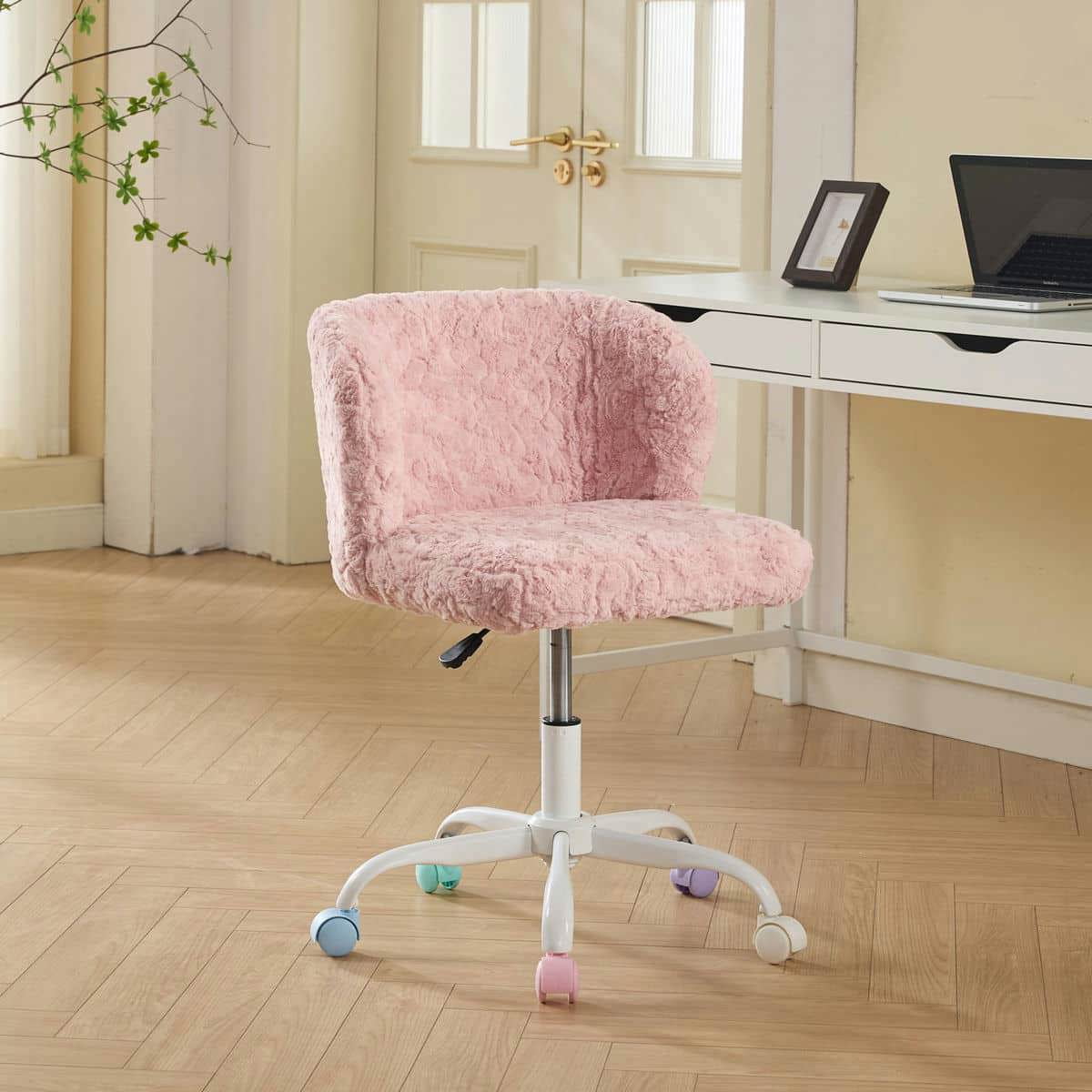
1. Introduction: Why the "Desk with Office Chair" Dynamic Matters
Imagine a top-tier executive chair paired with a desk that’s two inches too high. Your shoulders hunch, your wrists ache, and by noon, your focus has evaporated. The relationship between a desk with office chair is like a dance partner—they must move in sync. Whether you’re outfitting a corner in your apartment or a corner office, the combination dictates your comfort, posture, and even how long you can work without fatigue.
According to a study by the Occupational Safety and Health Administration (OSHA), nearly 70% of office workers experience musculoskeletal discomfort, often caused by mismatched furniture. In this guide, we’ll go beyond just listing products. We’ll explore how to measure, match, and choose a desk and chair that work as one cohesive unit.
2. Anatomy of a Perfect Workspace: Desk & Chair Dimensions
Before you fall in love with a sleek glass desk or a plush leather chair, grab a tape measure. The golden rule: your desk with office chair should allow for a 90-degree angle at your elbows and knees. Here’s a quick breakdown:
- Desk height: Standard is 28″–30″. If you’re taller than 6′, you may need a desk that’s 30″–32″ or an adjustable standing desk.
- Chair seat height range: Look for chairs that adjust from at least 16″ to 21″. This covers most desk heights.
- Thigh clearance: Ensure at least 2″ of space between your thighs and the desk underside when the chair is at its highest comfortable position.
- Desk depth: For a monitor, you need at least 24″ depth. For writing, 30″ is more comfortable. Your chair should roll or slide back easily without hitting your knees on the desk edges.
A helpful analogy: think of your desk as the “foundation” and your chair as the “suspension.” A bumpy foundation ruins even the best suspension. So, measure twice, buy once.
3. The Ergonomic Trinity: Chair + Desk + You
Ergonomics isn’t just a buzzword; it’s the science of fitting the workplace to the worker. When evaluating a desk with office chair, consider these three contact points:
🪑 The Chair
Adjustable lumbar support, seat depth (waterfall edge preferred), and armrests that can be raised/lowered to match the desk surface. If the desk has a keyboard tray, armrests should go under it or be set wide.
📐 The Desk
Height-adjustable or fixed? If fixed, pair with a chair that has a wide height range. Corner desks require chairs with a good swivel radius. Desks with grommets help manage cables that might interfere with chair casters.
🧑 You
Your work style: Do you lean forward, sit upright, or recline? Do you use dual monitors? Do you frequently get up? Your habits determine whether you need a task chair (more freedom) or an executive chair (more stationary support).
4. Style & Material: Making Your Desk with Office Chair Look Intentional
A mismatched set can make an expensive office look thrown together. Here’s how to harmonize:
- Wood vs. Metal desks: A rustic wood desk pairs beautifully with a leather or fabric chair in earth tones. A sleek white or glass desk calls for a modern mesh or minimalistic chair.
- Color coordination: You don’t need to match exactly. Use the 60-30-10 rule: 60% dominant (desk), 30% secondary (chair), 10% accent (accessories). For example, a dark walnut desk (60%) with a tan leather chair (30%) and brass accessories (10%).
- Texture contrast: If your desk is glossy, choose a matte-finished chair. If your desk is busy with patterns (like wood grain), keep the chair simple and solid.
Pro tip: Use online visualizer tools or cut out images to scale and place them in a room mockup. It saves costly mistakes.
5. Space-Saving Solutions: Desks with Office Chairs for Small Areas
Living in a city apartment or working from a guest room? You need furniture that multitasks. Here are three proven strategies:
- Wall-mounted or floating desks: They take zero floor space. Pair with a chair that has a small footprint and can be pushed in completely. Look for chairs with casters that lock or a sled base that slides under.
- Corner desk with a swivel chair: Maximize dead corners. Choose a chair with 360-degree swivel and no bulky armrests if space is tight.
- Desk with built-in storage: Some desks come with hutches or shelves, reducing the need for extra furniture. Ensure the chair height doesn’t conflict with lower shelves.
Real-world example: A customer with a 8′ x 10′ home office used a 40″ wide corner desk and a compact mesh chair with flip-up arms. The arms flip up, allowing the chair to slide fully under the desk, freeing up 3 feet of floor space when not in use.
6. Health Implications: When Desk & Chair Clash
A poorly matched desk with office chair can cause long-term issues. Let’s break down common problems:
⚠️ Warning Signs
- Wrists pressing against desk edge: Chair is too low or desk too high → risk of carpal tunnel.
- Feet dangling or thighs pressed: Chair too high or desk too low → reduced circulation.
- Reaching for mouse/keyboard: Desk too deep or chair armrests too low → shoulder strain.
- Neck craning to see monitor: Desk height forces monitor too low/high → cervical spine stress.
✅ Ergonomic Fixes
- Use an adjustable keyboard tray to fix height mismatches.
- Add a footrest if chair is slightly too high for desk.
- Choose a chair with forward tilt if you lean into work.
- Monitor arms can decouple screen position from desk height.
7. Special Considerations: Standing Desks & Active Sitting
Standing desks have exploded in popularity. But the chair pairing is different. You don’t need a full-time task chair; you need a perching stool or active chair. These allow you to lean slightly while standing, reducing leg fatigue. Look for:
- Stools with foot rings: Great for quick perching.
- Chairs that convert: Some office chairs have a high-range pneumatic lift (up to 26″ seat height) for standing desk use.
- Anti-fatigue mats: Essential if you stand more than 30 minutes at a time.
Remember: even with a standing desk, you’ll sit about 40-60% of the day, so your chair must still be ergonomically sound when lowered.
8. How to Test a Desk with Office Chair Before Buying
If possible, visit a showroom. But if you’re buying online (like the Walmart products above), here’s a virtual test:
- Check the specs: Note the max and min seat height of the chair. Compare with the desk height (if you own it). For a new desk, ensure the chair range covers standard desk height ±1″.
- Read reviews for “desk compatibility”: Search reviews for phrases like “works with 30″ desk” or “armrests fit under desk.”
- Look at return policy: Make sure you can return if the pairing doesn’t work. Some online stores offer “try at home” periods.
- Use augmented reality apps: Many furniture sites now offer AR to see the desk and chair in your room.
Frequently Asked Questions About Desk with Office Chair
Conclusion: Your Desk + Chair = Command Center
Your workspace is where ideas become plans. Investing time to select the right desk with office chair is investing in your health, focus, and professional image. Remember: the most expensive chair on a mis-matched desk is a waste. The cheapest chair on the perfect desk is a missed opportunity. Use the tips above to measure your space, understand your body’s needs, and choose a combination that feels as good as it looks.
Browse our product grid above for top-rated Walmart finds, and don’t forget to check out our category links below for more specialized options.