
Why Choose an Office Chair with Handles?
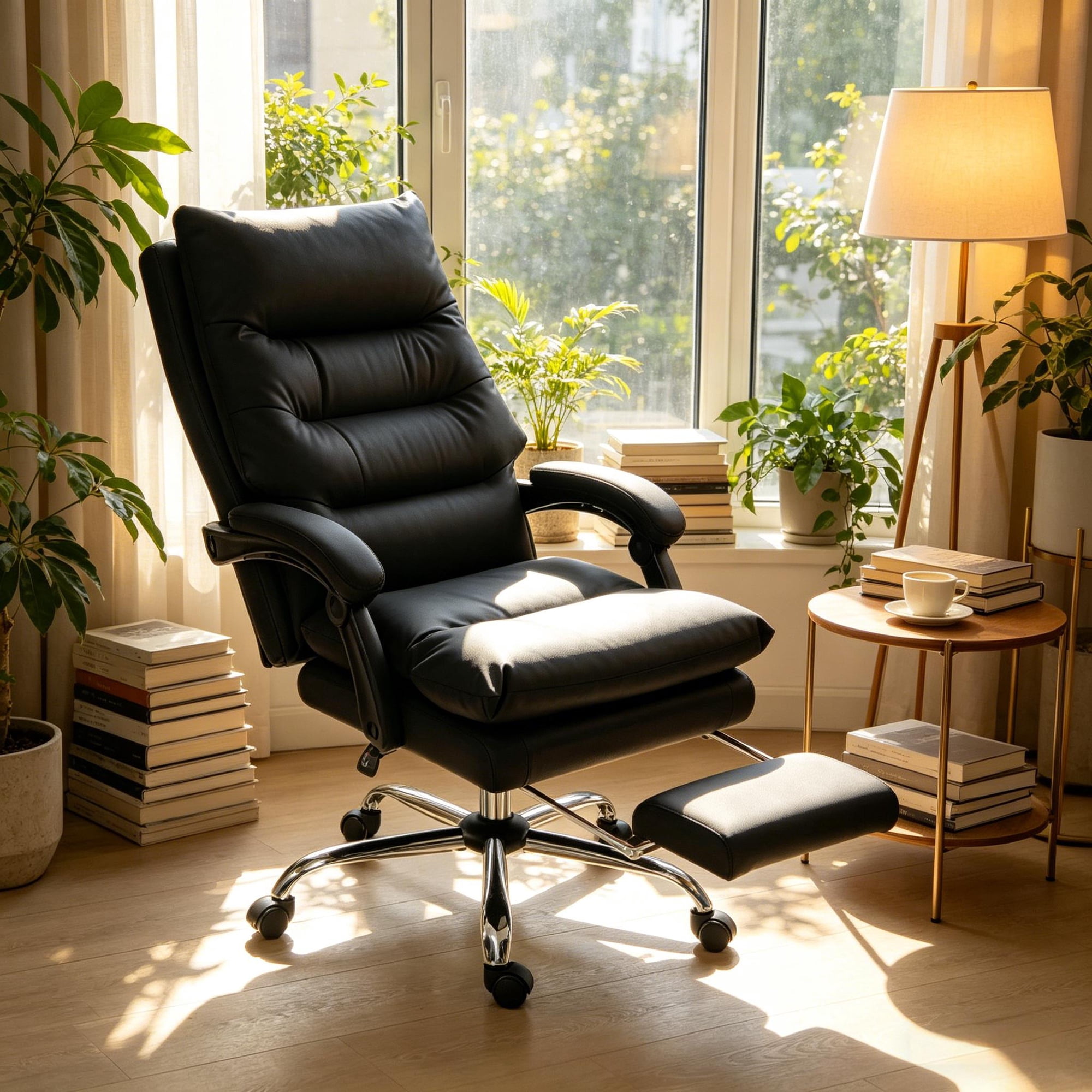
An office chair with handles—commonly known as adjustable armrests—is more than just a feature; it's a game-changer for your daily work routine. Whether you are an executive, a remote worker, or a creative professional, the ability to adjust and utilize handles on your chair directly impacts your posture, productivity, and overall well-being. These handles are not just for resting your arms; they are engineered to support your body dynamically, reducing the risk of repetitive strain injuries and enhancing your focus.
Ergonomic Insight: Studies show that users who utilize correctly adjusted armrests experience up to 50% less shoulder tension. An office chair with handles allows your arms to rest comfortably, keeping your shoulders relaxed and your spine aligned, which is crucial during those long, intense work sessions.
Key Features of Office Chairs with Handles
When shopping for an office chair with handles, consider these essential features that distinguish a great chair from a good one:
- Adjustable Height & Angle: Handles that move up and down, and pivot to match your arm's natural position.
- Width Adjustment: The ability to slide the handles inward or outward to accommodate different body sizes.
- Depth Adjustment (4D): Forwards and backwards movement to support your entire forearm during typing.
- Premium Padding: Soft yet supportive materials like memory foam or high-density polyurethane for lasting comfort.
- Easy-to-Use Controls: Intuitive levers or buttons under the armrest for hassle-free adjustments.
Types of Handle (Armrest) Adjustments
2D Adjustment
- Height and width adjustment
- Basic ergonomic support
- Ideal for standard office use
3D Adjustment
- Height, width, and angle (pivot)
- Better adaptability for various tasks
- Recommended for multi-tasking professionals
4D Adjustment
- Height, width, angle, and depth
- Maximum customization
- Ideal for users with specific ergonomic needs
Flip-Up / Retractable
- Folds up to save space
- Allows the chair to fit under desks
- Great for smaller workspaces
Ergonomic Benefits: Why Handles Matter
Beyond convenience, the handles on your office chair play a critical role in maintaining your musculoskeletal health. Here's a breakdown of the ergonomic advantages:
Choosing the Right Office Chair with Handles: A Step-by-Step Guide
Step 1: Assess Your Daily Activities
Analyze how you work. If you type constantly, you need handles that can adjust to a neutral typing position (forearms parallel to the floor). If you do a lot of reading or phone work, you might want handles that move back and forth (depth adjustment).
Step 2: Measure Your Workspace
Measure the width under your desk and the distance to your keyboard. Ensure the chair with handles will fit comfortably. For tight spaces, look for chairs with flip-up armrests.
Step 3: Test the Adjustment Range
Check if the handles can lower enough to fit under your desk and raise high enough to support your elbows at a 90-degree angle. The best chairs offer a wide range of motion.
Step 4: Material Matters
Choose materials that suit your environment. Leather handles offer a premium feel but can get warm. Mesh handles are breathable and great for warmer climates. Padded fabric provides a soft, cozy feel.
Maintenance Tips for Your Chair's Handles
To ensure the longevity and smooth operation of your office chair handles, follow these simple maintenance tips:
- Regular Cleaning: Wipe down the handles with a damp cloth to remove dirt and oils. Use a mild soap for deeper cleaning.
- Tighten Screws: Over time, the adjustment mechanisms can loosen. Check and tighten any visible screws or bolts every few months.
- Lubricate Moving Parts: If your handles start to squeak or become stiff, apply a small amount of silicone-based lubricant to the moving joints.
- Avoid Overloading: Do not use the handles as a lifting point to move the chair; use the seat or backrest instead to prevent damage.